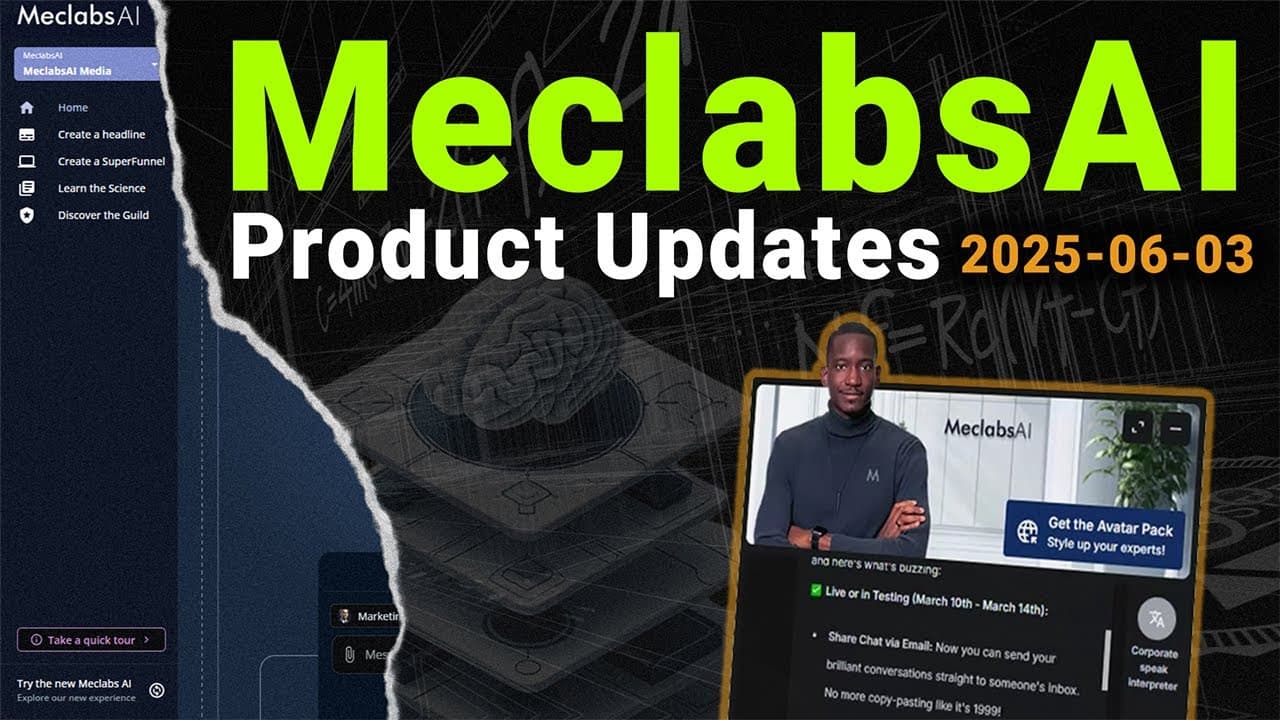
What Are the Latest MeclabsAI Product Updates?
TL;DR
MeclabsAI now supports workflow exports, image attachments with OCR, additional OpenAI models, and better defaults for web-enabled experts. The team also improved the landing page builder, mobile triggers, homepage announcements, and app navigation while continuing work on automated landing page generation, signup flows, analytics consent, voice personality features, and MCP compatibility.
Transcript
well good morning again and we are in another enterprise meeting We're discussing workflows and strategy and scale but we're starting with a conversation about the changes the updates the improvements to Mechlabs AI We don't want to overwhelm you with all of these so we just hit the highlights and Azad is playing a key role in shaping the product a... Read More
Key Insights
- Workflow exports convert generated workflow results into presentation documents. The current implementation limits the number of slides per export, which can make summaries overly aggressive, so the team is continuing to refine the summarization behavior and prompt.
- OCR support allows users to attach images and provide their visual contents as context. A demonstrated marketing use case involved uploading a church advertisement, requesting more engaging copy, and then generating a new image while preserving details such as its address, date, and time.
- The landing page builder now supports light mode and dark mode within a design that better matches the broader product. This harmonization prepares the builder for templated landing page sections and a planned generative AI feature intended to create pages through a one-button process.
- The expert model pool received three additional OpenAI model options identified in the presentation as 4.1, 04 mini, and 03. These options become available when users configure experts, giving workflow and app creators more model choices inside the product.
- Web search now defaults to enabled when an expert or app has been configured to use it. Users can still turn it off, but the changed default reduces cases where a URL-dependent workflow fails to inspect the internet despite requiring current webpage content.
- Homepage announcements now have a fixed height and can be scrolled. This interface change addresses cases where lengthy product communications extended beyond smaller or lower-resolution screens and left users unable to reach the control needed to close the announcement.
- Mobile CFD triggers now default to a minimal dot instead of displaying a large image trigger. Creators can disable this behavior, but the default preserves limited mobile screen space while allowing larger, more visually prominent triggers to remain available on desktop displays.
- Pinned apps now appear in the updated CFD menu and can support internal operating workflows. The team demonstrated its own Linear ticket builder app, which MeclabsAI staff use to help developers produce better tickets within their existing work process.
Install to Summarize YouTube Videos and Get Transcripts
Explore YouTube Video Summarizer or Get YouTube Transcript Extractor
Questions & Answers
Q: How do MeclabsAI workflow exports create presentations?
The workflow export element takes a collection of generated results from a completed workflow and turns the responses into a presentation document. The feature currently restricts each export to a set number of slides, so its summary may simplify the source results too aggressively. The team is adjusting the summarization prompt and expects export quality to continue improving.
Q: How can OCR support be used to improve advertisements?
OCR support lets a user attach an advertisement as an image and ask MeclabsAI to interpret its visible content. The user can request criticism, an audit, or more engaging conversion-focused copy. In the demonstration, the system rewrote copy for a church advertisement and generated another image while retaining the original address, date, and time details.
Q: What improvements were made to the landing page builder?
The landing page builder was redesigned to fit the rest of the product more consistently and now includes light and dark modes. The team is also testing a component required for reusable, templated landing page sections. That work supports a planned generative AI builder designed to generate landing pages through a one-button process similar to the existing agent builder experience.
Q: Why does web search now turn on by default for configured experts?
Web search now defaults to enabled because configuring an expert or app for search usually indicates that search is required, not merely optional. Previously, users could enter workflows without enabling it, causing some URL-based processes to skip checking the relevant webpage. The new default activates the capability automatically while still allowing users to switch it off.
Q: How does MeclabsAI handle long homepage announcements?
Homepage product announcements now display within a height-limited, scrollable area. The change was made because lengthy communications could extend beyond smaller monitors or low-resolution screens, leaving some users unable to close the message. Users can now scroll through the full announcement while retaining access to the interface controls needed to dismiss it.
Q: How are CFD image triggers optimized for mobile devices?
A CFD can now show a minimal dot trigger on mobile devices while retaining a larger image trigger for desktop use. The minimal option is enabled by default because large images can occupy too much of a phone's limited screen space. Creators may turn the setting off if they still prefer a large visual trigger on mobile.
Q: How do pinned apps appear in the updated CFD menu?
The updated menu represents the new CFD and automatically displays apps that users pin to the sidebar. Selecting an app adds it to the CFD menu for easier access. The team demonstrated the behavior with its Linear ticket builder, an internal MeclabsAI app created to help developers write better work tickets within their own workflow.
Q: What MeclabsAI features are still under development?
Ongoing work includes new user signup flows, additional analytics tracking updates, a voice personality feature, automated landing page generation, and MCP compatibility. Analytics changes focus on obtaining consent before tracking begins. An internal demonstration of the personality component was planned for the day of the meeting, followed by testing and possible communication about beta participation.
Summary & Key Takeaways
-
Workflow exports can turn generated responses into presentation documents, although the current slide limit can cause overly aggressive summarization. The team is refining the summarization prompt. OCR support also lets users attach images, extract their visible context, critique marketing materials, rewrite copy, and request newly generated images based on the results.
-
The landing page builder now has a more consistent product experience with light and dark modes. Supporting components are being tested to enable templated sections and automatic landing page generation through a planned one-button generative AI builder. Additional OpenAI models were also added for experts, expanding the available model pool.
-
Experience improvements include enabling configured web search by default, constraining long homepage announcements inside scrollable panels, and defaulting mobile displays to a minimal dot trigger. The updated menu reflects the new CFD and displays pinned apps. Ongoing projects cover signup flows, analytics consent, voice personality testing, and MCP compatibility.
Read in Other Languages (beta)
Share This Summary 📚
Summarize YouTube Videos and Get Video Transcripts with 1-Click
Try YouTube Summary with ChatGPT & Claude or YouTube Transcript Generator
Explore More Summaries from Flint McGlaughlin 📚
Summarize YouTube Videos and Get Video Transcripts with 1-Click
Try YouTube Summary with ChatGPT & Claude or YouTube Transcript Generator