How to Upload Images to S3 from a Full Stack App
TL;DR
To upload images to S3 from a full stack application, first generate a pre-signed URL using your backend. This URL will allow users to securely send images directly to the S3 bucket without exposing sensitive credentials. Implementing a local S3 bucket simplifies development, making testing easier without external dependencies.
Transcript
all right so I did a stream on Sunday and I was trying to hook up an image upload to this application that I'm kind of working on but I kind of got stuck and didn't figure it out I wanted to make a video to kind of show you how you can potentially upload images to S3 from a UI let's just go ahead and run my service and then I'm also going to run a ... Read More
Key Insights
- 👨💻 Utilizing a local S3 bucket during development simplifies the testing process and enhances code iterations without remote dependencies.
- 😑 The concept of pre-signed URLs provides a secure method for allowing users to upload files directly to S3 without exposing sensitive credentials.
- 📁 Implementing state management for file input ensures that the application accurately reflects user selections and provides updates throughout the file upload process.
- 🙃 The backend logic must validate course IDs and enforce role-based permissions to maintain security and proper functioning during uploads.
- 💁 Leveraging form data in the upload process is essential for including all necessary fields and ensuring proper multipart uploads to S3.
- ❓ Developers can benefit from community support through platforms like Discord, fostering collaboration and knowledge sharing among peers.
- 🐕🦺 As the application matures, incorporating Docker Compose can streamline development by enabling simplified startup processes for all required services.
Install to Summarize YouTube Videos and Get Transcripts
Explore YouTube Video Summarizer or Get YouTube Transcript Extractor
Questions & Answers
Q: What is the purpose of using a locally running S3 bucket in development?
A locally running S3 bucket allows developers to test their applications without depending on external services. It creates a more accessible environment where they can simulate uploads and manage resources as they develop features. This practice simplifies debugging and enhances speed during testing since developers can quickly experiment without network latency or service interruptions associated with cloud services.
Q: How does the process of generating a pre-signed URL work?
To generate a pre-signed URL, the application sends a request to a backend endpoint that checks for permission and constructs the URL using the AWS SDK. The response includes the URL and necessary credentials required for the file upload, establishing a secure connection that ensures only authorized users can upload files directly to S3. This step ensures that all uploads maintain the correct signing, preventing unauthorized access.
Q: What are the security considerations for uploading images to S3?
When uploading to S3, it is crucial to use pre-signed URLs to ensure that only authenticated users can upload files. Additionally, setting restrictions on the file types and sizes enhances security. Developers should also consider bucket policies and ACLs to limit public access and ensure that the stored images can only be accessed by specific roles or users after authentication.
Q: Why is it important to clear the file input after an image upload?
Clearing the file input after an image upload improves user experience by providing immediate feedback that the upload was successful and prepares the interface for the next file. It prevents accidental resubmission of the same file and allows users to easily select new files, ultimately fostering a smoother and more intuitive interaction with the application.
Summary & Key Takeaways
-
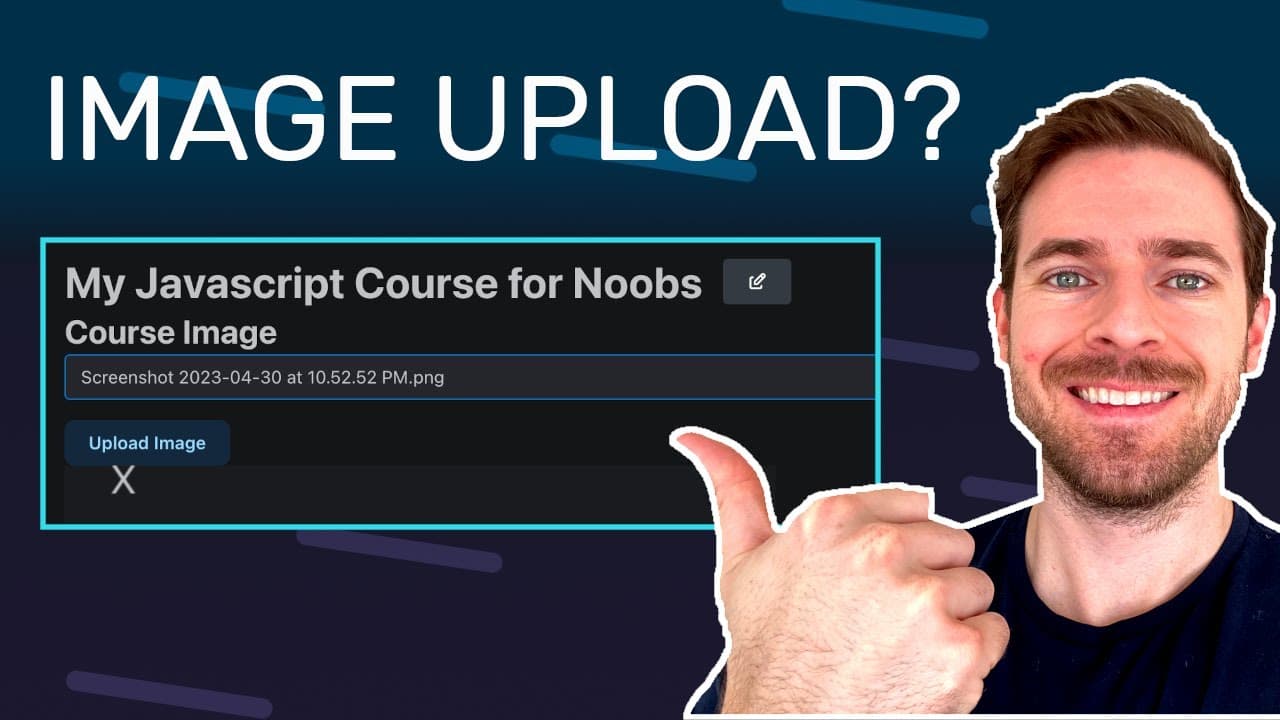
The video walkthrough demonstrates how to implement image uploading in an application designed for managing online courses, allowing users to upload images via a user-friendly interface.
-
A local S3 bucket is set up for development purposes, which helps create a seamless development experience without relying on external services during testing.
-
The tutorial provides an overview of generating pre-signed URLs in the backend and how these URLs facilitate secure uploads to S3 directly from the frontend.
Read in Other Languages (beta)
Share This Summary 📚
Summarize YouTube Videos and Get Video Transcripts with 1-Click
Try YouTube Summary with ChatGPT & Claude or YouTube Transcript Generator
Explore More Summaries from Web Dev Cody 📚





Summarize YouTube Videos and Get Video Transcripts with 1-Click
Try YouTube Summary with ChatGPT & Claude or YouTube Transcript Generator