How Does Real-Time Text to Image Generation Work?
TL;DR
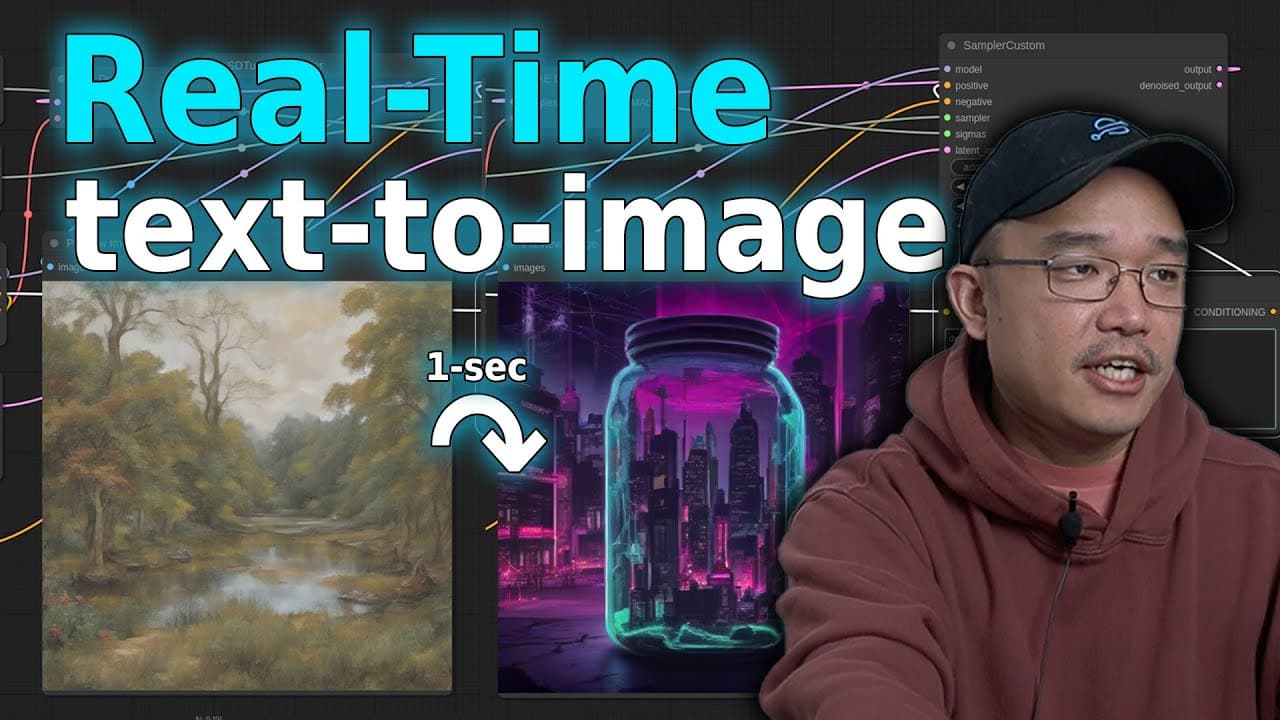
Real-time text-to-image generation allows users to create images instantly as they type prompts, using models from Stability AI and the comfy UI interface. This setup requires Python and specific graphic drivers, and the efficiency of image processing greatly improves with better GPU hardware, though there are limitations in rendering realistic human features.
Transcript
landcape of a Japanese Garden in Autumn with a bridge over a koi pond all right so we're going to be checking out real time text to image generation which is really cool now I actually haven't been doing much AI videos on my channel much due to the fact that it actually does doesn't view well so I actually keep it to myself now I do enjoy playing w... Read More
Key Insights
- 🥰 Real-time text-to-image generation allows instant visual creation based on user prompts, revolutionizing digital art practices.
- 👤 Comfy UI streamlines the workflow with a node-based interface, enhancing user customization and control over image generation tasks.
- 🪛 Installation for comfy UI requires proper setup of Python, graphic drivers, and dependencies, ensuring a smooth experience.
- 🐎 Image generation speed significantly improves with advanced hardware, demonstrating the importance of GPU capability in AI applications.
- 😑 AI shows promise in generating imaginative landscapes, while struggles remain in creating realistic human characteristics and expressions.
- 🥰 Users can manipulate parameters to control the fidelity of the images produced through AI, revealing a blend of art and technology in practice.
- 👤 While AI offers exciting possibilities, users should be aware of its current limitations, especially in complex image rendering tasks.
Install to Summarize YouTube Videos and Get Transcripts
Explore YouTube Video Summarizer or Get YouTube Transcript Extractor
Questions & Answers
Q: What is real-time text-to-image generation?
Real-time text-to-image generation is a technology that allows users to create images instantly based on textual descriptions. As users type their prompts, the system generates images dynamically, showcasing the integration of AI and image processing seamlessly, making it a powerful tool for artists and creators.
Q: What are the main features of comfy UI?
Comfy UI offers a node-based interface that allows users to manage image processing tasks efficiently. It enhances user experience with features like auto queue for real-time generation, image previewing capabilities, and a more flexible setup for modifying prompts without needing to save every version manually.
Q: How does one install and set up comfy UI?
To install comfy UI, users must set up a Python environment, install the necessary drivers for their graphics card, and download the required dependencies using pip. After setting up the environment, the comfy UI can be started, allowing users to navigate a local web interface for generating images.
Q: What graphic cards are recommended for optimal performance?
For optimal performance, a more advanced graphics card such as an NVIDIA RTX 3080 is recommended compared to older models like the AMD 580 or GTX 1070. The video illustrates the difference in speed and image quality produced by utilizing a more powerful card, enabling faster real-time generation.
Q: What types of images can the AI generate reliably?
While the AI excels at generating landscapes and abstract concepts, it struggles with realistic portrayals of human features, such as hands and faces. Thus, it's more suitable for general themes rather than detailed portrayals of people, focusing instead on imaginative or stylized scenarios.
Q: Can users adjust the quality of generated images?
Yes, users can adjust the quality of generated images by modifying parameters such as the number of steps in the generation process. Increasing the number of steps typically results in better quality outputs, although the model still encounters limitations with certain elements like human anatomy.
Q: What insights did the video provide about AI-generated images?
The video revealed that while AI-generated images are impressive and accessible, they still possess quirks and imperfections. Viewers learned about the balance between speed and quality, the potential of modern AI interfaces, and the importance of user experience in manipulating image generation features.
Q: Why are AI videos not as popular on the creator's channel?
The creator mentions that AI videos generally do not perform well on their channel, which is why they have been less frequent. Despite enjoying AI technology, they focus on content that engages viewers more effectively, though they remain open to feedback on future AI-related videos.
Summary & Key Takeaways
-
The video introduces real-time text-to-image generation, highlighting the ease of creating images as the user types prompts.
-
Various models from Stability AI are discussed, and instructions for setting up the comfy UI are provided, focusing on the unique features of this interface.
-
The video concludes with a demonstration of generating various images to showcase the technology's capabilities, limitations, and the speed of image processing.
Read in Other Languages (beta)
Share This Summary 📚
Summarize YouTube Videos and Get Video Transcripts with 1-Click
Try YouTube Summary with ChatGPT & Claude or YouTube Transcript Generator
Explore More Summaries from Novaspirit Tech 📚






Summarize YouTube Videos and Get Video Transcripts with 1-Click
Try YouTube Summary with ChatGPT & Claude or YouTube Transcript Generator