How to Build a Classroom App with T3 Stack Live
TL;DR
To build a classroom app using the T3 Stack in a live coding session, focus on creating modular components like buttons and modals to improve functionality and maintainability. Engage with viewers for real-time feedback, while showcasing techniques for effective UI design and refactoring strategies.
Transcript
foreign so I'm just going to try to just work on some features my laptop's gonna die soon I don't have a dongle to like plug in multiple things or whatever it's called like a the USB hub I need to buy one but I'm just going to try to um restyle some of the things in this component and then uh like I did a lot of changes to get rid of Daisy UI and I... Read More
Key Insights
- 🥺 Refactoring components can lead to cleaner code and improved functionality, which is essential for maintaining a large codebase.
- 🫵 Engaging with viewers during a live stream fosters a sense of community and collaborative learning, enhancing the overall coding journey.
- ♿ Accessibility in UI components is critical; utilizing libraries that prioritize accessibility ensures a better user experience for all.
- 🕸️ Effective CSS styling, especially with frameworks like Tailwind, can dramatically alter both aesthetics and usability in web applications.
- 👶 Continuous learning and adapting to new technologies (like Headless UI) can simplify development processes while improving code quality.
- 🔄 Celebrating milestones, such as subscriber counts on YouTube, can provide motivation and create an opportunity to reflect on personal and professional growth.
- 👨💻 Responding to user feedback during a live coding session can lead to real-time learning, which can be invaluable in refining one's coding practices.
Install to Summarize YouTube Videos and Get Transcripts
Explore YouTube Video Summarizer or Get YouTube Transcript Extractor
Questions & Answers
Q: What challenges did you face while refactoring the button component?
While refactoring the button component, I encountered issues related to styling and functionality, especially after removing a library (Daisy UI). I needed to redesign the button to allow for different color variants (primary, secondary) and proper types, which also required extensive testing to ensure it worked as intended.
Q: How do you ensure your modals are accessible?
Accessibility is a key focus when creating modals. I rely on libraries like Headless UI, which provide accessible components out of the box. This includes features such as focus trapping within the modal and keyboard shortcuts for opening and closing, which enhance the user experience for individuals relying on assistive technologies.
Q: Can you explain the importance of code abstraction mentioned during the stream?
Code abstraction helps reduce redundancy and maintains code clarity. By creating reusable components like modals with customizable props, I can manage complexity better and ensure that each part of the application is maintainable. This is especially important as the project scales and the need for consistent styling across different sections arises.
Q: What advice would you give for someone starting with React?
Start with the basics of JavaScript and familiarize yourself with component-based architecture. Practice building small applications and progressively incorporate advanced concepts like hooks and state management. Learning through projects is key, as it allows you to face real-world problems and find creative solutions, leading to deeper understanding.
Summary & Key Takeaways
-
The developer discusses refactoring components in their coding project, specifically focusing on improving button styles and creating modal components to streamline functionality.
-
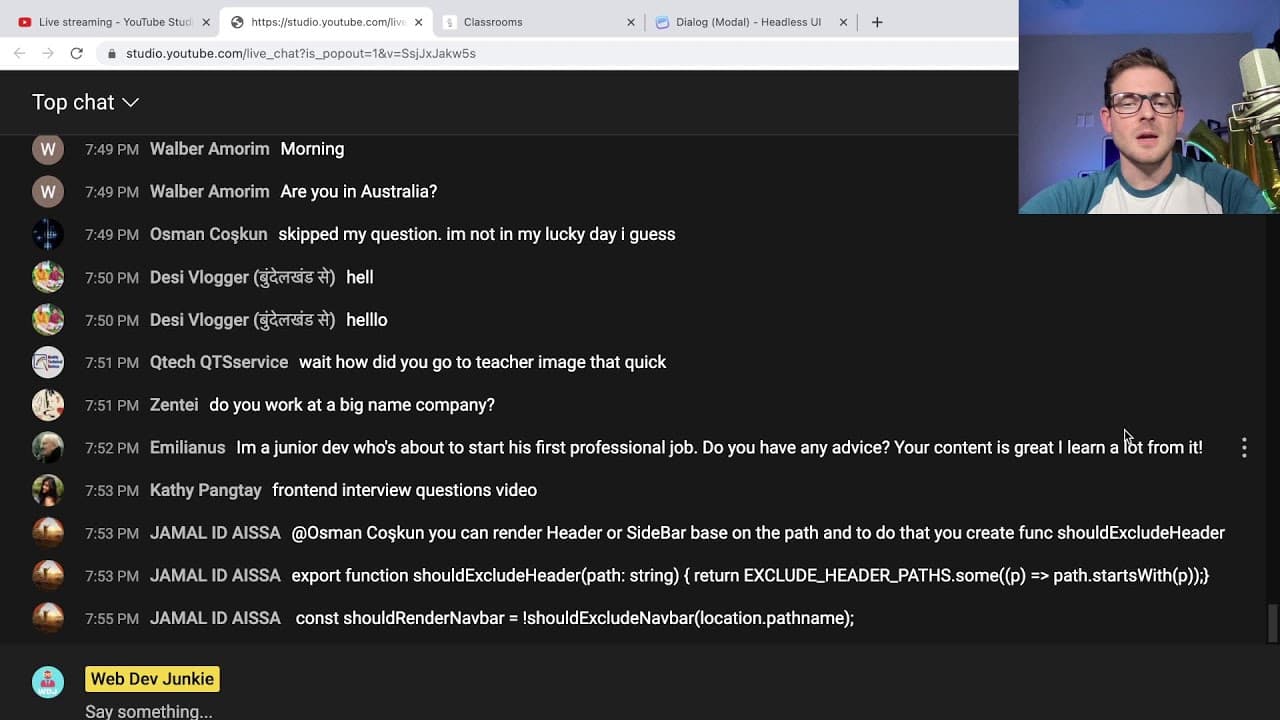
Viewers are engaged in real-time, offering suggestions and feedback, while the developer reflects on their growth on YouTube, having recently reached 50,000 subscribers.
-
The stream also touches on challenges in coding with JavaScript and CSS, exploring best practices for creating accessible and visually appealing UI components.
Read in Other Languages (beta)
Share This Summary 📚
Summarize YouTube Videos and Get Video Transcripts with 1-Click
Try YouTube Summary with ChatGPT & Claude or YouTube Transcript Generator
Explore More Summaries from Web Dev Cody 📚





Summarize YouTube Videos and Get Video Transcripts with 1-Click
Try YouTube Summary with ChatGPT & Claude or YouTube Transcript Generator