How to Use Claude Code’s New Features to Build an AI Employee
TL;DR
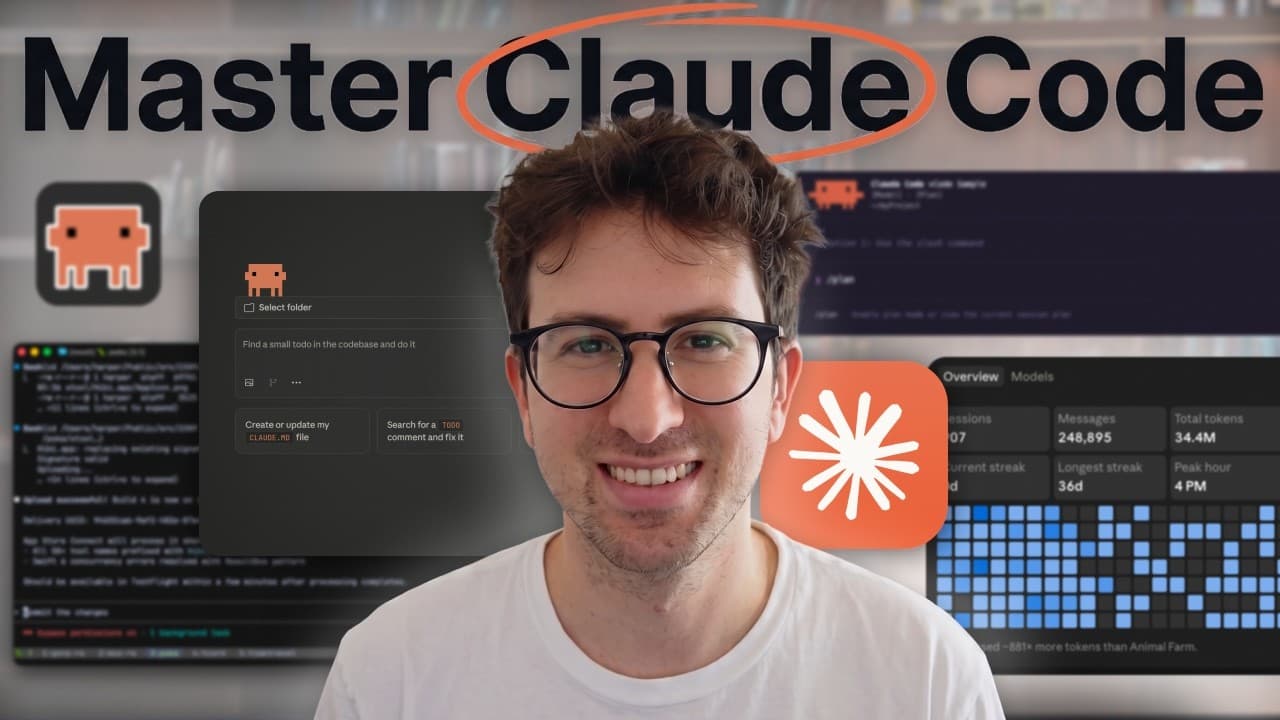
Turn Claude Code into an AI employee by giving it a repository workspace, durable context, plan mode, specific tickets, product visibility, review standards, recurring routines, and clear permissions. Claude can then inspect the project, execute focused work, test results, and report what still needs human review while leaving decisions about dependencies, migrations, and payments to a person. Read on for the concrete setup and operating boundaries.
Transcript
I think there's a lot of people using claude code wrong. And they're using claude code wrong because it is one of the most powerful pieces of technology that have ever existed. And there's a way to use cloud code that spin up actual AI employees. But the thing is, you have to set it up in a certain way. And today, I'm going to show you what that ce... Read More
Key Insights
- An AI employee is a working system that gives Claude Code a place to work, business context, planning instructions, execution tasks, product visibility, review procedures, recurring responsibilities, and safety boundaries. The goal is to make Claude function as an operating layer rather than a sequence of isolated chats.
- A repository is Claude Code's workspace because it contains the product files and the environment where work is performed. The suggested structure separates the application, business context, customer material, specifications, demos, and recurring routines so Claude can find the information relevant to each assignment.
- Project memory is the context that describes the product, customer, current priorities, quality expectations, and previous lessons. Providing this information helps Claude understand what the company is building and reduces the chance that it repeats mistakes already discovered during earlier work.
- Plan mode is a briefing process that asks Claude to inspect the repository, read available context, think through the assignment, and describe its intended approach before changing files. It is especially useful when a task affects product behavior or requires broader reasoning about the project.
- A useful ticket is specific and defines what completion looks like. Instead of requesting a vague improvement, the example asks Claude to add a waitlist form with a success state and verify it in desktop preview, giving the agent a concrete deliverable and a clear validation step.
- Desktop preview gives Claude eyes by allowing it to open the application, inspect pages, click through flows, and identify confusing experiences from a customer's perspective. This capability expands its role beyond editing files because it can evaluate how the resulting product actually behaves.
- Layered review checks before-and-after changes against documented standards. CLAUDE.md can require small reviewable changes, focused scope, existing code style, relevant checks, and a final report covering modifications, tests, and items that still require human review.
- Permissions divide work into safe autonomous actions, actions that require approval, and decisions owned by a human. Claude may read files, inspect the repository, run tests, and work on small branches, while dependencies, migrations, payments, and other consequential changes remain human trust decisions.
Install to Summarize YouTube Videos and Get Transcripts
Explore YouTube Video Summarizer or Get YouTube Transcript Extractor
Questions & Answers
Q: How do you turn Claude Code into an AI employee?
Give Claude Code the basic support provided to a person joining a company: a workspace, memory, a brief, clear assignments, product visibility, review standards, a schedule, and permissions. Together, these elements let Claude understand the business, plan and execute work, inspect results, and recognize when a decision belongs to a human.
Q: What workspace should you create for a Claude Code AI employee?
Use a repository as Claude Code’s workspace because that is where the product and its files live. In Claude Desktop, open the Claude Code section and select the project folder where Claude should perform its work.
Q: What project memory does Claude Code need?
Project memory should explain what you are building, who the customer is, what matters now, and what good work looks like. It should also preserve what has already been learned so Claude does not repeat previous mistakes.
Q: Why should Claude Code use plan mode before editing?
Plan mode gives Claude a brief before it changes anything. Ask it to inspect the repository, read the available context, think through the assignment, and explain its proposed approach before touching the files.
Q: How should assignments for Claude Code be written?
Write narrow, specific tickets instead of vague prompts such as asking Claude to make an application better. One example is to request a waitlist form on the landing page with a success state and require Claude to check it in desktop preview.
Q: How can Claude Code inspect the customer experience?
In the desktop app, Claude can open the application, view a page, click through a flow, and inspect what is confusing. It can then explain what a customer would experience, giving it greater visibility than it gets from editing files alone.
Q: What recurring responsibilities can Claude Code handle?
Claude Code can perform recurring work through routines, including a morning brief, a weekly issue review, and pull request reviews. Giving it scheduled responsibilities helps it operate more like a 24/7 employee than a one-off chat tool.
Q: What permissions should a Claude Code AI employee have?
Claude can read files, inspect the repository, run tests, and work on small branches without handling every action as a high-risk decision. It should ask before changing dependencies, migrations, payments, or other consequential areas so those trust decisions remain with a human.
Summary & Key Takeaways
-
Claude Code becomes more useful when it receives the same operational support as a new employee. The proposed system includes a workspace, memory, a brief, clear assignments, product visibility, reviews, a schedule, and permissions. Together, these elements give Claude context, responsibilities, quality standards, feedback mechanisms, and boundaries for safer autonomous work.
-
The workspace is a repository that explains itself through organized folders and root documentation. Suggested folders cover the application, business context, customers, specifications, demos, and routines. CLAUDE.md defines working behavior, roadmap.md identifies current priorities, and review.md describes how completed work should be judged before anything important is shipped.
-
Effective execution starts with plan mode and continues through narrowly defined tickets with explicit completion criteria. Claude can inspect the product through desktop preview, compare changes in review layers, and perform recurring routines. Parallel agents, isolated worktrees, permissions, skills, connectors, and hooks extend the system while preserving human control over higher-risk decisions.
Read in Other Languages (beta)
Share This Summary 📚
Summarize YouTube Videos and Get Video Transcripts with 1-Click
Try YouTube Summary with ChatGPT & Claude or YouTube Transcript Generator
Explore More Summaries from Greg Isenberg 📚






Summarize YouTube Videos and Get Video Transcripts with 1-Click
Try YouTube Summary with ChatGPT & Claude or YouTube Transcript Generator