How to Get Help with Coding Projects Live
TL;DR
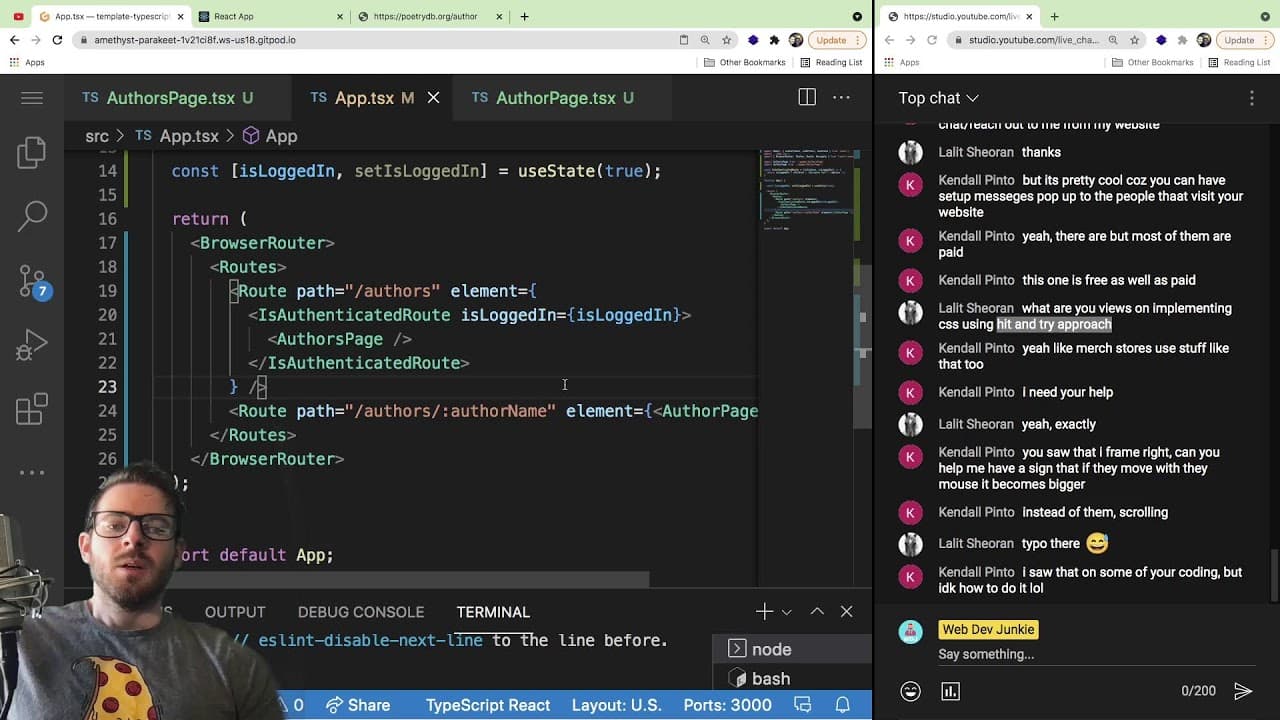
Join a live coding stream where you can get real-time help debugging your coding projects on GitHub or CodePen. The host answers coding questions on JavaScript, React, and TypeScript, providing insights and advice to help you troubleshoot effectively. It's a relaxed environment for improving your coding skills and discussing relevant topics.
Transcript
all right so hopefully um people will start coming into the stream soon but um the idea of this stream is exactly what the title is saying so if you have a project that you want me to help you debug and it's like an easier easier bug i'll be glad to do that you just need to make sure that the code is hosted on github or codepen so i can actually li... Read More
Key Insights
- 👨💻 Live coding streams provide a relaxed space for engaging with audience questions, often leading to valuable discussions on coding practices and troubleshooting.
- 🛩️ Utilizing platforms like CodePen for sharing and testing small projects facilitates community engagement and learning opportunities.
- 🕸️ Understanding JavaScript's DOM manipulation is essential for solving common issues in web development, especially when integrating external scripts.
- 🌚 Engaging with documentation and exploring different APIs are crucial skills in overcoming challenges faced while learning new programming tools.
- ⚾ The transition from using JavaScript libraries like jQuery to native JavaScript frameworks like React often requires adapting to a component-based mindset, which can enhance application architecture.
- 😤 Using TypeScript can introduce complexity but encourages more robust coding practices, especially in larger team projects.
- 👨💻 Shortcuts in coding, such as using component lifecycles effectively, can significantly optimize performance and predictability within web applications.
Install to Summarize YouTube Videos and Get Transcripts
Explore YouTube Video Summarizer or Get YouTube Transcript Extractor
Questions & Answers
Q: What types of projects can I ask for help with in this livestream?
You can share any coding projects you’re working on, especially those hosted on platforms like GitHub or CodePen. The stream is designed to assist with debugging common issues you may be encountering, whether they are small bugs or implementation challenges.
Q: How can I handle offset width issues in JavaScript when using external scripts?
When dealing with offset width issues, particularly with JavaScript injected below CSS in your HTML flow, it's important to ensure that the script runs after the DOM elements are fully loaded. Using the window.onload event or placing your script tag right before the closing body tag can help ensure that all elements are rendered before any JavaScript calculations are made.
Q: Why would I use React's useEffect over traditional JavaScript event listeners?
Using useEffect in React allows you to manage side effects associated with rendering components, such as data fetching or subscriptions. It ties directly to the component lifecycle, ensuring that effects run at the right time. Traditional event listeners, while useful, don’t take component state and updates into account as effectively as React's state management system.
Q: Can you explain how to set up a private route in React?
To set up a private route in React, create a component that checks for authentication status. Inside this component, if the user is authenticated, render the requested component. If not, redirect them to a login page using Navigate from React Router. This ensures users only access protected content if they are logged in.
Summary & Key Takeaways
-
The livestream is interactive, inviting viewers to share coding projects hosted on GitHub or CodePen for debugging assistance.
-
The host engages with viewers, discussing different topics ranging from JavaScript offset issues to the use of React and TypeScript.
-
The stream also touches on personal projects, coding experiences, and advice for newcomers to programming.
Read in Other Languages (beta)
Share This Summary 📚
Summarize YouTube Videos and Get Video Transcripts with 1-Click
Try YouTube Summary with ChatGPT & Claude or YouTube Transcript Generator
Explore More Summaries from Web Dev Cody 📚





Summarize YouTube Videos and Get Video Transcripts with 1-Click
Try YouTube Summary with ChatGPT & Claude or YouTube Transcript Generator