How to Use Custom Hooks in React for Cleaner Code
TL;DR
Using custom hooks in React helps abstract data-fetching logic from components, leading to cleaner and more maintainable code. By decoupling from libraries like React Query or Axios, developers can easily change data sources without extensive refactoring, streamlining the management of application state and enhancing overall project flexibility.
Transcript
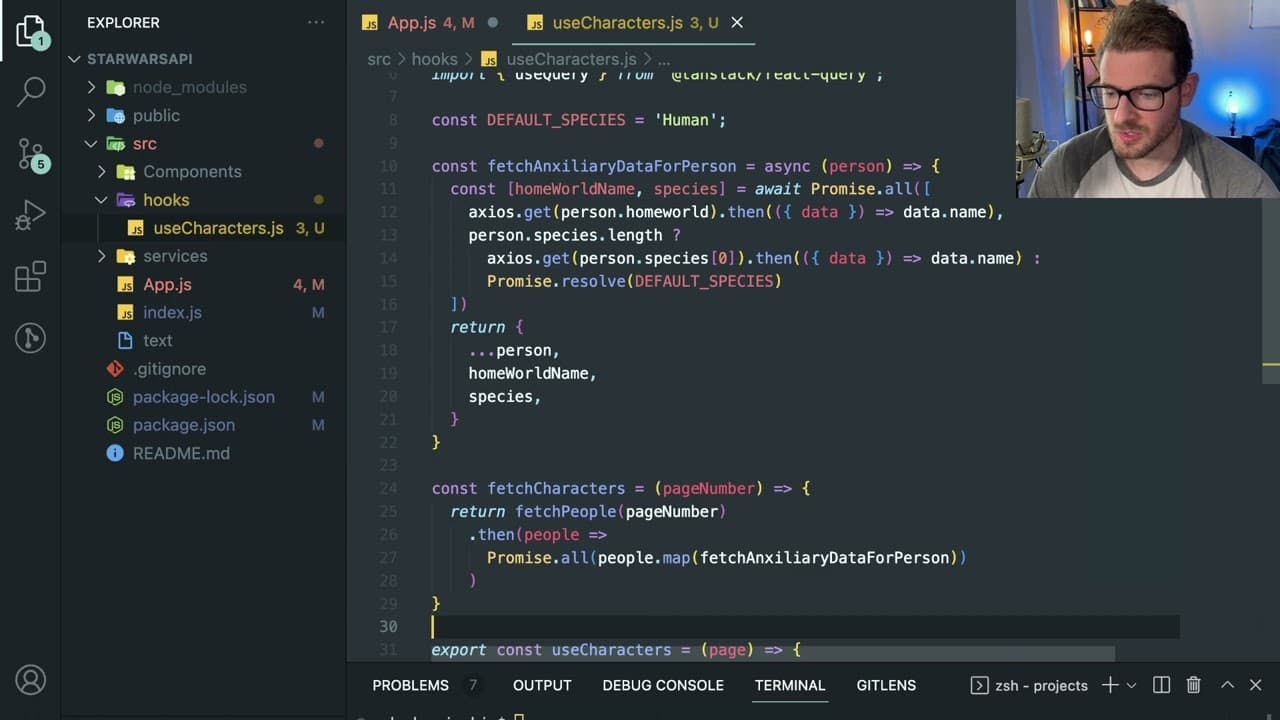
all right so let's talk a little bit about how to make more abstract components in react and one approach a lot of people tend to take is they will have custom hooks okay so i want to talk about custom hooks kind of explain what the purpose of a custom hook is and how it can help your code be a little bit more clean but you need to decide for yours... Read More
Key Insights
- 👨💻 Custom hooks streamline data management in React, enhancing code reusability.
- 📚 Decoupling from libraries reduces future refactoring efforts when changing data-fetching strategies.
- 👻 Implementing a clean interface in custom hooks allows for easy integration of different data sources.
- 😤 Modularizing code improves maintainability, helping teams manage complex applications effectively.
- 💄 Clear separation of concerns between data fetching and UI logic makes components easier to understand and maintain.
- 📚 Using React's useState and useEffect within custom hooks can leverage the library’s capabilities while keeping components abstracted.
- 🪡 Avoiding tight coupling encourages adaptability and enhanced flexibility for future development needs.
Install to Summarize YouTube Videos and Get Transcripts
Explore YouTube Video Summarizer or Get YouTube Transcript Extractor
Questions & Answers
Q: What is the primary purpose of using custom hooks in React?
The primary purpose of using custom hooks in React is to encapsulate and abstract data-fetching logic, making components cleaner and reducing redundancy. By utilizing custom hooks, developers can separate the concerns of data management from the component logic, thereby improving code organization and maintainability.
Q: How does decoupling components from data-fetching libraries benefit a project?
Decoupling components from data-fetching libraries, such as React Query or Axios, grants developers the flexibility to switch data-fetching strategies without extensive refactoring. This approach allows teams to adapt to changes in requirements or technology stacks more efficiently and reduces the risk of breaking existing code during such transitions.
Q: What steps are involved in creating a custom hook?
Creating a custom hook involves defining a function that encapsulates logic for fetching data, managing state, and handling side effects. This function can then utilize React's built-in hooks like useState and useEffect. Afterwards, you can call this custom hook within any component, keeping the component free from specific data-fetching implementations.
Q: What mistakes should developers avoid when using custom hooks?
Developers should avoid over-complicating custom hooks by trying to implement too much logic within them. Instead, hooks should focus on a single responsibility, such as data fetching or state management. Additionally, it’s crucial to avoid tightly coupling hooks to specific libraries or APIs to maintain flexibility for future changes.
Q: Can you still integrate React Query within custom hooks?
Yes, you can integrate React Query within custom hooks. By doing so, you can keep the beneficial features of React Query, like caching and automatic data fetching, while maintaining a clean interface for your components. This allows you to swap out React Query for another solution later without affecting component logic.
Q: How does the modularization of fetching logic improve maintainability?
Modularizing fetching logic into custom hooks fosters easier maintenance. It enables developers to pinpoint where data is being managed and modify those aspects independently from the components. This approach streamlines updates, allows for more organized codebases, and makes troubleshooting more straightforward.
Summary & Key Takeaways
-
Custom hooks in React allow developers to encapsulate data-fetching logic and keep components cleaner, promoting code reuse across applications.
-
By decoupling components from third-party libraries, like React Query or Axios, developers gain flexibility to change data sources without significant refactoring.
-
Implementing custom hooks can streamline the process of managing data and improve the maintainability of React applications, especially as they scale.
Read in Other Languages (beta)
Share This Summary 📚
Summarize YouTube Videos and Get Video Transcripts with 1-Click
Try YouTube Summary with ChatGPT & Claude or YouTube Transcript Generator
Explore More Summaries from Web Dev Cody 📚





Summarize YouTube Videos and Get Video Transcripts with 1-Click
Try YouTube Summary with ChatGPT & Claude or YouTube Transcript Generator