How Does Git Enable Team Collaboration?
TL;DR
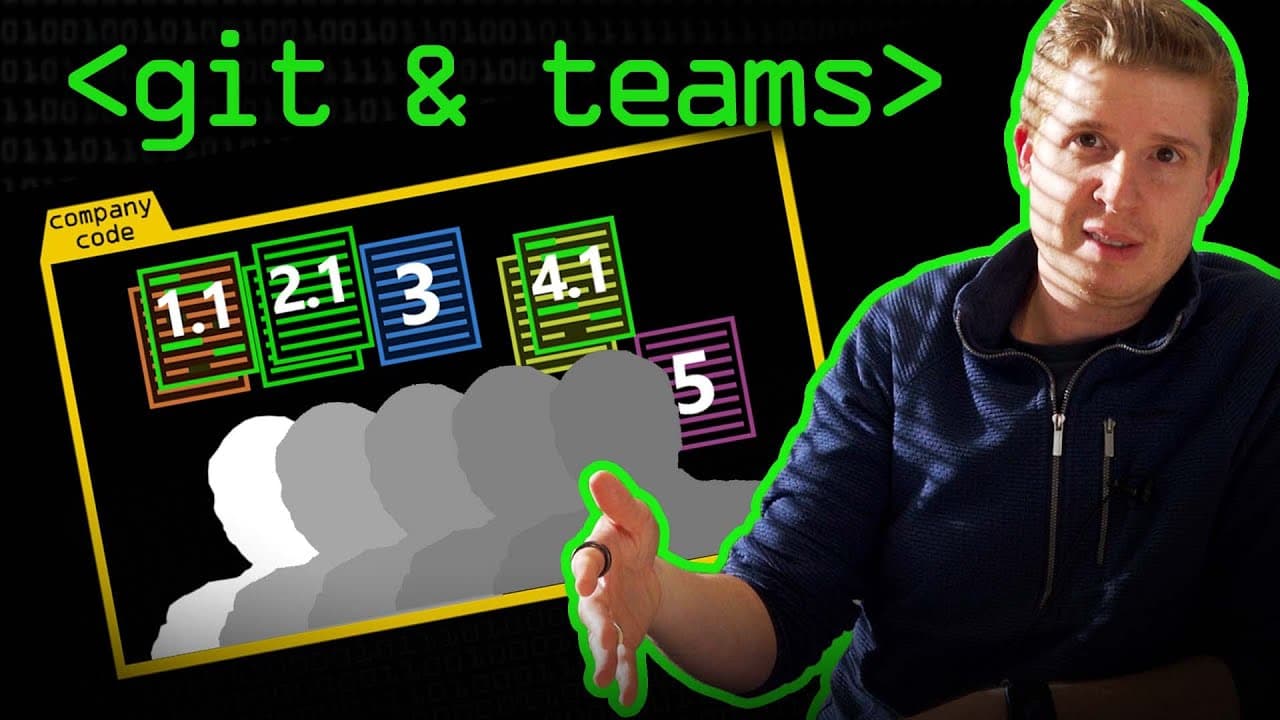
Git facilitates teamwork by preventing code overwriting through controlled pushes and commits, ensuring that developers remain in sync. When conflicts arise, Git requires developers to merge their changes, fostering effective collaboration. Platforms like GitHub and GitLab enhance this further by offering tools for issue tracking and milestone management.
Transcript
so what we should really talk about next is how teams use git because that's the other function git protects your code from other people in a way right so it's designed to stop you know if say there's a company with like 100 developers in it and they're all working on different parts of the code base and that code base is stored in a git repository... Read More
Key Insights
- 👨💻 Git protects code by managing code pushes and commits to prevent overwriting in team collaborations.
- 🫷 Merge conflicts arise when multiple developers make changes to the same file, and Git requires them to update their versions before pushing.
- 😤 Online platforms like GitHub and GitLab offer additional features that aid in coordinating team efforts, including milestones and issues.
- 😤 Temporary branches are created in Git for specific issues, allowing teams to work on separate versions without disrupting the main branch.
- 👨💻 Senior developers often review and merge the code to ensure its quality and adherence to company standards.
- 🍳 Protections and processes, such as limiting permissions and having release candidate branches, are implemented to prevent accidental breaks in the main version.
- 👶 Beta versions provide early access to new features and help identify bugs or issues before a full release.
Install to Summarize YouTube Videos and Get Transcripts
Explore YouTube Video Summarizer or Get YouTube Transcript Extractor
Questions & Answers
Q: How does Git protect code in team collaborations?
Git protects code by preventing overwriting in team collaborations. It ensures that developers don't overwrite each other's work by managing code pushes and commits.
Q: What happens when two developers make changes to the same file in Git?
If two developers make changes to the same file, Git requires them to update their version before pushing. Git performs a merge to combine their changes while ensuring there are no conflicts.
Q: How do platforms like GitHub and GitLab facilitate team coordination?
Platforms like GitHub and GitLab offer features like milestones and issues. Teams can assign tasks, create temporary branches for specific issues, and collaborate without disrupting the main branch. They also provide a review process before merging the code.
Q: What are the benefits of using beta versions in team collaborations?
Beta versions allow authorized users, including a developer community, to test and provide feedback on the software before a full release. They offer early access to new features and help identify and fix any potential issues before reaching the broader user base.
Summary & Key Takeaways
-
Git is designed to prevent code overwriting in teams by managing code pushes and commits, ensuring developers don't overwrite each other's work on the codebase.
-
When two developers are working on the same file, Git forces them to update their version before pushing by performing a merge of their changes.
-
Online platforms like GitHub and GitLab provide additional features like milestones and issues to help teams coordinate their work and communicate effectively.
Read in Other Languages (beta)
Share This Summary 📚
Summarize YouTube Videos and Get Video Transcripts with 1-Click
Try YouTube Summary with ChatGPT & Claude or YouTube Transcript Generator
Explore More Summaries from Computerphile 📚






Summarize YouTube Videos and Get Video Transcripts with 1-Click
Try YouTube Summary with ChatGPT & Claude or YouTube Transcript Generator