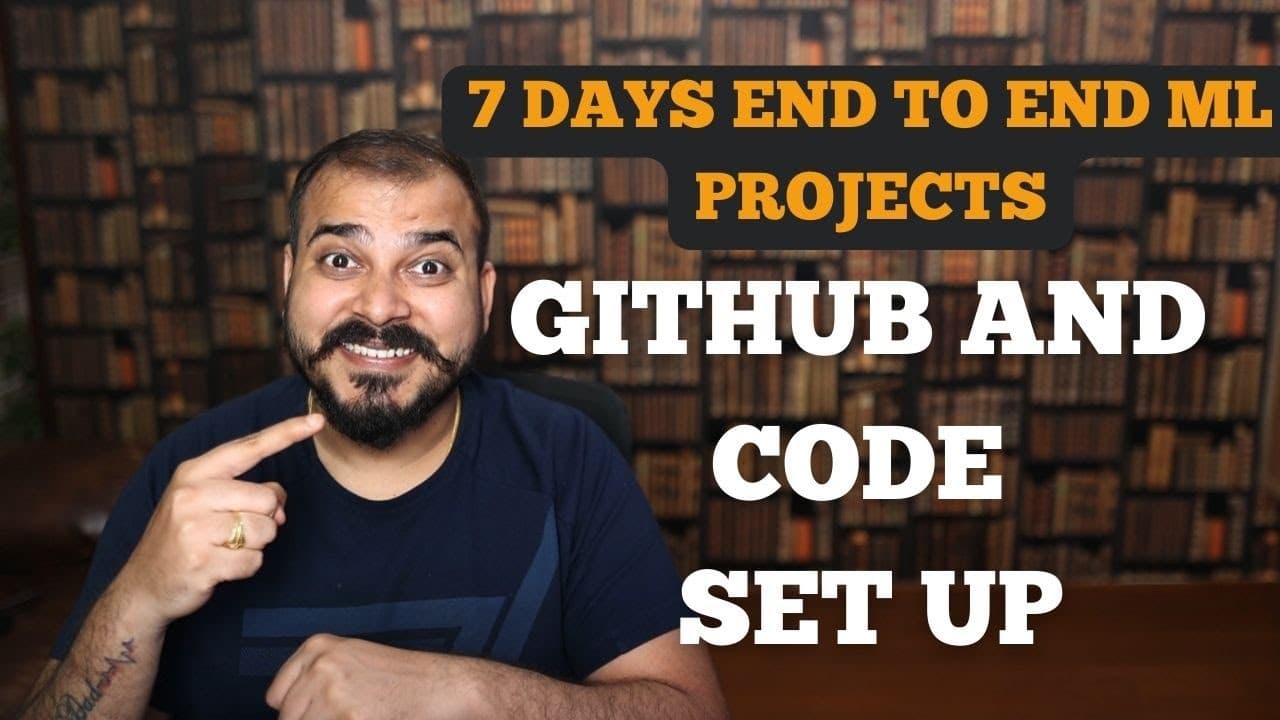
Tutorial 1: How Do You Set Up GitHub and Code for an End-to-End ML Project with Deployment?
TL;DR
Set up an end-to-end machine learning project by creating a public GitHub repository, opening the local project in VS Code, creating a dedicated Conda environment with Python 3.8, and initializing Git. This establishes an isolated, reusable project structure where team members can commit, merge, and pull code while keeping development synchronized. Read on for the exact commands, the purpose of each step, and the files planned for packaging and dependency management.
Transcript
hello all my name is krishnaik and welcome to my YouTube channel so guys we are about to start the end-to-end machine learning implementation web deployment and again the main aim of this specific series is to develop end-to-end projects and the things that we are going to learn the similar things are basically applied in the industry when we are s... Read More
Key Insights
- GitHub is the central repository for the project, allowing team members to commit, merge, and pull code while developing models and the wider application in sync.
- The series is designed around end-to-end machine learning implementation and web deployment, with each module intended to reflect techniques used when solving industry projects.
- A generic project structure is the main architectural goal, because the same organization and implementation techniques can be reused with different datasets and extended to machine learning or deep learning projects.
- A dedicated environment is created inside the project directory using conda create -p venv python=3.8 -y, which specifies the local environment path, Python 3.8, and automatic confirmation.
- The local venv directory contains the packages installed for the project, making it possible to isolate project libraries and later freeze the relevant dependencies from that environment.
- VS Code is launched from the selected project directory with code ., providing an empty workspace and an integrated terminal that can use PowerShell or Command Prompt.
- Git initialization is performed with git init inside the local project directory, creating an empty Git repository that can subsequently track and commit project files.
- setup.py and requirements.txt are planned as connected parts of the project setup, with setup.py supporting package creation and requirements.txt participating in dependency management.
Install to Summarize YouTube Videos and Get Transcripts
Explore YouTube Video Summarizer or Get YouTube Transcript Extractor
Questions & Answers
Q: How do you set up GitHub for an end-to-end machine learning project?
Create a new public GitHub repository with a name such as mlproject, then open the chosen local project folder in VS Code. Create and activate a dedicated Conda environment in that folder and run git init. The local project can then be prepared for commits and synchronization with the GitHub repository.
Q: Why use GitHub for an end-to-end ML project?
GitHub provides a central repository where team members can commit, merge, and pull code. It helps keep development synchronized while contributors work on models and the wider application. The tutorial uses this workflow to provide experience similar to collaborative industry projects.
Q: How do you create the project’s Conda environment with Python 3.8?
Run conda create -p venv python=3.8 -y from the project directory. The command creates an environment at the local venv path, selects Python 3.8, and confirms the installation automatically with -y.
Q: How do you activate the local Conda environment?
After creating the environment, run conda activate followed by the local venv path displayed for the project. Once activated, packages installed from that terminal belong to the project environment instead of the base environment.
Q: Why keep the Conda environment inside the ML project directory?
A local venv directory keeps the project’s installed libraries and packages together. This isolates the dependencies from the base environment and allows the relevant libraries to be frozen later. It also makes the environment clearly associated with the application.
Q: How do you open the machine learning project in VS Code?
Navigate to the selected project directory from Anaconda Prompt and run code . to open that folder in VS Code. The empty workspace and integrated terminal can then be used for environment creation, activation, Git initialization, and subsequent development.
Q: What does git init do in the local project folder?
Running git init inside the project directory creates an empty local Git repository. This enables version tracking and prepares project files for future commits. Those changes can later be shared, merged, and pulled through the GitHub repository.
Q: What comes after the initial GitHub and environment setup?
The planned setup includes a mini project structure, setup.py, and requirements.txt. setup.py will be used to discuss package creation, while its relationship with requirements.txt will support dependency management. The next lesson is planned to cover logging, exception handling, and a formal project structure.
Summary & Key Takeaways
-
The tutorial introduces a series focused on implementing and deploying end-to-end machine learning projects using practices presented as similar to industry workflows. It emphasizes understanding, practicing, and explaining projects clearly, especially for data science interviews, while aiming to establish a generic structure that can later support other machine learning and deep learning projects.
-
The initial workflow begins by creating a public GitHub repository named mlproject and opening an empty local project directory in VS Code. GitHub serves as the shared location for committing, merging, and pulling code, which helps multiple team members keep their application development synchronized while creating or updating models.
-
A project-specific Conda environment named venv is created inside the project directory with Python 3.8 by running conda create -p venv python=3.8 -y. After activation, the local directory can contain installed packages for the project. The repository is then initialized locally with git init before commits and synchronization begin.
Read in Other Languages (beta)
Share This Summary 📚
Summarize YouTube Videos and Get Video Transcripts with 1-Click
Try YouTube Summary with ChatGPT & Claude or YouTube Transcript Generator
Explore More Summaries from Krish Naik 📚



Summarize YouTube Videos and Get Video Transcripts with 1-Click
Try YouTube Summary with ChatGPT & Claude or YouTube Transcript Generator