How to Build a RAG Application for Multi-Speaker Audio Data
TL;DR
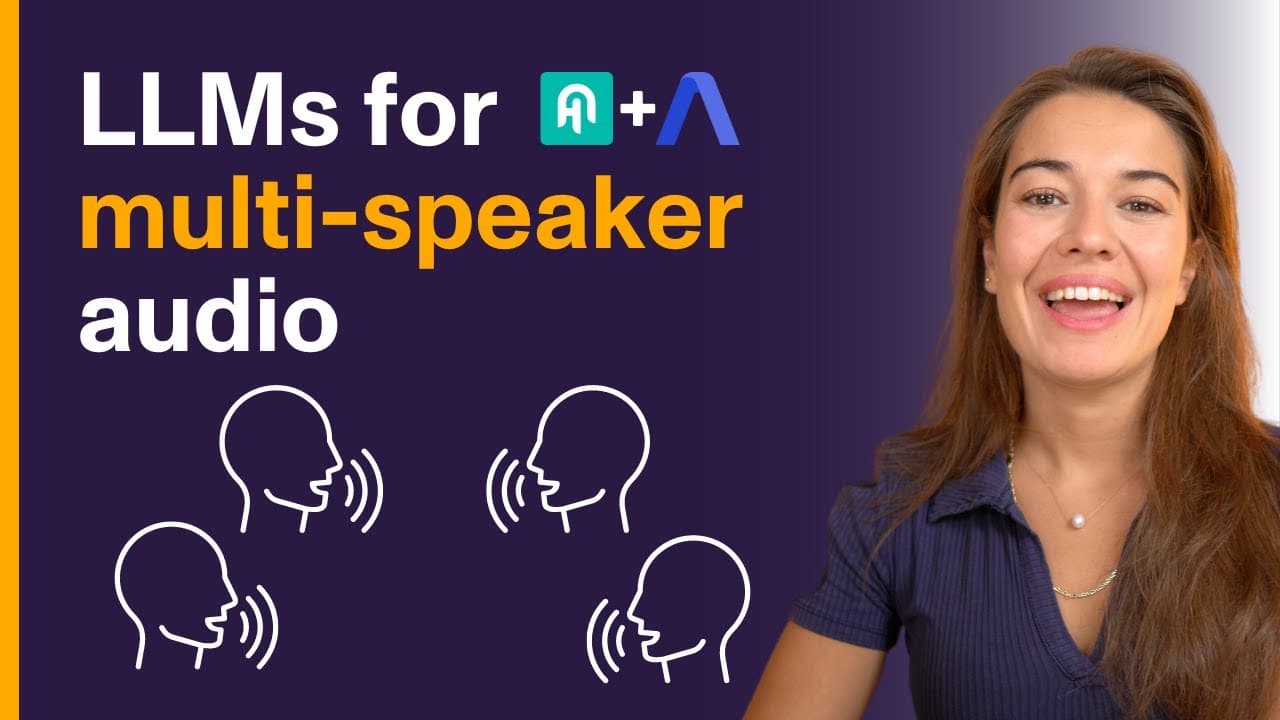
Learn how to build a RAG application for analyzing multi-speaker audio and video files accurately.
Transcript
llms work Wonders on Text data but what about audio and video files easy solution would be to transcribe these files into text that would work but you will still lose some valuable information especially if your files include multiple speakers information like how many people are speaking and who said what in this video we will learn how to build a... Read More
Key Insights
- 😡 RAG application enhances analysis of multi-speaker content by attributing opinions accurately.
- 🔇 Utilizes Hugging Face and Assembly AI for transcription, speaker labeling, and response generation.
- 💁 Offers a practical solution for extracting valuable information from recordings with multiple speakers.
- 👨💻 Ensures customization of RAG application code for specific project needs.
- 🍻 Provides detailed documentation and links for further exploration.
- 👨💻 Enables users to test and apply the RAG application code in real-world scenarios.
- 🔇 Highlights the importance of leveraging advanced AI tools for multi-speaker content analysis.
Install to Summarize YouTube Videos and Get Transcripts
Explore YouTube Video Summarizer or Get YouTube Transcript Extractor
Questions & Answers
Q: How does a RAG application benefit the analysis of multi-speaker audio/video files?
A RAG application ensures accurate attribution of speaker opinions, providing insights into individual perspectives within group discussions.
Q: What tools are required to develop a RAG application for analyzing multi-speaker content?
Tools like Hugging Face, Assembly AI, and Sentence Transformers are essential for accurate transcription, speaker labeling, and response generation in RAG applications.
Q: Can a RAG application differentiate between speakers' opinions in a panel discussion on AI technology?
Yes, a RAG application utilizing speaker labels can attribute opinions to specific speakers, providing detailed insights into individual viewpoints.
Q: How can developers utilize the RAG application code shared in the tutorial for their projects?
Developers can access the collab notebook, link provided in the description, to start using the RAG application code for analyzing multi-speaker audio/video files.
Summary & Key Takeaways
-
RAG application analyzes multi-speaker audio/video files accurately.
-
Plain transcription loses valuable speaker information.
-
Using Hugging Face and Assembly AI for RAG application development.
Read in Other Languages (beta)
Share This Summary 📚
Summarize YouTube Videos and Get Video Transcripts with 1-Click
Try YouTube Summary with ChatGPT & Claude or YouTube Transcript Generator
Explore More Summaries from AssemblyAI 📚






Summarize YouTube Videos and Get Video Transcripts with 1-Click
Try YouTube Summary with ChatGPT & Claude or YouTube Transcript Generator