How Can Teachers Use Book Creator for Interactive Learning?
TL;DR
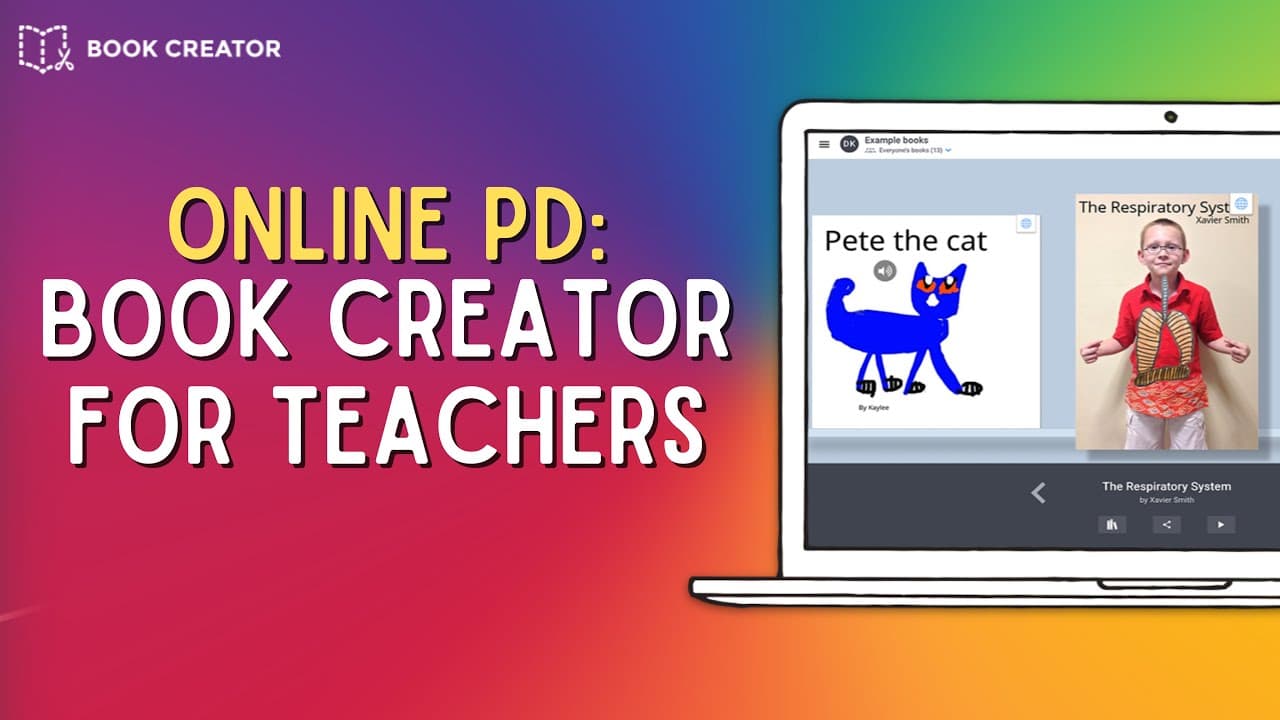
Book Creator is a user-friendly tool that enables teachers and students to create interactive books using text, images, and multimedia elements. It allows for oversight of student work, the creation of class libraries, and supports various formats like digital portfolios and learning journals. Free users can create up to 40 books, while numerous features enhance accessibility for all learners.
Transcript
hello and welcome to this online pdu book creator for teachers over the next few minutes i hope to introduce book creator to you and show you how you or your students can use book creator to create awesome interactive books but before i do i just like to remind you that if you like edtech tutorials feel free to subscribe to my youtube channel as so... Read More
Key Insights
- 👻 Book Creator allows users to create interactive books with various media elements, making it suitable for all grade levels.
- 📚 Teachers have control over student work and can create libraries to share multiple books at once.
- 🧑🎓 The tool is user-friendly, even for young students, and offers features such as voice recording and embedding YouTube videos.
- 🧡 Book Creator is available on multiple devices and browsers, making it accessible to a wide range of users.
- 🥶 The free version of Book Creator allows users to create up to 40 books, with additional options available through paid licenses or school plans.
- 😒 The Discover tab in Book Creator provides examples and resources for inspiration and learning how to use the tool.
- 😯 Book Creator offers features such as speech-to-text and text-to-speech, making it inclusive and suitable for students with different abilities.
- 📚 Publishing options include sharing individual books or an entire library with a single URL.
Install to Summarize YouTube Videos and Get Transcripts
Explore YouTube Video Summarizer or Get YouTube Transcript Extractor
Questions & Answers
Q: What is Book Creator?
Book Creator is a tool that allows teachers and students to create interactive books with text, photos, videos, and more.
Q: What devices can Book Creator be used on?
Book Creator can be used on iOS devices running Safari, as well as Windows laptops and Chromebooks with the Chrome browser.
Q: What features does Book Creator offer for teachers?
Teachers can oversee student work, choose which books are published, and create libraries to share multiple books with one URL.
Q: What are some examples of how Book Creator can be used in education?
Book Creator can be used for digital portfolios, science reports, learning journals, and creating step-by-step guides.
Summary & Key Takeaways
-
Book Creator is an open-ended creation tool available on iOS, Chrome, and Windows devices, allowing users to create interactive books with text, photos, videos, and other interactive elements.
-
Teachers can oversee student work, choose which books are published, and create libraries to share multiple books with one URL.
-
Examples of how Book Creator can be used include digital portfolios, science reports, learning journals, and step-by-step guides.
Read in Other Languages (beta)
Share This Summary 📚
Summarize YouTube Videos and Get Video Transcripts with 1-Click
Try YouTube Summary with ChatGPT & Claude or YouTube Transcript Generator
Explore More Summaries from EdTech Hustle 📚




![Keynote: Remove The Background of Any Photo [Using Instant Alpha] thumbnail](/_next/image?url=https%3A%2F%2Fi.ytimg.com%2Fvi%2F0Ji-uTffzJE%2Fhqdefault.jpg&w=750&q=75)

Summarize YouTube Videos and Get Video Transcripts with 1-Click
Try YouTube Summary with ChatGPT & Claude or YouTube Transcript Generator