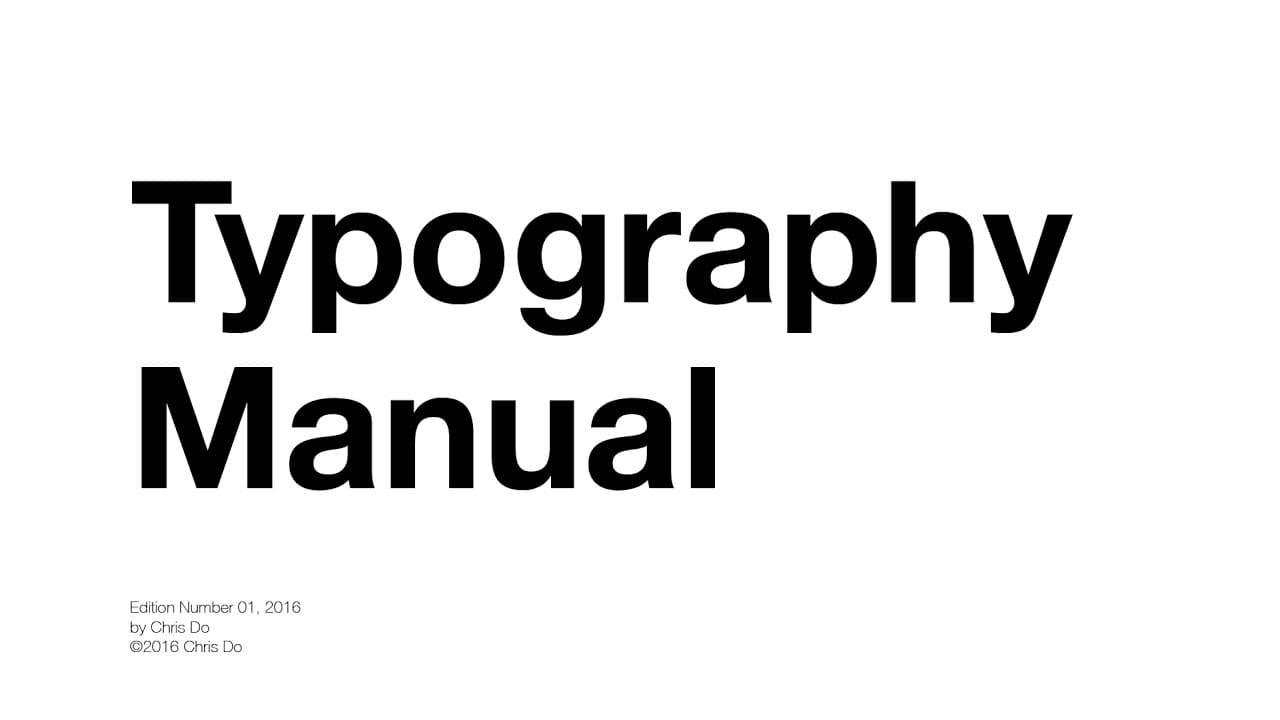
Typography Tutorial - 10 rules to help you rule type
TL;DR
This video provides essential tips for improving typography design, including justifying text left, using one font, and utilizing contrast.
Transcript
[ Music ] Typography Manual. 01. Justify When in doubt, set your type justify left rag right. Why? In western culture, people read from top to bottom, left to right. By justifying type left, the eye is able to find the edge and read copy much more easily. Avoid indenting the first line of a paragraph for this reason. Justify left is easier to read ... Read More
Key Insights
- 😃 Justifying text left improves readability by allowing the eye to find the edge of the text easily.
- 🎨 Using one font and avoiding two fonts of the same classification enhances the overall visual harmony of the design.
- 😥 Changing font weights and point sizes creates contrast, making the design more engaging.
- 🧡 Choosing from a wide range of recommended fonts ensures font compatibility.
- 💁 Grouping related information using rules helps organize and create order in the design.
- 👻 Avoiding elements near the edges or corners of a page allows the design to breathe and avoid clutter.
- 👾 Paying attention to spacing is crucial in typography design, preventing issues like rivers, widows, and orphans.
Install to Summarize YouTube Videos and Get Transcripts
Explore YouTube Video Summarizer or Get YouTube Transcript Extractor
Questions & Answers
Q: Why is it recommended to justify text left instead of using indentations?
Justifying text left allows the eye to find the edge of the text and makes it easier for readers to navigate the copy. Indentations can disrupt the flow and make it harder to read.
Q: Can I use two fonts of the same classification in a layout?
It is generally recommended to avoid using two fonts of the same classification (sans serif, serif, slab serif, or script) together. Using complementary fonts adds contrast and enhances the overall design.
Q: What is the purpose of doubling or halving the point size?
Doubling or halving the point size helps maintain consistency and create visual contrast. It ensures that the differences in font sizes are noticeable to the audience.
Q: How can I align my type effectively?
When aligning type, establish a primary axis along which the elements will be aligned. For vertical alignment, align the left edge of the type. For horizontal alignment, align to the strongest horizontal element like the cap height or baseline.
Key Insights:
- Justifying text left improves readability by allowing the eye to find the edge of the text easily.
- Using one font and avoiding two fonts of the same classification enhances the overall visual harmony of the design.
- Changing font weights and point sizes creates contrast, making the design more engaging.
- Choosing from a wide range of recommended fonts ensures font compatibility.
- Grouping related information using rules helps organize and create order in the design.
- Avoiding elements near the edges or corners of a page allows the design to breathe and avoid clutter.
- Paying attention to spacing is crucial in typography design, preventing issues like rivers, widows, and orphans.
- Bold or italicized text can add emphasis and variety to the design.
Summary & Key Takeaways
-
Set your type justify left to make it easier for readers to find the edge and read copy.
-
Avoid using two fonts of the same classification and stick with one font until you master it.
-
Create contrast by going from light to bold in font weight and double or half the point size when changing sizes.
Read in Other Languages (beta)
Share This Summary 📚
Summarize YouTube Videos and Get Video Transcripts with 1-Click
Try YouTube Summary with ChatGPT & Claude or YouTube Transcript Generator
Explore More Summaries from The Futur 📚



Summarize YouTube Videos and Get Video Transcripts with 1-Click
Try YouTube Summary with ChatGPT & Claude or YouTube Transcript Generator