How to Use ACE-Step Free AI Music Composer
TL;DR
ACE-Step is a powerful open-source AI music generator developed by StepFun AI and ACE Studio. It allows users to create high-quality music tracks in seconds, provided they have the necessary hardware. The model offers features like lyric generation, multi-instrumental support, and audio inpainting, making it a versatile tool for music creation.
Transcript
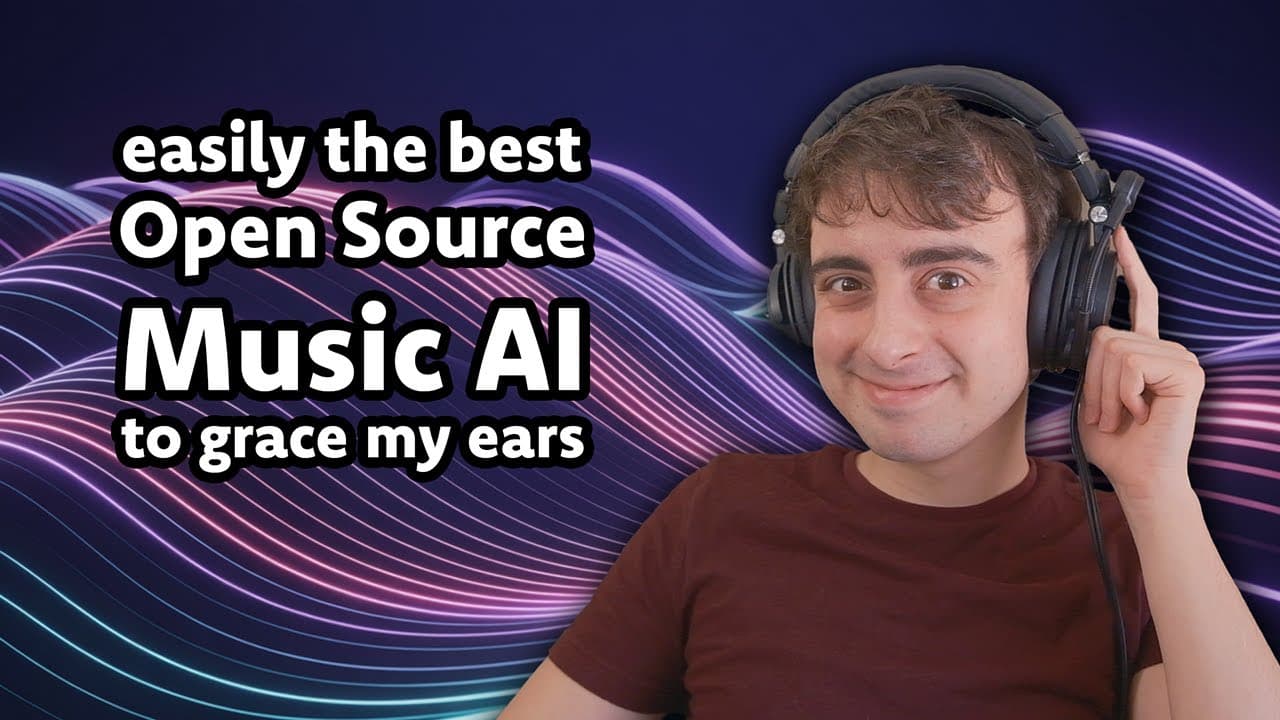
Hey guys, welcome back to the Matt VidPro AI YouTube channel. We've got access to a brand new Apache 2.0 licensed, meaning fully open- source AI music generator. It's called Ace-Tep, and it was just released by Stepfun AI and Ace Studio in combination. 3 and a half billion parameter openweight model, Apache 2.0 license. It even supports lyric gener... Read More
Key Insights
- ACE-Step is an open-source AI music generator released under the Apache 2.0 license.
- The model features 3.5 billion parameters and can generate music rapidly on high-end GPUs.
- It supports lyric generation and can produce songs up to four minutes long in 20 seconds on an A100 GPU.
- ACE-Step is designed to compete with other AI music models like Sunno AI and Udo AI.
- It allows for subtask fine-tuning with two Laura adapters: lyrics-to-vocal and text-to-sample.
- The model supports 19 languages with high performance in 10 major languages, including English and Chinese.
- ACE-Step offers features like audio inpainting and lyric editing with flowchart technology.
- Upcoming features include a rap machine and a stem gem for generating individual instrument stems.
Install to Summarize YouTube Videos and Get Transcripts
Explore YouTube Video Summarizer or Get YouTube Transcript Extractor
Questions & Answers
Q: How to use ACE-Step AI music generator?
To use ACE-Step, access the model through platforms like Hugging Face, where you can experiment with its features online. For local use, ensure you have a high-end GPU, as the model requires significant VRAM. Follow the setup instructions on GitHub to install and run the model locally, allowing you to generate music and experiment with its various settings.
Q: What are the hardware requirements for ACE-Step?
ACE-Step requires a high-end GPU for optimal performance, such as an Nvidia A100 or RTX 4090. The model's VRAM requirements can exceed 20 GB for lower quality settings. It can run on consumer-level GPUs like the RTX 3090, generating a minute of audio in about 5 seconds, but performs best on business-grade GPUs.
Q: What music styles does ACE-Step support?
ACE-Step supports all mainstream music styles, including rock, rap, country, and more. It can generate complex arrangements with multiple instruments while maintaining musical coherence. The model also supports various vocal styles and techniques, making it a versatile tool for music creation across different genres.
Q: How does ACE-Step handle lyric generation?
ACE-Step can generate lyrics and supports lyric editing with flowchart technology, allowing users to modify lyrics while preserving melody and vocals. This feature enhances creative possibilities by enabling local lyric modifications for both generated content and uploaded audio, providing flexibility in music creation.
Q: What languages are supported by ACE-Step?
ACE-Step supports up to 19 languages, with high performance in the top 10 languages, including English, Chinese, Russian, Spanish, Japanese, German, French, Portuguese, Italian, and Korean. While less common languages may underperform, the model is designed to accommodate a wide range of linguistic needs.
Q: What is audio inpainting in ACE-Step?
Audio inpainting in ACE-Step allows users to upload audio, remove a section, and have the model regenerate or hallucinate the missing audio. This feature can be useful for creating seamless transitions in music or filling gaps in audio tracks, enhancing the model's utility for various creative applications.
Q: What are the upcoming features for ACE-Step?
Upcoming features for ACE-Step include a rap machine fine-tuned on rap data for AI rap generation and a stem gem for generating individual instrument stems. These additions aim to expand the model's capabilities, particularly in rap storytelling and providing customizable instrumental tracks for music producers.
Q: How does ACE-Step compare to other AI music models?
ACE-Step is one of the most impressive open-source music generation models, offering extensive customization options and high-quality output. While it may not match the quality of closed-source models like Udo and Sunno, it provides significant potential for community-driven enhancements and is a strong contender in the AI music space.
Summary & Key Takeaways
-
ACE-Step is a newly released open-source AI music generator that allows for rapid music creation with a 3.5 billion parameter model. It supports multiple languages and music styles, offering features like lyric generation and audio inpainting. The model is designed to compete with other AI music tools and is available for experimentation on platforms like Hugging Face.
-
The model requires high-end hardware for local use but can be accessed online for free. It supports various music styles and languages, making it a versatile tool for musicians and developers. ACE-Step's capabilities include generating realistic instrumental tracks and vocal styles, as well as editing lyrics while preserving melody.
-
Upcoming features for ACE-Step include a rap machine and a stem gem for individual instrument generation. The model's open-source nature allows for community-driven improvements and adaptations, potentially enabling it to run on lower-end hardware in the future. ACE-Step represents a significant step forward in AI-driven music creation.
Read in Other Languages (beta)
Share This Summary 📚
Summarize YouTube Videos and Get Video Transcripts with 1-Click
Try YouTube Summary with ChatGPT & Claude or YouTube Transcript Generator
Explore More Summaries from MattVidPro 📚






Summarize YouTube Videos and Get Video Transcripts with 1-Click
Try YouTube Summary with ChatGPT & Claude or YouTube Transcript Generator