How to Get Started with Laravel for Web Development
TL;DR
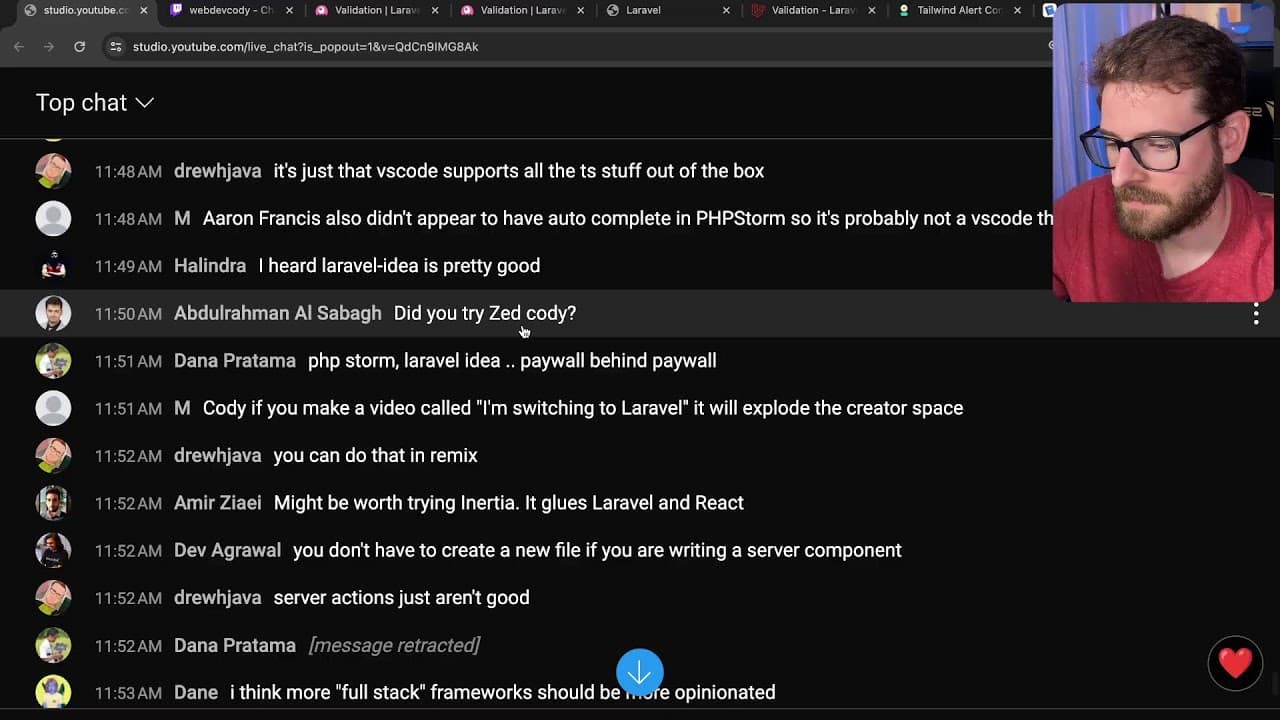
To get started with Laravel, install Laravel Herd and Composer to set up your project. During the live stream, the creator demonstrates creating a URL shortening application with authentication using Breeze, while addressing coding challenges and engaging with viewers. Laravel's built-in validation and robust features streamline the development process, making it ideal for PHP applications.
Transcript
e e e e e e e e how's it going everyone what is up what is up all right I'm on my new my new Macbook today so hopefully everything goes well let me know if the the clicking noises are too loud I can turn them down you know I think I forgot let me let me check something real quick all right yeah so I've been playing around a little bit with laral an... Read More
Key Insights
- 🔨 Laravel provides a robust framework for PHP applications, streamlining development with integrated tools for routing, authentication, and database management.
- 👨💻 The choice of development environment (IDE) can greatly affect coding efficiency; while VS Code is popular, developers may benefit from dedicated frameworks like PHPStorm for PHP projects.
- 👻 Validation in Laravel is straightforward and built-in, allowing developers to implement comprehensive rules effortlessly, enhancing user experience through better handling of input errors.
- 👶 The Laravel community is an essential resource for beginner developers, offering support and numerous tutorials that can significantly reduce learning curves when starting new projects.
- ❓ Integrating frontend and backend logic requires understanding how to manage states and events, especially when using frameworks like Livewire in Laravel.
- 👨💻 Real-time coding interactions, as demonstrated in the stream, foster learning and problem-solving, showcasing how live feedback can enhance the development process.
- 🥺 Exploring various tools and libraries is vital for a well-rounded understanding, as reactions to different frameworks can lead to insightful discussions about best practices in web development.
Install to Summarize YouTube Videos and Get Transcripts
Explore YouTube Video Summarizer or Get YouTube Transcript Extractor
Questions & Answers
Q: What is Laravel, and why is it popular among developers?
Laravel is a full-stack PHP framework known for its elegant syntax, powerful features, and ease of use for building modern web applications. Its popularity stems from its extensive documentation, vibrant community, built-in tools for tasks like authentication and routing, and a robust ORM (Eloquent) for database interactions.
Q: How does the installation process for Laravel work in the live stream?
In the live stream, the streamer goes through installing Laravel Herd, which sets up a development environment, and uses Composer to create a new Laravel application. The process includes running commands in the terminal to install necessary packages and dependencies, which facilitates starting development quickly.
Q: What issues did the streamer face while using VS Code compared to PHPStorm?
The streamer experienced challenges with VS Code's autocompletion and IntelliSense features while coding in Laravel. They found that the editor's support for PHP and Laravel-specific functionalities wasn't as robust as PHPStorm's, leading to debugging frustrations due to lack of immediate feedback on code errors.
Q: What project did the streamer decide to build during the stream, and what features were discussed?
The streamer chose to create a URL shortener application, discussing features like adding a form for submitting URLs, generating short links, and managing user authentication. They outlined how to set up validation rules and incorporate database functionality using Laravel's migration features.
Summary & Key Takeaways
-
The creator introduces Laravel, a PHP framework, while setting up a new project on a MacBook Pro and installing necessary dependencies like Laravel Herd and Composer.
-
The stream involves live coding, including creating authentication features using Breeze, implementing a URL shortening functionality, and discussing the pros and cons of various development tools like VS Code and PHPStorm.
-
Throughout the session, the streamer engages with viewers, addresses coding challenges, and explores Laravel’s functionalities while seeking real-time feedback and suggestions from the audience.
Read in Other Languages (beta)
Share This Summary 📚
Summarize YouTube Videos and Get Video Transcripts with 1-Click
Try YouTube Summary with ChatGPT & Claude or YouTube Transcript Generator
Explore More Summaries from Web Dev Cody 📚





Summarize YouTube Videos and Get Video Transcripts with 1-Click
Try YouTube Summary with ChatGPT & Claude or YouTube Transcript Generator