How to Build a Tutorial Widget in React
TL;DR
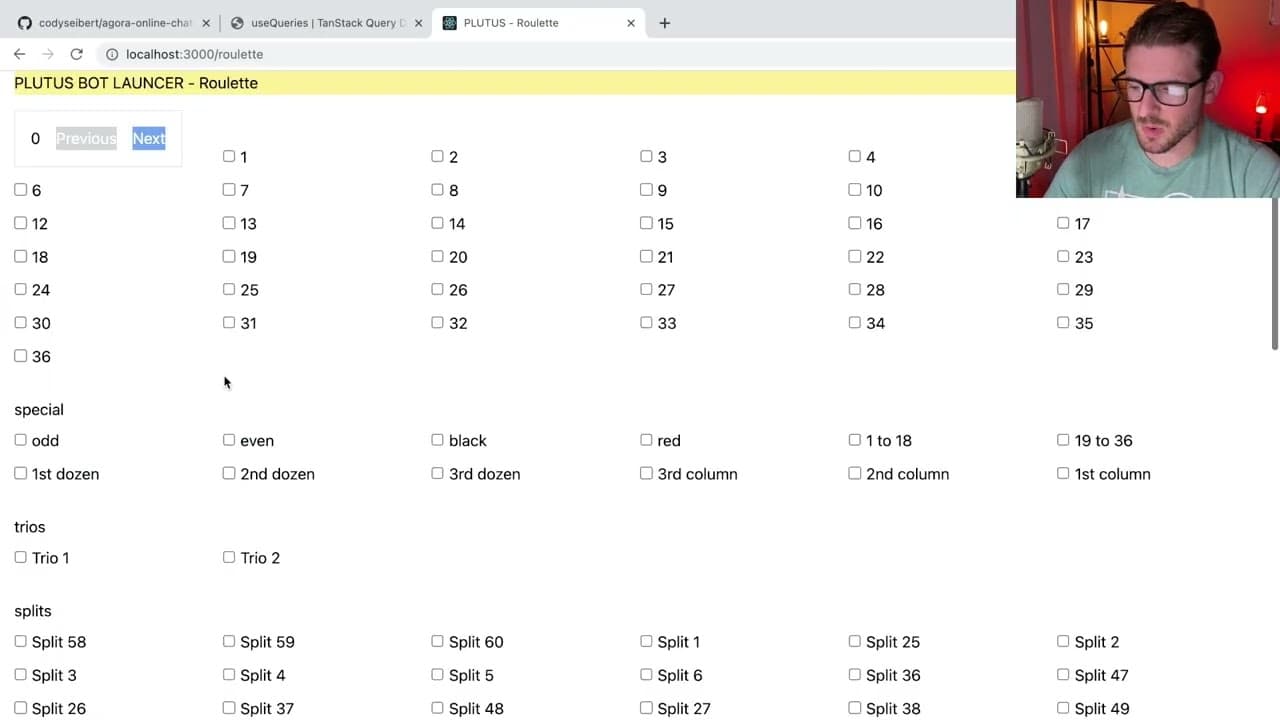
To build a tutorial widget in React, create components like a Highlighter Manager to track user progress and Highlighter Step to display instructional modals. Use state management for navigating through steps, and employ refs for DOM manipulation to enhance the user experience.
Transcript
all right how's it going everyone so i want to share with you all um one of my discord users is kind of asking me like how can you develop your own tutorial uh widget right i don't know if you've seen widgets like this i think there's one called like highlighter or something or showcase where basically there's different dom elements on your page an... Read More
Key Insights
- 👤 Creating a tutorial widget in React involves managing user interactions with a structured series of steps.
- ✋ Understanding the concept of higher-order components is crucial for enhancing existing components with additional functionalities.
- 👨💻 Code comprehension is essential; developers should learn to read and understand existing code to improve their coding skills effectively.
- 👣 Keeping track of the tutorial’s current step and available steps requires careful state management using React hooks.
- 👻 Using refs creatively allows for better manipulation of the DOM during user navigation in tutorial steps.
- 👨💼 Building custom solutions is sometimes necessary due to specific business requirements, highlighting the importance of adaptability in development.
- 👋 Coding best practices suggest focusing on functionality and user experience when implementing UI components.
Install to Summarize YouTube Videos and Get Transcripts
Explore YouTube Video Summarizer or Get YouTube Transcript Extractor
Questions & Answers
Q: What is the primary purpose of the tutorial widget discussed in the content?
The tutorial widget is designed to guide users through an application by highlighting different DOM elements and providing instructional modals. It enhances user experience by presenting information step-by-step, ensuring users understand how to use features effectively.
Q: How does the Highlighter Manager function in the widget?
The Highlighter Manager encapsulates the logic for the tutorial. It keeps track of the current step, the available tutorial steps, and manages the functionality of navigating to the next or previous steps. This component maintains state and context, allowing child components to access necessary methods.
Q: What role do refs play in the Highlighter Step component?
In the Highlighter Step component, refs are used to create references to the DOM elements of each tutorial step. When the component mounts, it pushes these refs into an array managed by the Highlighter Manager, facilitating the scrolling behavior and tracking the step order for tutorials.
Q: What are some potential improvements suggested for the tutorial widget code?
Some suggested improvements include utilizing portals for displaying modals more elegantly instead of having them hidden in the DOM. Additionally, enhancing the structure to avoid duplicated code and improve flexibility could lead to a more robust and maintainable implementation.
Summary & Key Takeaways
-
The content discusses how to create a tutorial widget in React, allowing users to navigate through different steps while interacting with a web application. It focuses on displaying elements and providing instructional modals.
-
The tutorial showcases key components such as a Highlighter Manager and Highlighter Step, which handle tracking user progress and managing the display of the tutorial steps. The code emphasizes understanding how to implement user guides.
-
The speaker highlights the importance of code comprehension over writing, encouraging developers to focus on reading and understanding existing codebases to enhance their skills in React.
Read in Other Languages (beta)
Share This Summary 📚
Summarize YouTube Videos and Get Video Transcripts with 1-Click
Try YouTube Summary with ChatGPT & Claude or YouTube Transcript Generator
Explore More Summaries from Web Dev Cody 📚





Summarize YouTube Videos and Get Video Transcripts with 1-Click
Try YouTube Summary with ChatGPT & Claude or YouTube Transcript Generator