How to Update Data in a Next.js Calendar App
TL;DR
To update data in a Next.js calendar app when switching months, implement the 'onActiveStartDateChange' method from the React calendar component API. This will allow you to fetch and display entries for the newly selected month. Additionally, consider keeping the calendar visible to enhance user experience and simplify navigation.
Transcript
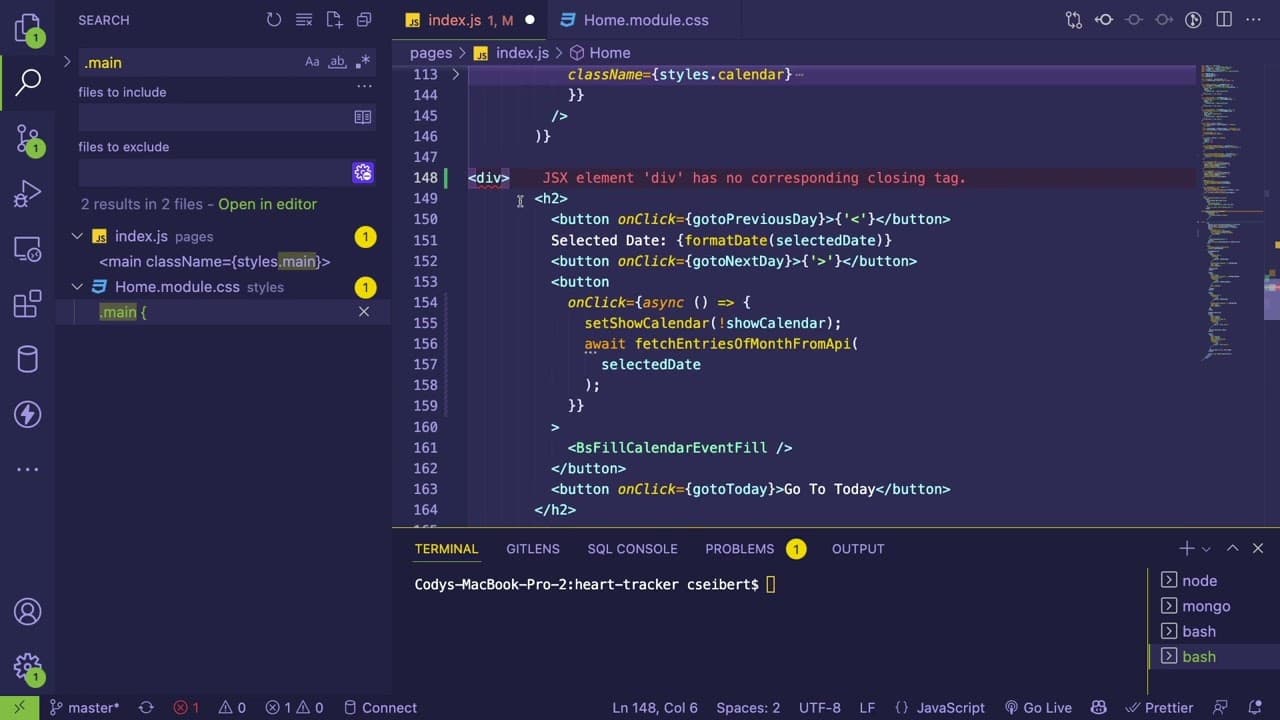
all right so let's do another part of this series let's see what we can actually build today um so we have this calendar it highlights the days but one thing that is kind of not implemented yet is when you switch months it doesn't fetch the new results for that month so i need to figure out how to hook in to this react component to know like when i... Read More
Key Insights
- 📅 Understanding the API of the calendar component is crucial for effective feature implementation, especially regarding event handling and data fetching.
- 👤 User experience is paramount; evaluating current design and user workflows can lead to more intuitive layouts.
- 👨💻 Simplified code structures not only enhance readability but also contribute to more efficient feature implementations in software development.
- 👨💻 Regular refactoring sessions should be part of the development process to eliminate unnecessary code and improve maintainability.
- 👻 Decision-making in development can benefit from an iterative approach, allowing for the testing of various solutions before finalizing designs.
- 🌸 Using version control practices like stashing changes can prevent losses during experimental development phases.
- 👤 Default input values should be carefully managed to ensure they reflect intended user interactions from the start.
Install to Summarize YouTube Videos and Get Transcripts
Explore YouTube Video Summarizer or Get YouTube Transcript Extractor
Questions & Answers
Q: What were the main challenges faced in enhancing the calendar component?
The key challenge was determining the correct methods from the React calendar API to effectively trigger data fetching upon month change. The developer experimented with different methods, ultimately focusing on the 'on active start date change' method as the most suitable for reloading data corresponding to the selected month.
Q: Why did the developer decide to always display the calendar instead of using a toggle?
The developer recognized that having the calendar always visible would significantly enhance usability. Instead of toggling the view, users could focus on navigating through dates seamlessly, which is more intuitive and aligns better with user behavior in similar applications.
Q: What considerations were made regarding user experience?
The developer explored how the layout could be optimized by adopting a grid system, allowing the calendar to be displayed alongside other key functionalities. The goal was to provide a clearer, more organized interface where users could easily access both the calendar and related tasks.
Q: Why is code refactoring important in this project?
Code refactoring is crucial for maintaining a clean codebase, especially when adding new features like data input fields. The developer noted that simplifying the addition process would improve efficiency and reduce the likelihood of errors, making the overall maintenance of the code much easier.
Q: What does the term "stashing changes" refer to in the developer's context?
Stashing changes in Git allows the developer to temporarily save modifications without committing them. This technique helps to create a clean working state while experimenting with code, enabling easy retrieval of changes when needed, and helping to prevent potential loss of progress.
Q: How is the issue of default values for input fields addressed?
The developer identified a problem where certain input fields defaulted to true when they should not. To resolve this, adjustments were made to set the fields to false by default, ensuring accurate representation of user data when the application initializes.
Q: How did the developer approach the integration of new data points to the calendar?
The integration of additional data points, such as exercise tracking, highlighted the need for more efficient code organization. The developer expressed interest in implementing a more streamlined approach, possibly through mapping functions to reduce redundancy in the code and simplify the addition of new features.
Q: What future improvements were indicated for the project?
The developer signaled the intention to reflect on how to optimize structure and functionality for input fields in subsequent sessions. There is a focus on creating a more elegant and organized way to manage incoming data, which would help mitigate the complexities encountered during current changes.
Summary & Key Takeaways
-
The developer discusses the challenges of integrating a React calendar component, specifically how to update data when the month changes, emphasizing the need for efficient method selection from the API.
-
To improve user experience, the developer contemplates functionality changes, such as making the calendar always visible rather than toggle-able, and adjustments in the layout to enhance accessibility.
-
The session concludes with considerations on refining code structure to simplify the addition of new data fields, like tracking exercise, while emphasizing the importance of cleaner and more maintainable code.
Read in Other Languages (beta)
Share This Summary 📚
Summarize YouTube Videos and Get Video Transcripts with 1-Click
Try YouTube Summary with ChatGPT & Claude or YouTube Transcript Generator
Explore More Summaries from Web Dev Cody 📚





Summarize YouTube Videos and Get Video Transcripts with 1-Click
Try YouTube Summary with ChatGPT & Claude or YouTube Transcript Generator