How to Create a Color Guessing Game in React
TL;DR
To create a color guessing game in React using TypeScript, start by setting up state management to display a random color and generate hexadecimal options. Allow users to select from three buttons, where one correctly matches the displayed color, and provide feedback based on their choices. This project helps beginners practice essential React concepts like state, effects, and user interaction.
Transcript
all right how's it going everyone so I'm going to be building out this little color guessing game in react.js with typescript um this is something that I think is fair game that you could probably be asked on a practical interview like I could potentially ask a junior developer like to build this out for me and if they couldn't do this that would p... Read More
Key Insights
- 👾 Building simple games like the color guessing game is an excellent way to practice React skills and TypeScript concepts, reinforcing knowledge in a fun context.
- 👻 Utilizing hooks like useState and useEffect allows for effective management of component states and side effects in React applications, which is fundamental for dynamic interfaces.
- 👾 Understanding the composition of hexadecimal colors (RGB) is essential, as it not only aids in this game but is a common requirement in web development tasks.
- 👾 Incorporating randomness in applications can enhance interactivity; generating random colors makes the game unpredictable and engaging for the player.
- 👨💻 Proper function abstraction and restructuring of logic are critical for maintainability, ensuring that code is clean and efficiently handles repeated tasks.
- 👤 Basic error handling and user feedback mechanisms are crucial in enhancing user experience by providing immediate responses to user actions.
- 👨💻 Familiarizing oneself with TypeScript types and enums can significantly improve code readability and help avoid runtime errors, especially in larger applications.
Install to Summarize YouTube Videos and Get Transcripts
Explore YouTube Video Summarizer or Get YouTube Transcript Extractor
Questions & Answers
Q: What is the main goal of the color guessing game?
The main goal of the color guessing game is for players to identify the correct hexadecimal color that matches the displayed color on the screen. Players choose from three options, honing their understanding of how different colors are represented in the hexadecimal format, which is essential for web development.
Q: How does the game determine the correct color for guessing?
The game determines the correct color by randomly generating a hexadecimal color when the component mounts. This correct color is stored in the state and compared against player selections when they make a guess, giving feedback on whether the guessed color is correct or incorrect.
Q: What specific React functionality helps manage the color states?
The game utilizes React's useState and useEffect hooks to manage and update color states. useState is used to store the current color and possible answer options, while useEffect helps trigger color generation when the component is initially rendered and when new colors need to be selected afterward.
Q: How are random colors generated for the game?
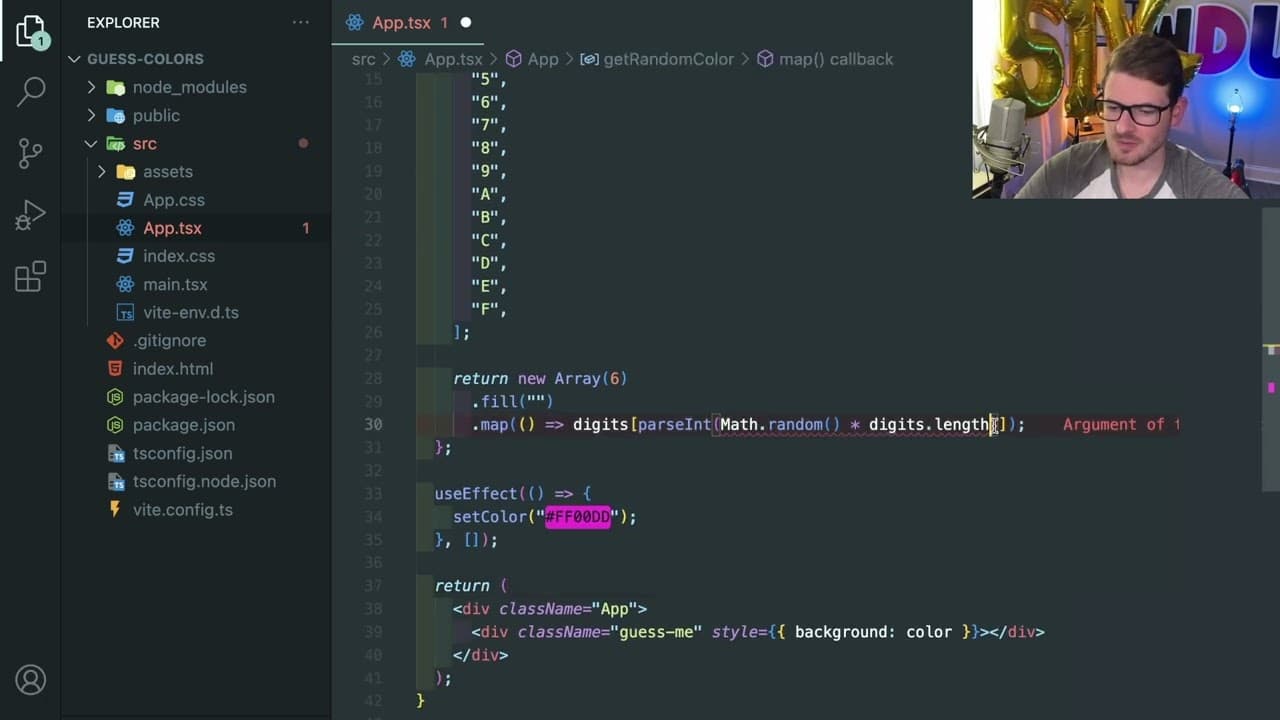
Random colors are generated by creating a function that constructs a hexadecimal string composed of six random characters, each selected from a set of valid hexadecimal digits (0-9 and A-F). The function ensures a new color is created each time it is called upon components mounting or after a guess.
Q: What tutorials or practices does the video recommend for learners?
The video encourages viewers to attempt building the game on their own first, as practical coding challenges are invaluable for skill development. It also suggests watching the tutorial to grasp the implementation details and better understand the code logic involved in React and TypeScript.
Q: Why is understanding hexadecimal colors important for web development?
Understanding hexadecimal colors is crucial for web development because it allows developers to manipulate and define colors in CSS and HTML accurately. It provides the ability to create vibrant and visually appealing designs by understanding how red, green, and blue values combine to produce a wide range of colors.
Q: What kind of error handling does the game implement for user choices?
The game implements basic error handling by providing feedback on user selections. If a player selects the wrong color, a message indicating "wrong answer" appears, while a correct selection prompts a "correct" message. This feedback loop helps players learn and improve their skills as they play.
Summary & Key Takeaways
-
The video demonstrates the creation of a color guessing game in React.js with TypeScript, suitable for beginner developers. The game requires players to match displayed colors with hexadecimal options.
-
It covers fundamentals like state management in React, generating random colors, and handling user interactions in a clear and structured way, providing insight into practical coding skills.
-
The tutorial emphasizes the importance of understanding hex color values, as players analyze color components to select the correct hexadecimal representation during gameplay.
Read in Other Languages (beta)
Share This Summary 📚
Summarize YouTube Videos and Get Video Transcripts with 1-Click
Try YouTube Summary with ChatGPT & Claude or YouTube Transcript Generator
Explore More Summaries from Web Dev Cody 📚





Summarize YouTube Videos and Get Video Transcripts with 1-Click
Try YouTube Summary with ChatGPT & Claude or YouTube Transcript Generator