How to Automatically Transcribe Online Lessons in Zoom and Teams
TL;DR
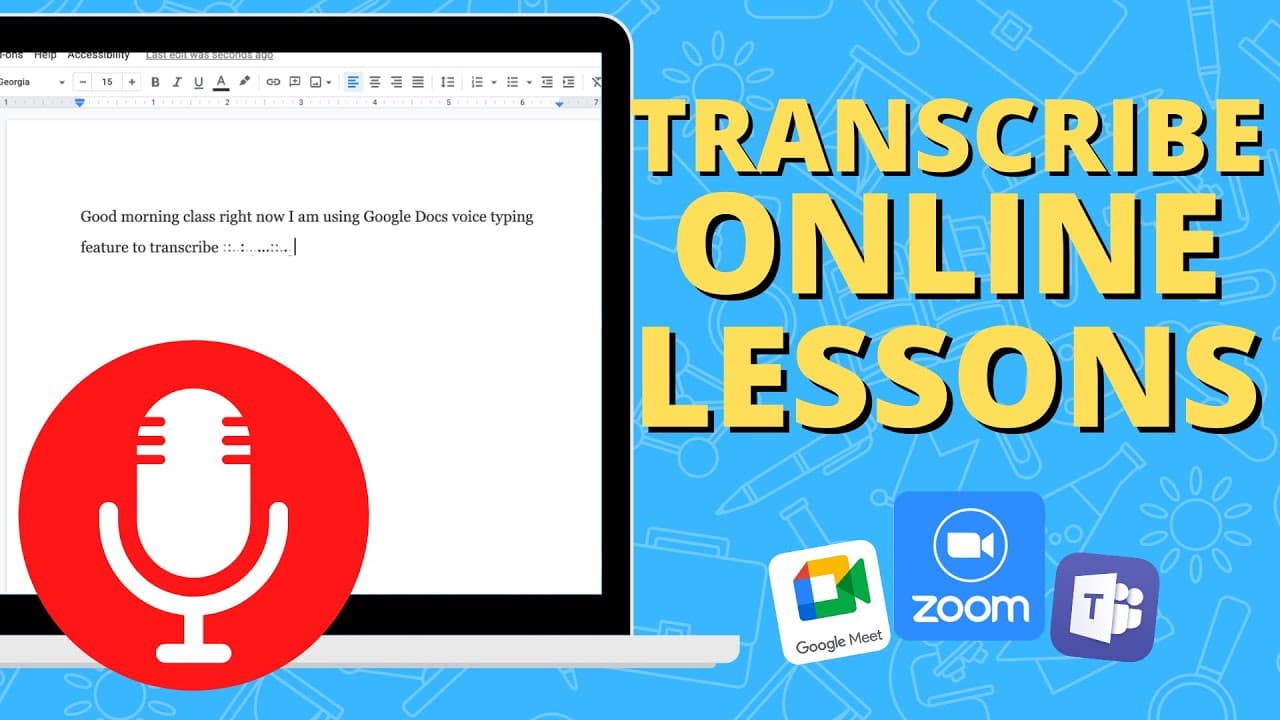
Students can automatically transcribe online lessons by using the dictation feature in Microsoft Word or voice typing in Google Docs while connected to a Zoom or Microsoft Teams meeting. They need to ensure their volume is set appropriately so the microphone can capture the audio, and once the lesson is over, they will have a complete transcript that can easily be searched for specific topics.
Transcript
so in this quick video i'm going to show you how your students can automatically transcribe everything said in an online lesson so there is a way that students can transcribe everything that the online instructor might be saying this way at the end of the lesson they'll have the complete transcript and they can go through and search for certain par... Read More
Key Insights
- 🧑🎓 Transcribing online lessons can save time and enhance note-taking efficiency for students.
- 🅰️ Microsoft Word and Google Docs provide dictation and voice typing features, respectively, enabling automated transcription.
- 🧑🎓 Students should ensure their volume is at an appropriate level for the microphone to pick up the instructor's voice accurately.
- 🧘 The transcription can be edited and modified after the lesson for clarity and completeness.
- 🥳 The find feature in Microsoft Word or Google Docs allows students to search for specific parts in the transcription.
- 🧑🎓 Transcribing online lessons can be beneficial for both students and professors.
- 🧑🎓 Students should be mindful of their words as the transcription captures everything said during the lesson.
Install to Summarize YouTube Videos and Get Transcripts
Explore YouTube Video Summarizer or Get YouTube Transcript Extractor
Questions & Answers
Q: How can students transcribe online lessons automatically?
Students can transcribe online lessons automatically by using the dictation feature in Microsoft Word or the voice typing feature in Google Docs. They need to be connected to the meeting and ensure their volume is at an adequate level for the microphone to capture the sound.
Q: What are the advantages of transcribing online lessons?
Transcribing online lessons allows students to have a complete transcript of what the professor said, making it easier to review and search for specific parts. It serves as a helpful note-taking method that ensures accurate and comprehensive notes.
Q: Can the transcription be edited after the lesson?
Yes, the transcription can be edited after the lesson. Students can go through the transcript in Microsoft Word or Google Docs and make any necessary edits or additions to ensure the notes are accurate and complete.
Q: How can students search for specific parts in the transcription?
Students can use the find feature (Ctrl + F) in Microsoft Word or Google Docs to search for specific terms or phrases in the transcription. This allows them to locate and review particular sections of the lesson quickly.
Summary & Key Takeaways
-
Students need to be connected to a Zoom meeting and turn up their volume to enable the microphone to pick up the instructor's voice.
-
Using the dictation feature in Microsoft Word or the voice typing feature in Google Docs, students can transcribe everything said in their online lesson.
-
Once the lesson is complete, students will have a complete transcription that they can search using the find feature.
Read in Other Languages (beta)
Share This Summary 📚
Summarize YouTube Videos and Get Video Transcripts with 1-Click
Try YouTube Summary with ChatGPT & Claude or YouTube Transcript Generator
Explore More Summaries from EdTech Hustle 📚






Summarize YouTube Videos and Get Video Transcripts with 1-Click
Try YouTube Summary with ChatGPT & Claude or YouTube Transcript Generator