How Do React Server Components Improve Loading Speed?
TL;DR
React Server Components improve loading speed by allowing independent data fetching and rendering. This approach enhances user experience, enabling the main content to display while slower components load in the background. However, limitations in interactivity and state management within these components raise questions about their practical use in dynamic applications.
Transcript
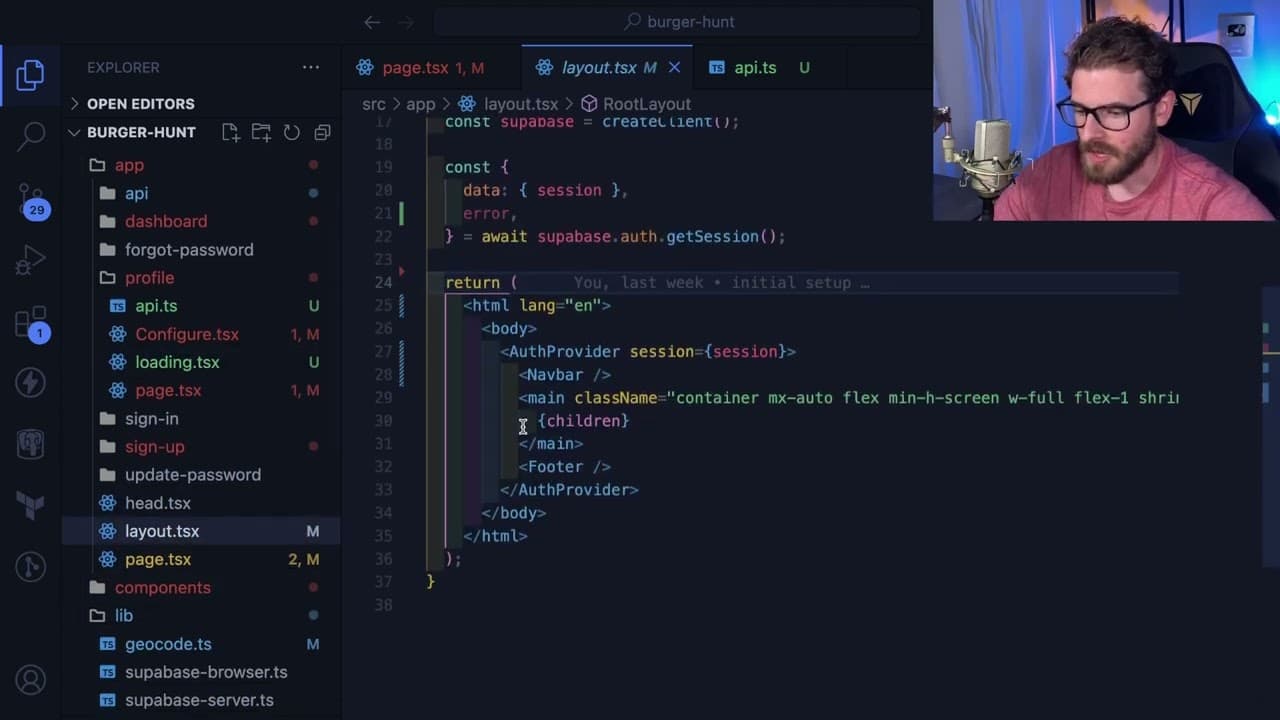
all right so as you guys know I'm pretty late to the game and when it comes to the app directory and react server components but I've just been kind of experimenting with stuff I want to kind of share the things that I've learned with you all and hopefully that helps you understand a little bit more about next and react so a little example that I'm... Read More
Key Insights
- ❓ React Server Components enhance loading performance by enabling independent data fetching and rendering.
- 👤 Superior user experience is achieved as the page can display available content while waiting for additional data.
- 👏 The use of Suspense allows developers to provide visual feedback during loading states, making apps feel responsive.
- 🛟 Limitations in interactivity and state handling within server components highlight a significant trade-off for developers.
- 🛟 Although useful for static or non-interactive components, the practical applications of server components remain debated among developers.
- 🛟 Investigating the balance between server and client components is essential for optimizing application performance and usability.
- 💬 Community engagement, such as comments and discussions, can help clarify the best practices in adopting React Server Components.
Install to Summarize YouTube Videos and Get Transcripts
Explore YouTube Video Summarizer or Get YouTube Transcript Extractor
Questions & Answers
Q: What is the main purpose of implementing React Server Components in a web application?
React Server Components are designed to improve performance by allowing data fetching and rendering to occur seamlessly in the background. This means that while some components are still loading, the rest of the page can display content to the user, enhancing the overall user experience by reducing perceived loading times.
Q: How does the use of Suspense affect the loading of components in React?
Utilizing Suspense in React allows developers to manage loading states more effectively. When a component's data is still resolving, Suspense can show a fallback UI, like a loading spinner or message. This approach ensures that the entire application does not stall while waiting for data, allowing users to engage with parts of the app that are ready.
Q: What challenges are presented by React Server Components for state management and interaction?
React Server Components do not support hooks like useState and useEffect, limiting interactivity within these components. This poses challenges for developers who want to include dynamic behaviors, such as user input or real-time updates, as those components cannot maintain their own state or lifecycle, potentially complicating the app's architecture.
Q: Can you provide an example where using React Server Components might be beneficial?
A compelling use case for React Server Components could be showing non-interactive content, such as advertisements or static sidebars, that should not block the loading process of the main application. This allows the main content to render quickly while other elements load gradually, improving the perceived performance of the application.
Summary & Key Takeaways
-
The video discusses an experiment with React Server Components to address slow component loading issues in a user profile page.
-
By utilizing Suspense, the speaker demonstrates how to allow parts of the page to load independently, improving user experience.
-
Despite the advantages, questions remain about the applicability of server components for interactive functionalities in React applications.
Read in Other Languages (beta)
Share This Summary 📚
Summarize YouTube Videos and Get Video Transcripts with 1-Click
Try YouTube Summary with ChatGPT & Claude or YouTube Transcript Generator
Explore More Summaries from Web Dev Cody 📚





Summarize YouTube Videos and Get Video Transcripts with 1-Click
Try YouTube Summary with ChatGPT & Claude or YouTube Transcript Generator