How to Use n8n Native Data Tables for Automation and AI Agents
TL;DR
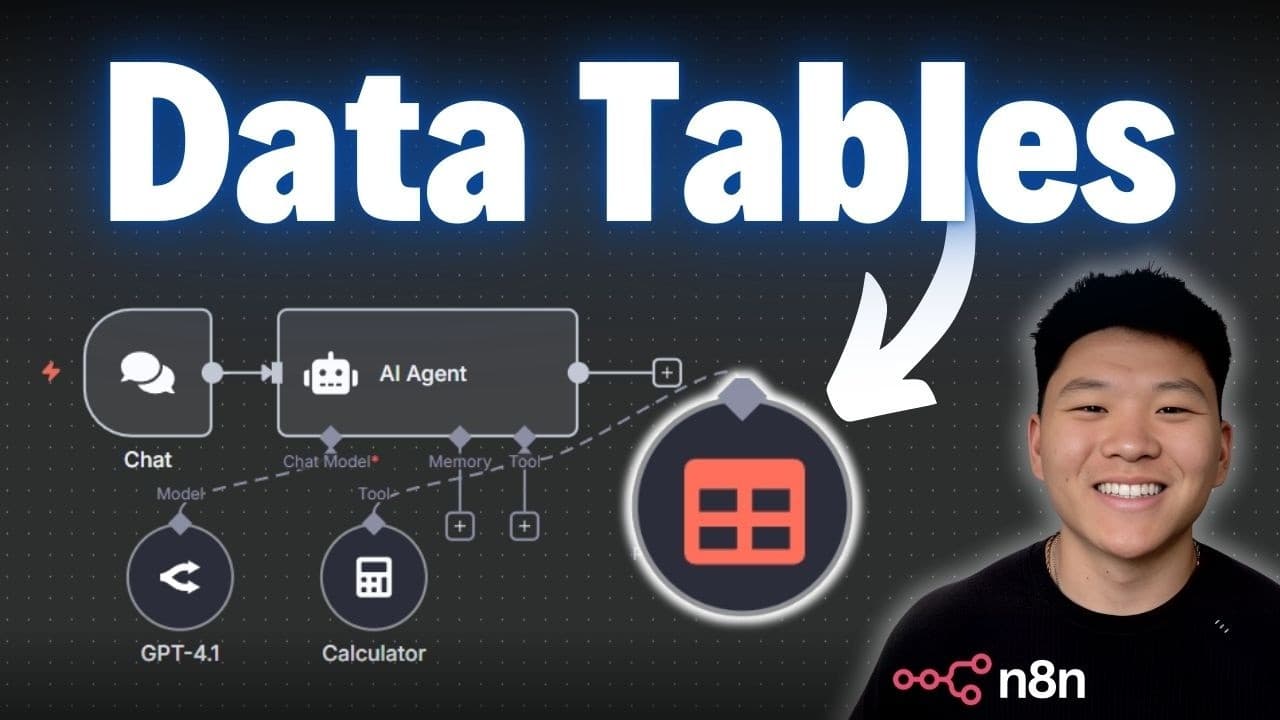
n8n native data tables let workflows and AI agents store, query, and update data directly inside n8n without using an external database or making API calls. Tables support string, number, boolean, and date columns, while the Data Table node can get, insert, update, upsert, or delete rows. Read on for the setup process, Google Sheets import workflow, and practical agent examples.
Transcript
All right. So, we've got our sales data AI agent right here and it's hooked up to all of these tools so that it can query through our sales database. So, I'm going to open up the chat and I'm going to ask it how much total revenue have we made from our Bluetooth speaker. And so, what it's going to do is use these tools right here and it used the pr... Read More
Key Insights
- n8n's native data tables enable data storage within the n8n environment, reducing reliance on external databases.
- These tables allow for quick and efficient data queries and calculations, enhancing workflow automation.
- Data tables support various data types, including string, number, boolean, and date, offering flexibility in data management.
- Users can import data from external sources like Google Sheets into n8n data tables for seamless integration.
- n8n data tables eliminate the need for constant API calls, reducing potential latency and rate limit issues.
- The feature is particularly beneficial for quick proof of concepts and demos, offering a simple data management solution.
- n8n data tables provide similar functionalities to Google Sheets, such as row insertion, deletion, and updates.
- Performance tests show n8n data tables are faster for small data sets, while performance is comparable for larger sets.
Install to Summarize YouTube Videos and Get Transcripts
Explore YouTube Video Summarizer or Get YouTube Transcript Extractor
Questions & Answers
Q: How do you use n8n native data tables for automation and AI agents?
Create a table from the Data Tables area, define its columns and data types, and add or import rows. In a workflow, use the Data Table node to retrieve or change those rows, then pass the selected data to an AI agent or another automation step.
Q: How do you create a native data table in n8n?
From the n8n home screen, open the drop-down and select “create data table.” The new table includes created-at and updated-at columns by default, and you can add your own columns by entering a name and choosing a data type.
Q: Which data types do n8n data tables support?
A table column can use the string, number, boolean, or date data type. Imported or inserted values must match the configured column types, or n8n will not allow those values to be inserted.
Q: What operations can the n8n Data Table node perform?
The node can delete, get, insert, update, or upsert rows. Its functions are described as similar to Google Sheets operations, but the table itself is stored natively within n8n.
Q: How can you import Google Sheets data into an n8n data table?
Use a Google Sheets step to retrieve the source rows, then send them to a Data Table node configured to insert rows into the chosen table. Map each source field, such as name, email, number, or notes, to the corresponding table column and ensure their data types match.
Q: Can an n8n workflow retrieve only rows matching a condition?
Yes. A Get Rows operation can apply a filter, such as returning only the contact whose email equals the address received by a Gmail trigger. The matching contact’s notes can then be passed to an AI agent preparing an email response.
Q: Why use native data tables instead of an external data source?
The data remains inside the n8n environment, so a workflow does not need to access it over the internet or make an external API call. The example also shows that the Data Table node has no credential section because it retrieves the table natively from n8n.
Q: How can an AI agent calculate sales revenue from an n8n data table?
The demonstrated agent queried every sales row for the Bluetooth speaker and used its calculator tool to sum each row’s revenue. It returned total Bluetooth speaker revenue of $546, which the presenter confirmed was correct.
Summary & Key Takeaways
-
n8n's native data tables provide a way to store and manage data directly within the n8n environment, eliminating the need for external databases or API calls. This feature allows for efficient data querying and manipulation, making it ideal for building workflows and AI agents without latency or rate limit issues.
-
The data tables support various data types and can be populated by importing from external sources like Google Sheets. Users can perform operations like row insertion, deletion, and updates, similar to Google Sheets, but with the added benefit of staying within the n8n environment.
-
Performance tests indicate that n8n data tables are faster for smaller data sets, while performance remains comparable for larger data sets. This feature is particularly useful for quick proof of concepts, demos, or simple data management tasks, providing a game-changing solution for automation.
Read in Other Languages (beta)
Share This Summary 📚
Summarize YouTube Videos and Get Video Transcripts with 1-Click
Try YouTube Summary with ChatGPT & Claude or YouTube Transcript Generator
Explore More Summaries from Nate Herk | AI Automation 📚






Summarize YouTube Videos and Get Video Transcripts with 1-Click
Try YouTube Summary with ChatGPT & Claude or YouTube Transcript Generator