How to connect AI to Obsidian while protecting notes
TL;DR
Back up before giving AI access and use a safe, controlled setup. Point AI at a folder, or use a subfolder with restricted access, to limit what the AI can see. Keep the vault simple, with minimal moving parts, to reduce risk and maintenance.
Transcript
Every time I post about Obsidian, the same kinds of questions come back. I've been collecting these questions for months. [music] So, I brought them to the person who's been living at this intersection of Obsidian and AI for longer than anyone I know. I sat him down in front of my vault. When you see a vault open up, [music] what do you notice? Lik... Read More
Key Insights
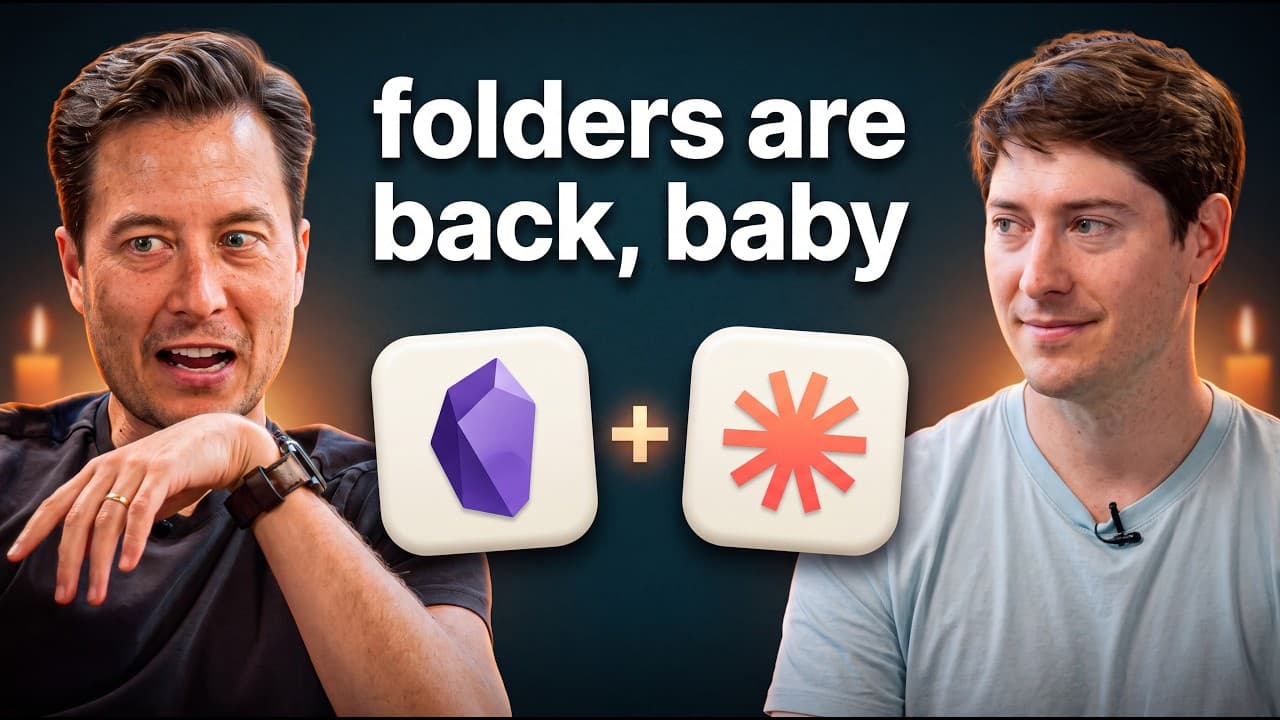
- Obsidian is a note app that does not hold notes itself; it relies on your computer to store the notes as plain text files, organized in a folder with subfolders such as Clippings, Copilot, Readwise, and Web Clipper.
- Backups are essential before giving AI access, because if AI can read it, it can write or delete, so create duplicates and store them in multiple locations for safety.
- Duplicating the vault is a fast, two‑second operation using command D and adding a date, creating a time-stamped snapshot that can be used for experiments without affecting the main vault.
- There are three ways to connect AI to Obsidian notes: point AI at the folder directly, use an Obsidian CLI, or rely on third‑party plugins; the speaker prefers the simplest approach that minimizes moving parts.
- Use a cloud or local collaborate tool to expose only a subfolder to AI, giving it the minimum context needed and preserving privacy by restricting access to the rest of the vault.
- The goal is to limit what AI can access by controlling scope with folders or subfolders, ensuring the AI only sees the notes necessary for the task at hand.
- Fewer moving parts means fewer maintenance risks; avoid chaining multiple plugins from different developers to reduce breakage when updates occur.
- The concept of the “3 files model” is highlighted as Nick Milo’s method, which emphasizes a simple structure to support AI interactions without overcomplicating the vault.”]},
- Q_and_A:[{
- question
Install to Summarize YouTube Videos and Get Transcripts
Explore YouTube Video Summarizer or Get YouTube Transcript Extractor
Questions & Answers
Q: A real search query question about the video (e.g. 'How to...', 'What is...', 'Why does...', 'When should...'). Question 1
Answer to question 1. Detailed, factual, at least 50 words. Standalone answer citable without additional context.
Q: Question 2
Answer 2. At least 50 words.
Q: Question 3
Answer 3. At least 50 words.
Q: Question 4
Answer 4. At least 50 words.
Q: Question 5
Answer 5. At least 50 words.
Q: Question 6
Answer 6. At least 50 words.
Q: Question 7
Answer 7. At least 50 words.
Q: Question 8
Answer 8. At least 50 words.
Summary & Key Takeaways
-
Obsidian is presented as a note app that stores plain text files in a single folder structure, not a proprietary container, making it easy to back up and move. The interview emphasizes starting with backups first, then safely connecting AI to the vault through controlled access. It also argues for keeping the system simple with fewer plugins and dependencies to reduce breakage and risk.
-
The video demonstrates how to create a duplicate vault quickly using command D, date it, and store it in a backups folder or off device, creating a time-stamped, standalone copy that can be used for AI experiments without touching the main vault.
-
A key theme is ownership and control of data, with the recommendation to limit AI visibility to a subfolder or a copy of notes, thereby maintaining privacy while enabling AI to help with tasks such as linking and file organization.
Read in Other Languages (beta)
Share This Summary 📚
Summarize YouTube Videos and Get Video Transcripts with 1-Click
Try YouTube Summary with ChatGPT & Claude or YouTube Transcript Generator
Explore More Summaries from Tiago Forte 📚

Summarize YouTube Videos and Get Video Transcripts with 1-Click
Try YouTube Summary with ChatGPT & Claude or YouTube Transcript Generator