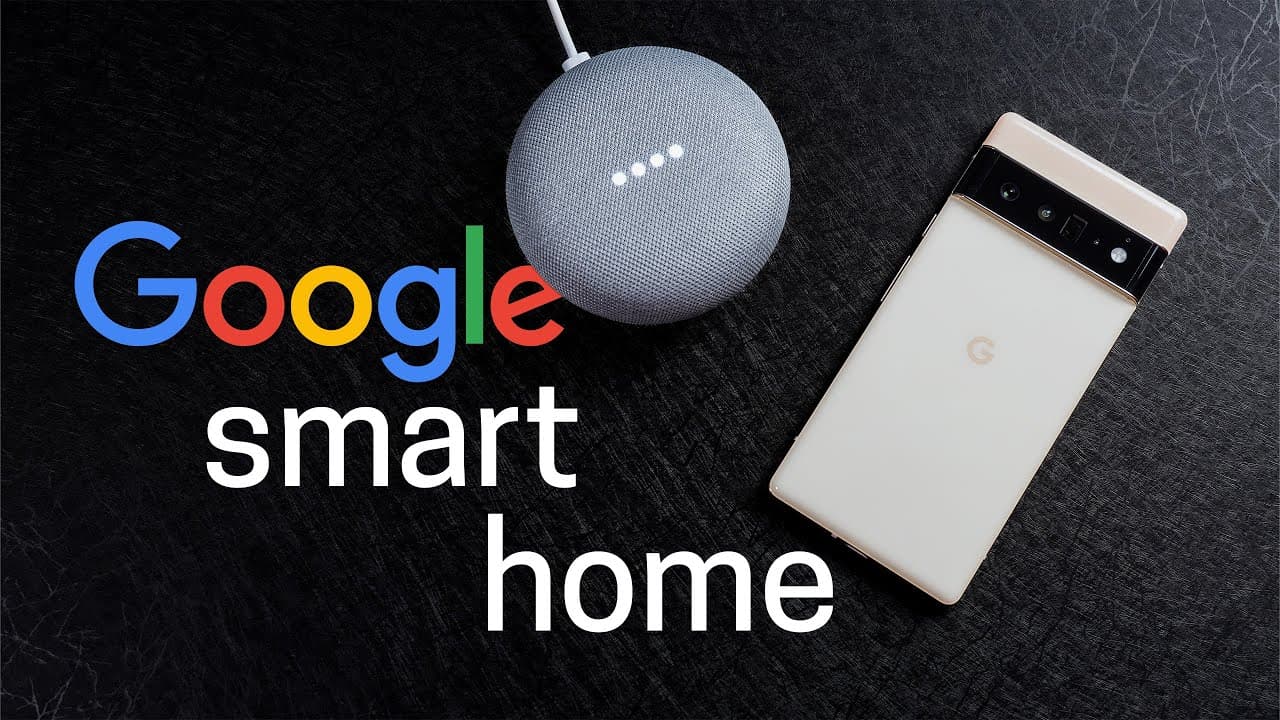
Is Google Smart Home with Pixel 6 Worth It?
TL;DR
The Google Smart Home experience with the Pixel 6 offers useful features like hands-free call answering and personalized routines, but it falls short due to requiring phone unlocks for many assistant functions and limited automation options. Although it enhances smart home control, improvements are needed in automation triggers and response delays.
Transcript
All right, I’m going to be honest here. I haven’t used Google as much as Amazon in my smart home. Mainly because Amazon has had more automation options. But with the new Pixel 6, I wanted to give Google another chance. Especially with the new features to see how it can improve my smart home. Or is it a lost cause? Well, one of the main advantages o... Read More
Key Insights
- 📱 Tight integration between Google Pixel 6 and Android phones enhances smart home control convenience.
- 🤗 Google Pixel 6 showcases innovative features like hands-free phone call answering but faces challenges with assistant unlock requirements.
- 👍 Customized routines for bedtime and mornings prove useful in optimizing daily routines with voice commands.
- 🤵 Google's smart home automation features have room for improvement in areas like triggering options and delays.
- 👤 Enhanced user experience on Google's smart displays compared to Amazon's counterparts due to speed and efficiency.
- 🫠 Unique advantages of Google Pixel 6 include capabilities like reading customized articles and consolidating routines using Daylong routines.
- 👪 Limitations in Google's smart home ecosystem include issues with alarm-triggered routines and delays in routine actions.
Install to Summarize YouTube Videos and Get Transcripts
Explore YouTube Video Summarizer or Get YouTube Transcript Extractor
Questions & Answers
Q: What are some advantages of using Google Pixel 6 in a smart home setup?
Google Pixel 6 offers tight integration with Android phones for smart display-like functionality, convenient phone call answering without voice match, and customizable routines for bedtime and mornings.
Q: What are some drawbacks or limitations of using Google Pixel 6 in automating smart home tasks?
Google Pixel 6 lacks the ability to trigger routines from the phone after stopping an alarm, offers delays of minimum 1 minute which is longer than competitors, and faces challenges in synchronizing routines across devices comprehensively.
Q: How does Google Pixel 6 compare to Amazon in terms of smart home automation features?
Google Pixel 6 offers unique advantages like customizable routines and widget buttons for routine activation on Android, but falls short in certain areas such as trigger options, delays, and overall user experience compared to Amazon.
Q: How does Google's smart display and speaker ecosystem fare against Amazon's counterparts?
Google's smart displays offer faster and more intuitive experiences compared to Amazon's, but there are still areas for improvement such as better speaker recognition during interactions and additional features for seamless integration in various setups.
Summary & Key Takeaways
-
Testing Google Pixel 6 in a smart home reveals convenience with Android tight integration for smart displays but hiccups with assistant requiring phone unlock.
-
Positive features include hands-free phone call answering, customized routines, and convenient widget buttons for routine activation on Android.
-
Issues include missing automation features like lack of trigger options and delays, revealing room for improvement in Google's smart home ecosystem.
Read in Other Languages (beta)
Share This Summary 📚
Summarize YouTube Videos and Get Video Transcripts with 1-Click
Try YouTube Summary with ChatGPT & Claude or YouTube Transcript Generator
Explore More Summaries from Smart Home Solver 📚


Summarize YouTube Videos and Get Video Transcripts with 1-Click
Try YouTube Summary with ChatGPT & Claude or YouTube Transcript Generator