How to Install Stable Diffusion Locally for AI Art?
TL;DR
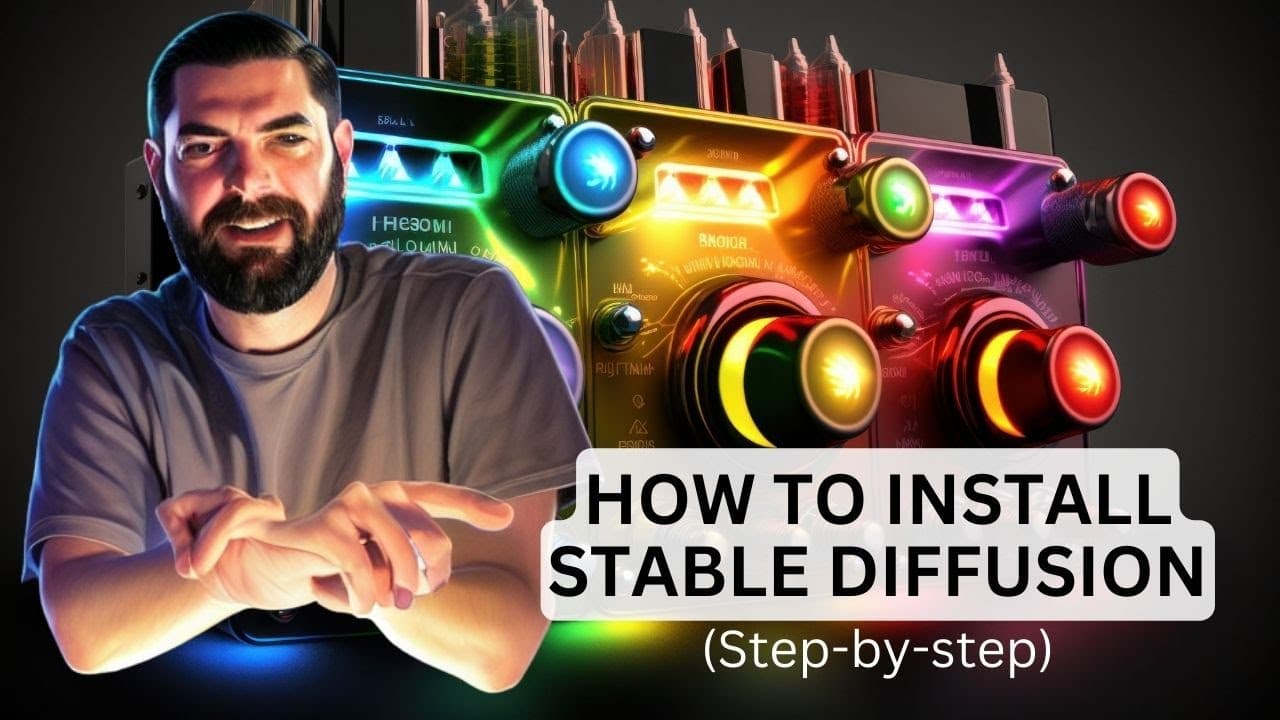
To install Stable Diffusion locally, download Git for Windows, create accounts on Hugging Face and GitHub, and follow step-by-step commands to set it up. This allows you to generate unlimited AI art without content restrictions, use custom trained models, and access advanced features like image-to-image generation.
Transcript
in this video I'm going to show you how to set up and run stable diffusion locally if you're on a PC as well as how to run it in the cloud if maybe you're on an older computer or a Mac and once you've got stable diffusion set up it opens up so many cool possibilities of things that you can do with AI art and I can't wait to dig in so let's go why w... Read More
Key Insights
- 🔑 Stable Diffusion installed locally offers unlimited creative possibilities without restrictions on NSFW content or specific words.
- 😒 Local installation allows the use of personal trained models, including training your own face into the AI model.
- 🎮 Control net, scribble control network, and image-to-image generation are advanced features available with local installation.
- 😶🌫️ Run Diffusion is a cloud-based alternative for running Stable Diffusion on older computers or Macs.
- 🥶 The website "huggingface.co" and a free GitHub account are required to set up Stable Diffusion.
- ❓ Installing Stable Diffusion from GitHub using Git Bash is relatively simple with step-by-step instructions.
- ❓ Python installation is necessary for local installation.
- 🥇 Models for Stable Diffusion can be downloaded from the Hugging Face website and placed in the appropriate folder.
- 🥰 Run Diffusion offers different GPU options based on speed, allowing users to generate AI art quickly.
Install to Summarize YouTube Videos and Get Transcripts
Explore YouTube Video Summarizer or Get YouTube Transcript Extractor
Questions & Answers
Q: What are the benefits of having Stable Diffusion installed on your own computer?
Having a local installation of Stable Diffusion removes restrictions on content, allows the use of personal trained models, and provides access to advanced features like control net, scribble control network, and image-to-image generation.
Q: Can I generate customized images using Stable Diffusion?
Yes, Stable Diffusion enables the generation of customized images as you can use your own trained models, including your own face, to create unique AI-generated art.
Q: Is it necessary to have a PC and a graphics card for local installation?
Yes, a PC with a decent graphics card is required for local installation as Stable Diffusion requires significant computing power.
Q: Is there an alternative for running Stable Diffusion on older computers or Macs?
Yes, you can use the cloud-based service called Run Diffusion, which allows you to run Stable Diffusion without the need for a high-powered PC or graphics card.
Summary & Key Takeaways
-
Stable Diffusion allows for unrestricted creative freedom, unlike other platforms that have limitations on NSFW content or specific words.
-
Installing Stable Diffusion locally enables the use of personal trained images, including training your own face into the AI model.
-
Local installation provides access to advanced features like control net, scribble control network, image-to-image generation, and instruct picks to create a wide range of AI-generated art.
Read in Other Languages (beta)
Share This Summary 📚
Summarize YouTube Videos and Get Video Transcripts with 1-Click
Try YouTube Summary with ChatGPT & Claude or YouTube Transcript Generator
Explore More Summaries from Matt Wolfe 📚



Summarize YouTube Videos and Get Video Transcripts with 1-Click
Try YouTube Summary with ChatGPT & Claude or YouTube Transcript Generator