How to Learn JavaScript: A Complete Beginner Course
TL;DR
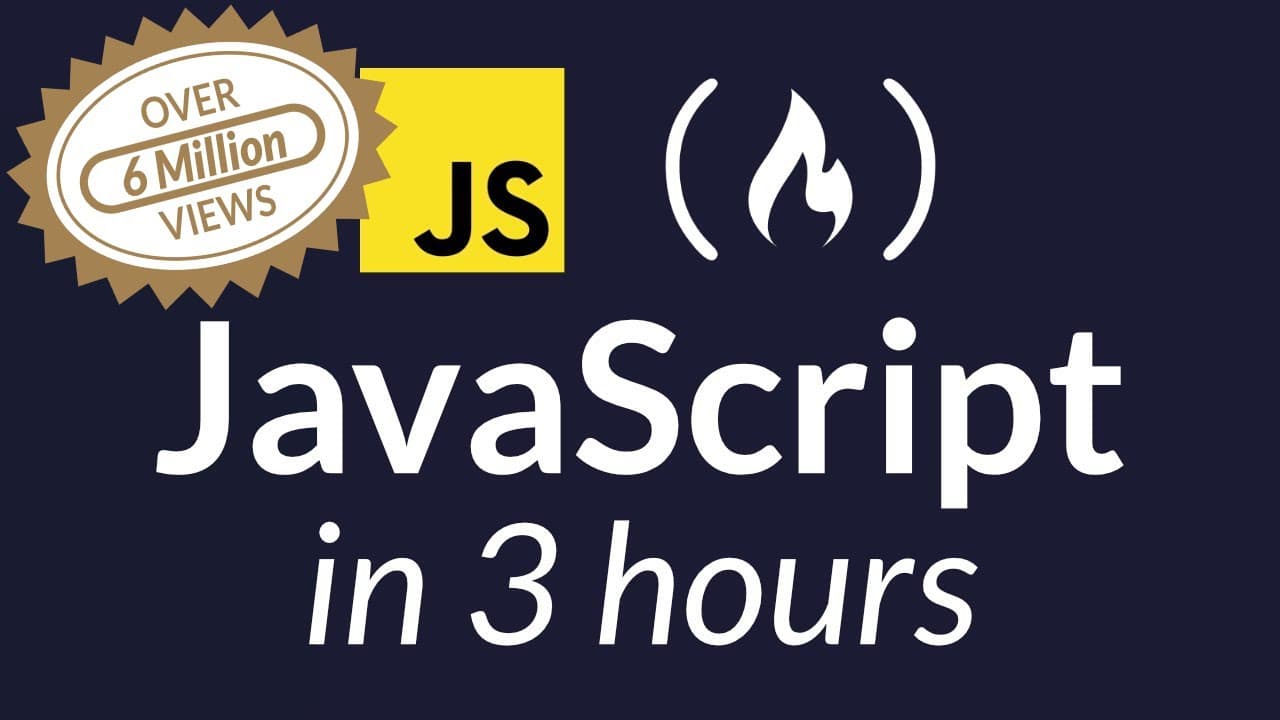
To learn JavaScript effectively, start with this comprehensive beginner course that covers essential concepts like syntax, data types, variables, and functions. The course emphasizes hands-on learning with practical examples and exercises, making it suitable for complete novices and those looking to refresh their skills.
Transcript
Beau: This is the Beginner’s Javascript course you are looking for. My name is Beau Carnes. And I’m with freeCodeCamp.org. In this full Javascript course you will learn everything you need to know to get started with Javascript. This course is perfect for beginners or anyone that just wants a refresher on basic Javascript syntax. This course ac... Read More
Key Insights
- 🎨 This Javascript course is designed for beginners or those needing a refresher on basic syntax.
- 👨💻 Various coding environments and tools are available for writing and running JavaScript code, including code editors, integrated development environments (IDEs), and online platforms.
- 🫥 Comments in JavaScript are lines of code that are ignored by the interpreter and are used to add explanatory notes for the programmer.
- 🤬 JavaScript offers different data types, including numbers, strings, booleans, undefined, null, symbols, and objects.
- 💌 Variables can be declared using var, let, or const, with each having different scoping and assignment rules.
- 🎭 Arithmetic operations, such as addition, subtraction, multiplication, and division, can be performed in JavaScript using various operators.
- ❓ JavaScript supports incrementing and decrementing variables using the ++ and -- operators.
- ❓ JavaScript provides various methods for creating and manipulating strings, including concatenation, escaping characters, and finding the length of a string.
- 👻 Arrays in JavaScript allow storing multiple values in a single variable and can be accessed using indexes.
- 👨💻 Functions in JavaScript are reusable blocks of code that can accept inputs (parameters) and return outputs.
- 👻 Conditional statements in JavaScript, such as if statements, allow making decisions based on certain conditions.
Install to Summarize YouTube Videos and Get Transcripts
Explore YouTube Video Summarizer or Get YouTube Transcript Extractor
Questions & Answers
Q: What is the purpose of this Javascript course?
The course aims to provide beginners with a solid foundation in Javascript, covering essential concepts and syntax.
Q: How can one access the Javascript console for testing code?
One way to access the Javascript console is by using developer tools in web browsers, such as Google Chrome or Firefox.
Q: What is the significance of the var keyword in variable declaration?
The var keyword is used to declare variables in Javascript. It is a way of assigning a name to a value or data and allows the programmer to assign and manipulate that value throughout the program.
Q: What is the purpose of the console.log() function?
The console.log() function is used to display or output data to the JavaScript console, which is helpful for testing and debugging code.
Key Insights:
- This Javascript course is designed for beginners or those needing a refresher on basic syntax.
- Various coding environments and tools are available for writing and running JavaScript code, including code editors, integrated development environments (IDEs), and online platforms.
- Comments in JavaScript are lines of code that are ignored by the interpreter and are used to add explanatory notes for the programmer.
- JavaScript offers different data types, including numbers, strings, booleans, undefined, null, symbols, and objects.
- Variables can be declared using var, let, or const, with each having different scoping and assignment rules.
- Arithmetic operations, such as addition, subtraction, multiplication, and division, can be performed in JavaScript using various operators.
- JavaScript supports incrementing and decrementing variables using the ++ and -- operators.
- JavaScript provides various methods for creating and manipulating strings, including concatenation, escaping characters, and finding the length of a string.
- Arrays in JavaScript allow storing multiple values in a single variable and can be accessed using indexes.
- Functions in JavaScript are reusable blocks of code that can accept inputs (parameters) and return outputs.
- Conditional statements in JavaScript, such as if statements, allow making decisions based on certain conditions.
- Comparison operators in JavaScript, such as equality, inequality, greater than, less than, etc., are useful for comparing values and returning boolean results.
Summary & Key Takeaways
-
This course provides a beginner-friendly introduction to Javascript, covering all the necessary concepts to get started.
-
Topics covered include basic Javascript syntax, working with data types and variables, using if statements and operators for comparisons, and understanding functions.
-
The course emphasizes hands-on learning, with practical examples and exercises to reinforce the concepts taught.
Read in Other Languages (beta)
Share This Summary 📚
Summarize YouTube Videos and Get Video Transcripts with 1-Click
Try YouTube Summary with ChatGPT & Claude or YouTube Transcript Generator
Explore More Summaries from freeCodeCamp.org 📚



Summarize YouTube Videos and Get Video Transcripts with 1-Click
Try YouTube Summary with ChatGPT & Claude or YouTube Transcript Generator