How to Create AI App Prototypes Visually Without Coding
TL;DR
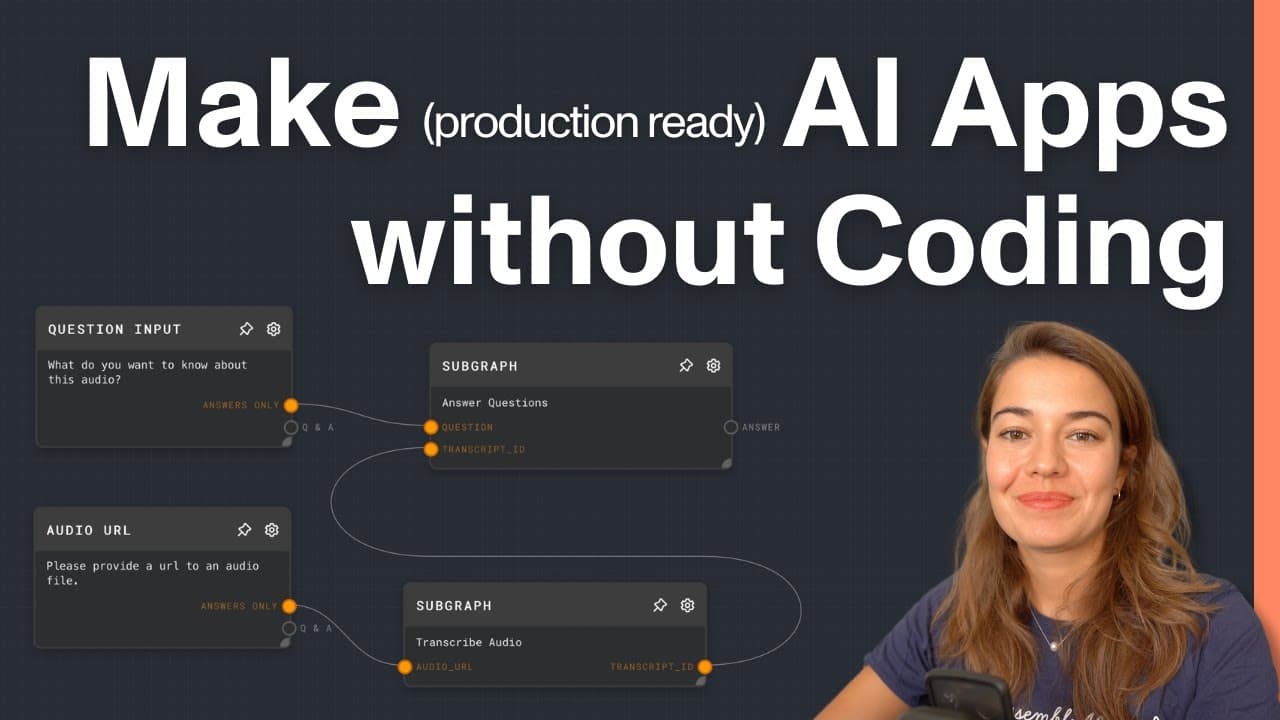
To create AI app prototypes without coding, use Rivet's visual development environment and integrate the Assembly AI plugin for tasks like audio transcription. By connecting audio data and utilizing modular graphs, you can build complex applications and streamline the development process efficiently.
Transcript
so I have not written even one line of code yet this is really all it takes I just have four notes I say run pass the URL and ask a question what is the most important item on the agenda in this meeting and we already get our answer the most important item on the agenda is proposal number four and we have a bit more information about it earlier thi... Read More
Key Insights
- 👨💻 Rivet enables visual prototyping of AI applications without the need for coding knowledge.
- ❓ Assembly AI plugin integrates seamlessly with Rivet for transcribing audio and generating text responses.
- 👻 Graphs in Rivet function as individual tasks, allowing for modular and structured development of AI projects.
- ❓ Prompt engineering is crucial for obtaining desired responses from AI models in Rivet.
- 📽️ Integration of Rivet graphs into Node.js projects expands the capabilities of AI applications.
- 😄 The ease of setting up AI applications using Rivet and Assembly AI promotes rapid development of innovative solutions.
- 🈸 Effective utilization of plugins like Assembly AI enhances the functionality and accuracy of AI applications created in Rivet.
Install to Summarize YouTube Videos and Get Transcripts
Explore YouTube Video Summarizer or Get YouTube Transcript Extractor
Questions & Answers
Q: What is Rivet and how does it simplify AI application development?
Rivet is an environment for prototyping AI applications visually without coding, making it easier to build complex apps with multiple services combined efficiently.
Q: How do you set up Assembly AI plugin for transcribing audio in Rivet?
To use the Assembly AI plugin, install it in Rivet, then obtain an API key from assemblyai.com and paste it in settings to enable audio transcription capabilities.
Q: What is the structure of a project in Rivet, and how are graphs utilized?
Projects in Rivet consist of multiple graphs for executing specific functions. These graphs act as functions, each performing a particular task like transcribing audio or answering questions.
Q: How can you prompt models effectively in Rivet for desired responses?
By structuring graphs to receive specific inputs like audio files and questions, users can prompt AI models effectively to generate accurate responses for queries.
Summary & Key Takeaways
-
Introduction to using Rivet & Assembly AI to create AI applications without code.
-
Demonstrates step-by-step process of building a project in Rivet for transcribing audio and answering questions.
-
Explains how to integrate the created graphs in a Node.js project for further development.
Read in Other Languages (beta)
Share This Summary 📚
Summarize YouTube Videos and Get Video Transcripts with 1-Click
Try YouTube Summary with ChatGPT & Claude or YouTube Transcript Generator
Explore More Summaries from AssemblyAI 📚






Summarize YouTube Videos and Get Video Transcripts with 1-Click
Try YouTube Summary with ChatGPT & Claude or YouTube Transcript Generator