Why I am using Prisma for my React side projects
TL;DR
Prisma simplifies database management and model relationships for beginners in development.
Transcript
all right so I wanted to talk a little bit about why I'm using Prisma on my side projects as you may know I've been working on like a T3 stack application to build out this online classroom and I chose to use Prisma not only because it's built in default with the T3 stack but because Prisma has a lot of features that really help you hit the ground ... Read More
Key Insights
- 👻 Prisma is highly beneficial for beginners due to its ability to simplify complex database tasks, allowing focus on application logic.
- ⚾ The choice of database should be based on the nature of data and relationships rather than simply personal preference.
- 😌 Prisma’s automatic migration scripts relieve developers from manually writing SQL commands, reducing errors and streamlining development.
- 🆘 With Prisma, data modeling is intuitive; defining relationships within the schema helps maintain clear data structures and integrity.
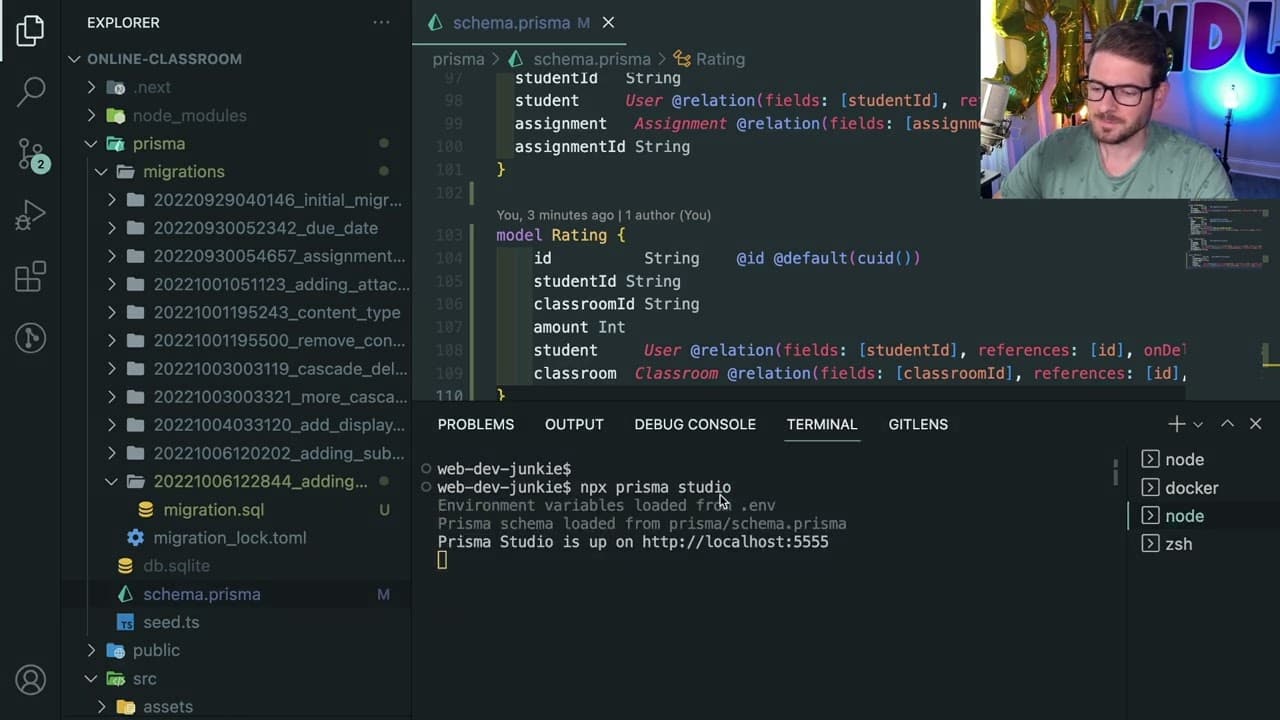
- 👶 Prisma Studio presents a user-friendly interface to interact with the database, essential for those new to backend development.
- ♻️ The inclusion of a seeding feature enables developers to set up a working environment quickly, enhancing rapid development cycles.
- 🌥️ Future scalability and performance considerations are essential when integrating Prisma into larger applications with extensive data needs.
Install to Summarize YouTube Videos and Get Transcripts
Explore YouTube Video Summarizer or Get YouTube Transcript Extractor
Questions & Answers
Q: What makes Prisma a suitable choice for beginners in development?
Prisma abstracts away much of the complexity involved in database management by automatically handling migration scripts and allowing users to define their data models easily. This simplification reduces the learning barrier, enabling beginners to focus more on application development rather than getting bogged down by complex SQL syntax.
Q: How does Prisma handle relationships between data models?
In Prisma, relationships are defined within the schema by linking models together. For example, in a classroom application, you can relate users, classrooms, assignments, and submissions seamlessly. Prisma takes this a step further by generating migration scripts to reflect changes in relational data structures, making it easy to maintain consistency within your database.
Q: What is the role of Prisma Studio in database management?
Prisma Studio is a web-based tool that allows developers to visually explore and manage their database data. Users can view, modify, and delete records easily without needing to execute explicit SQL commands. This interface is particularly beneficial for beginners, providing an intuitive way to understand database content and relationships.
Q: What are some common pitfalls to be aware of when using Prisma?
One downside of using Prisma is its reliance on Rust when working with Next.js, which may limit capabilities in serverless or edge functions. Additionally, while Prisma aims to optimize performance, there may still be scenarios where users experience performance issues, particularly when scaling applications, necessitating careful consideration of use cases and architecture.
Q: How does Prisma facilitate the process of creating seed data?
Prisma provides functionality to create seed scripts that populate the database with initial data automatically. Developers can define seed data in a TypeScript script, and when the application is set up, running migration scripts will trigger the insertion of this data, allowing users to interact with a functional application without tedious manual setup.
Q: Why is understanding data relationships crucial in database selection?
Understanding data relationships helps determine the appropriate database model. For instance, if data is highly interconnected, a relational database like PostgreSQL or MySQL may be best suited. Conversely, if the data resembles documents or needs flexible schemas, a NoSQL database like MongoDB may be more fitting. This understanding informs both database choice and how to utilize features like Prisma.
Summary & Key Takeaways
-
The speaker advocates for using Prisma in side projects, particularly within the T3 stack, for its capability to streamline database interactions and abstract complex boilerplate code.
-
Beginners often struggle with selecting the right database; however, the focus should be on understanding data types and relationships rather than specific database technologies until reaching enterprise-level needs.
-
Prisma offers convenient features such as automatic migration scripts, a visual interface called Prisma Studio, and seed data creation, making it an invaluable tool for newcomers who want to manage relational databases efficiently.
Read in Other Languages (beta)
Share This Summary 📚
Summarize YouTube Videos and Get Video Transcripts with 1-Click
Try YouTube Summary with ChatGPT & Claude or YouTube Transcript Generator
Explore More Summaries from Web Dev Cody 📚





Summarize YouTube Videos and Get Video Transcripts with 1-Click
Try YouTube Summary with ChatGPT & Claude or YouTube Transcript Generator