How to Set Up a Mobile Livestream for Facebook or YouTube
TL;DR
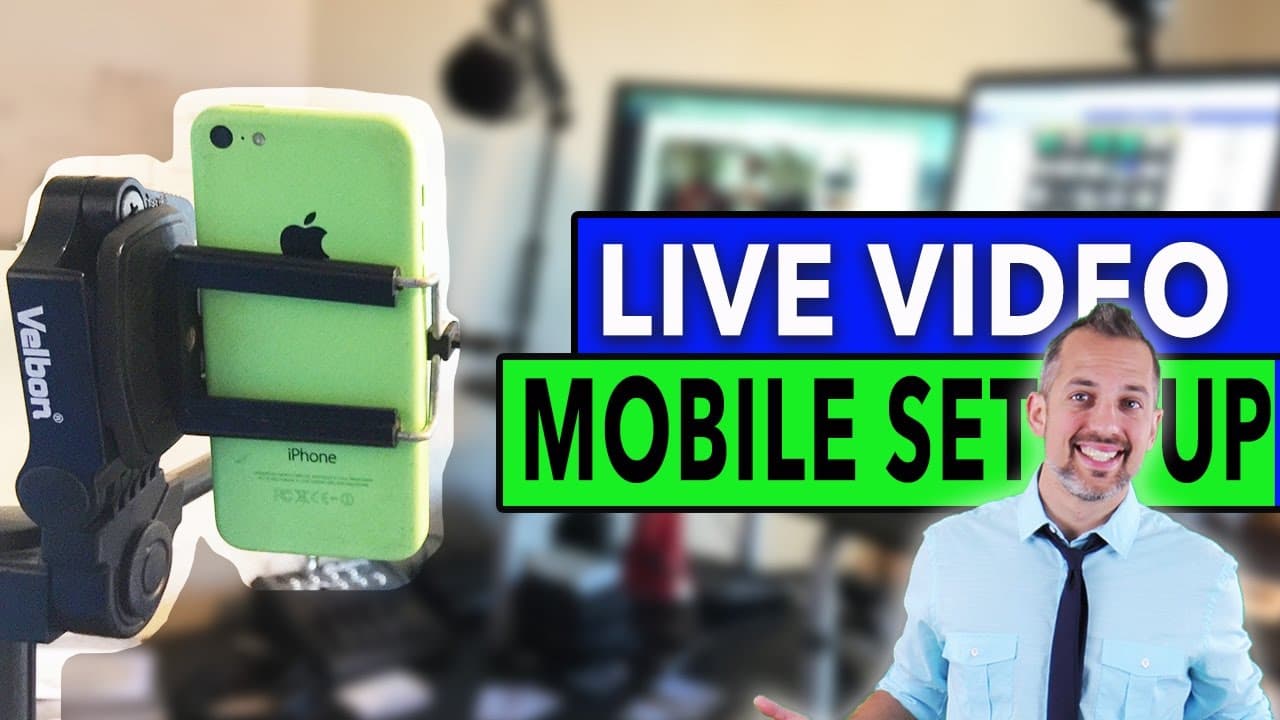
To set up a mobile livestream for Facebook or YouTube, use a reliable tripod, a smartphone clip, and an iRig microphone for high-quality audio. Incorporate a lens adapter for wider angles and a teleprompter app to stay on script. This setup ensures a professional livestream experience while keeping costs low.
Transcript
in this video I'm going to show you my personal mobile livestream setup for going live on Facebook or YouTube it's simple but it's super beautiful and you're gonna learn it because I'm Owen video welcome back to the video spot dotnet where you'll get a video marketing education that will make you so much money you'll be able to join the video maste... Read More
Key Insights
- 💨 Livestreaming on Facebook or YouTube is a cost-effective way to reach a targeted audience with video content.
- 🍧 Having a title strategy and knowing what to shoot and say are important for a successful livestream.
- 📱 Gear recommendations for a mobile livestreaming setup include a tripod, lens adapter, smartphone clip, monopod, iRig microphone, and teleprompter.
- 👯 Using a wide-angle lens can help fit more people into the frame during a livestream.
- 📱 Affordable smartphone clips are recommended to ensure flexibility and cost-effectiveness.
- 🦾 A monopod with a rubber grip handle and extending arm provides stability and multiple shooting angles.
- ✋ The iRig microphone is compatible with Facebook Live and offers high-quality audio.
Install to Summarize YouTube Videos and Get Transcripts
Explore YouTube Video Summarizer or Get YouTube Transcript Extractor
Questions & Answers
Q: Why is livestreaming on Facebook or YouTube a cost-effective strategy?
Livestream video posts on Facebook or YouTube are significantly cheaper than video ads, costing only a penny per view on average when promoted.
Q: Why is it important to have a title strategy for livestreaming?
A strong title strategy helps attract and engage viewers, increasing the chances of them tuning into your livestream. It also helps you stand out from other livestreams.
Q: How can a tripod enhance a livestreaming setup?
A tripod provides stability and allows for smooth camera movements, such as panning and tilting. This helps create professional-looking livestreams and enables framing adjustments for different interviewees.
Q: Why is a wide-angle lens recommended for livestreams on Facebook Live?
Facebook Live has a small window, and using a wide-angle lens, such as the olloclip, helps fit more people comfortably into the frame and ensures a better viewing experience.
Summary & Key Takeaways
-
Livestreaming on Facebook or YouTube is a cost-effective way to reach a targeted audience, with livestream video posts costing only a penny per view when promoted.
-
Having a strong title strategy and knowing what to shoot and say are important parts of the livestreaming process.
-
The video provides a walkthrough of the gear setup, including a tripod, lens adapter, smartphone clip, monopod, iRig microphone, and teleprompter.
Read in Other Languages (beta)
Share This Summary 📚
Summarize YouTube Videos and Get Video Transcripts with 1-Click
Try YouTube Summary with ChatGPT & Claude or YouTube Transcript Generator
Explore More Summaries from Owen Video 📚






Summarize YouTube Videos and Get Video Transcripts with 1-Click
Try YouTube Summary with ChatGPT & Claude or YouTube Transcript Generator