How to Justify Text in Canva for a Cleaner Look
TL;DR
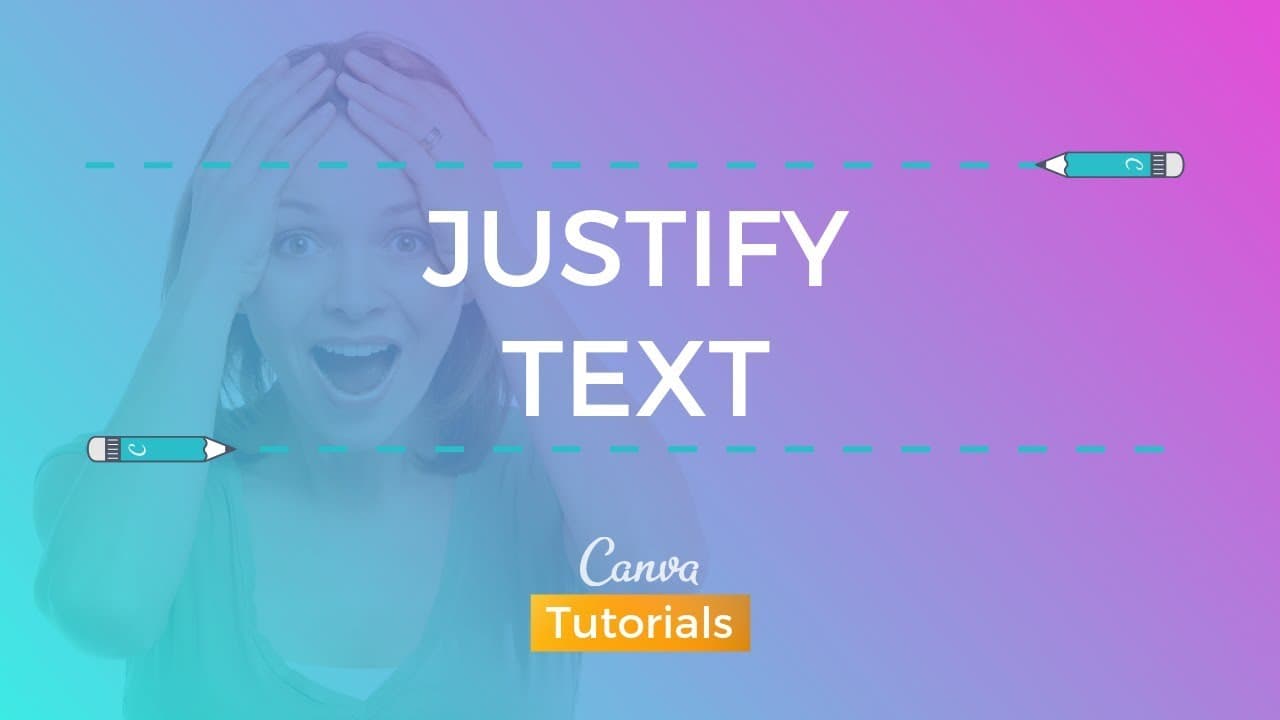
To justify text in Canva, select your text box and choose the justified alignment option to create straight edges on both sides of your text block. This formatting provides a cleaner and more formal appearance, making it ideal for documents. Users may need to adjust their templates after applying this feature for optimal layout.
Transcript
what's up everybody Ronnie here your go-to can bag guru today back with a new tutorial about a new feature that can be recently introduced I'm talking about the justify feature so the option to justify your text so let's talk a little bit about this this was and has been for the last two years I think a huge issue a huge claim by the canva communit... Read More
Key Insights
- 👀 Canva community requested the justify text feature for a cleaner look.
- 🙃 Justified text has straight edges on both sides of the text block.
- 🎨 Canva design circle actively discussed the need for text justification.
- 👤 Adding the justify text feature in Canva addressed a longstanding user request.
- 👔 Justified text provides a formal and cleaner appearance to text blocks.
- 👤 Users need to adapt templates for a proper layout after using the justify text feature.
- 🗯️ Canva's text alignment options now include left-aligned, centered, right-aligned, and justified.
Install to Summarize YouTube Videos and Get Transcripts
Explore YouTube Video Summarizer or Get YouTube Transcript Extractor
Questions & Answers
Q: Why was the justify text feature highly requested by the Canva community?
The community found justified text gives a cleaner and formal appearance to documents, which was lacking in Canva's previous text alignment options.
Q: How does justified text differ from left-aligned text?
Justified text has straight edges on both sides of the text block, creating a cleaner layout, while left-aligned text has an uneven right edge.
Q: What was the process of adding the justify text feature to Canva?
Canva listened to user feedback and requests, leading to the addition of the new justified text option, fulfilling a long-standing community request.
Q: How can users access and apply the justify text feature in Canva?
By selecting a text box, users can navigate through different alignment options until they reach the justify text option, providing a clean and formal text layout.
Summary & Key Takeaways
-
Canva community requested text justification feature.
-
Justified text provides a cleaner and formal look.
-
Tutorial on how to use the new text justification feature in Canva.
Read in Other Languages (beta)
Share This Summary 📚
Summarize YouTube Videos and Get Video Transcripts with 1-Click
Try YouTube Summary with ChatGPT & Claude or YouTube Transcript Generator
Explore More Summaries from Design with Canva 📚


Summarize YouTube Videos and Get Video Transcripts with 1-Click
Try YouTube Summary with ChatGPT & Claude or YouTube Transcript Generator