How to Use Raspberry Pi as a Chromecast Alternative
TL;DR
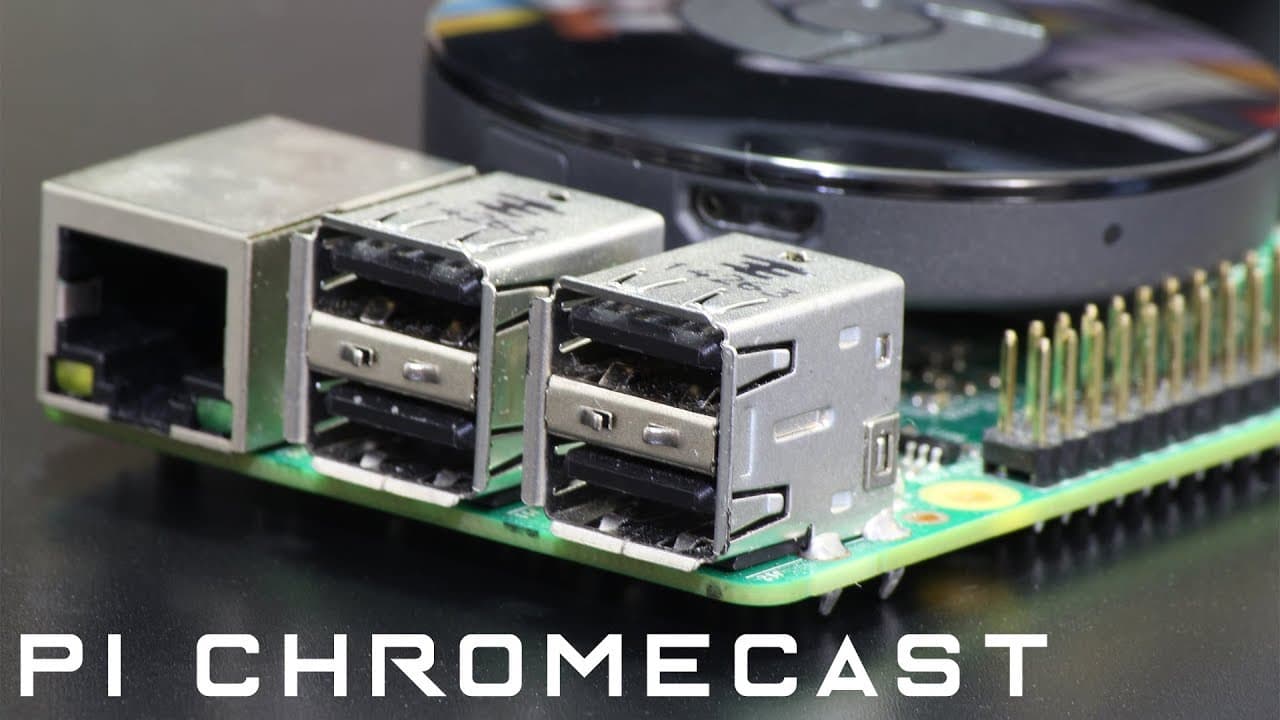
To transform your Raspberry Pi into a Chromecast alternative, install the required software on the Pi and the RaspyCast app on your Android phone. Configuring the app allows you to stream content directly from your phone to the Pi via SSH, enabling seamless casting of videos, pictures, and more.
Transcript
hey guys what's going on it's down here from Novus beer Tech and today I got a cool project for you guys now it's something that I've been wanting to do for a while now and I'm finally able to do it which is casting my phone to a Raspberry Pi just like the chromecast and stuff like that this you could say is more of a chromecast alternative so let'... Read More
Key Insights
- ♓ The tutorial effectively demonstrates how to utilize Raspberry Pi not just as a computing platform, but also as a multimedia device.
- 🤑 By turning the Raspberry Pi into a casting device, users save money compared to purchasing traditional streaming devices.
- 🫥 The software installation process is straightforward, involving standard Linux command-line tools and SSH configuration.
- 📽️ This project underscores the versatility of Raspberry Pi, which can be adapted for various applications beyond basic computing tasks.
- 😶🌫️ Viewing options include various sources like YouTube, cloud photos, or videos saved on an Android device, offering flexible streaming capabilities.
- 💍 Engaging with the community is encouraged, with the presenter inviting questions and feedback, fostering a collaborative learning environment.
- 😀 The tutorial highlights the importance of having the right apps and correct settings on both the phone and the Raspberry Pi for smooth operation.
Install to Summarize YouTube Videos and Get Transcripts
Explore YouTube Video Summarizer or Get YouTube Transcript Extractor
Questions & Answers
Q: What equipment do I need to cast from my phone to a Raspberry Pi?
You will need a Raspberry Pi set up with the Raspbian operating system, access to Wi-Fi, and an Android phone with the Raspy Cast app installed. Additionally, an HDMI cable is required to connect the Raspberry Pi to your TV.
Q: How does the casting process work?
The process works by sending a video link from your Android phone to the Raspberry Pi using SSH. You initiate this by selecting a video, pressing the share button, and choosing the Raspy Cast option, allowing the Raspberry Pi to stream the content on your TV.
Q: Can this method be used with services like Netflix?
Yes, the presenter mentions testing this setup with Netflix. However, while it should work, its functionality with various services may differ, and there are considerations about content protection that may limit functionality.
Q: Is it necessary to have coding knowledge to follow this tutorial?
No previous coding knowledge is required; however, familiarity with basic command-line operations on the Raspberry Pi will help. The tutorial includes all commands needed, allowing users to copy and paste them directly from the presenter’s website.
Summary & Key Takeaways
-
The video tutorial explains how to cast content from an Android phone to a Raspberry Pi, effectively turning it into a Chromecast alternative.
-
Detailed steps include installing necessary software on the Raspberry Pi and configuring the app on the phone to enable streaming via SSH.
-
The presenter shares insights on alternative installations like Netflix and Retropie and encourages audience engagement for questions.
Read in Other Languages (beta)
Share This Summary 📚
Summarize YouTube Videos and Get Video Transcripts with 1-Click
Try YouTube Summary with ChatGPT & Claude or YouTube Transcript Generator
Explore More Summaries from Novaspirit Tech 📚






Summarize YouTube Videos and Get Video Transcripts with 1-Click
Try YouTube Summary with ChatGPT & Claude or YouTube Transcript Generator