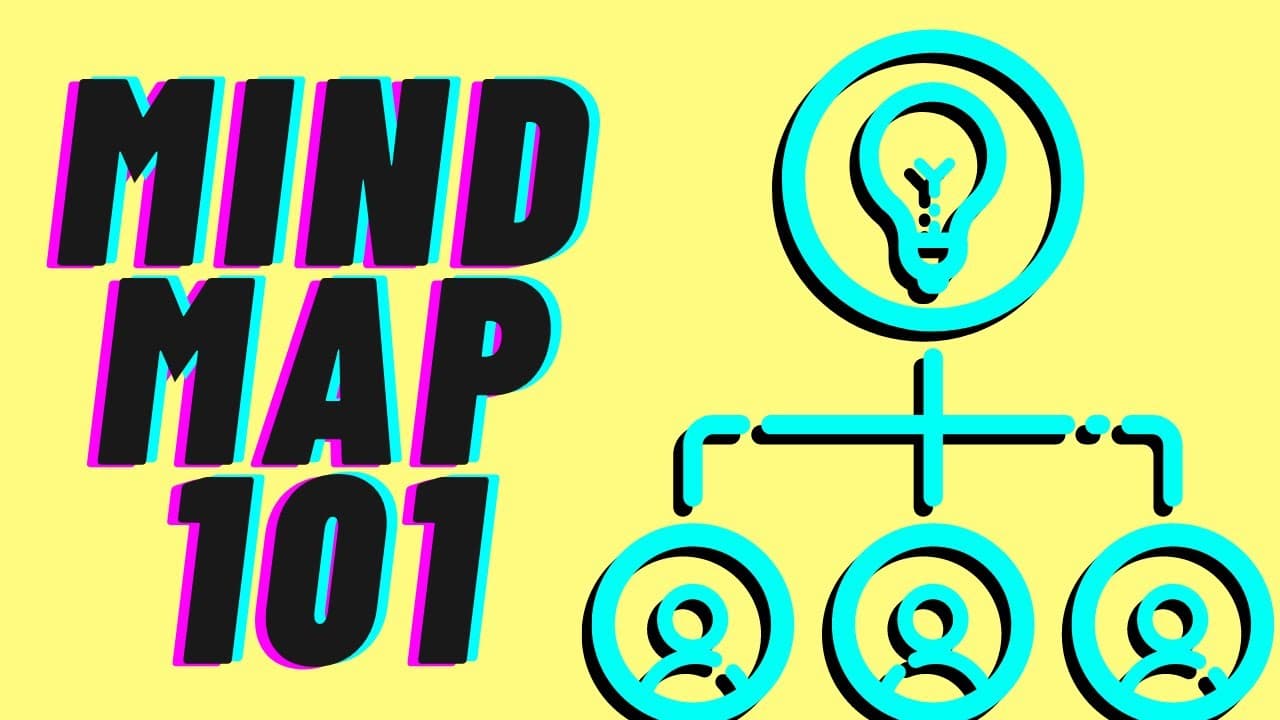
HOW TO CREATE A MIND MAP | Tutorial for YouTube Scripts & Presentation
TL;DR
Learn how to use mind mapping to script your YouTube videos, presentations, and improve your delivery.
Transcript
do you have trouble remembering what you want to say in your youtube videos or any other presentations that you're preparing if you have that headache i have such an easy tool that can help you remember what you want to say and be more natural in your delivery and this is my maps this is what i use to script my youtube videos my presentations thing... Read More
Key Insights
- 🤯 Mind mapping is a valuable tool for organizing thoughts and improving presentation delivery.
- 🤩 Answering four key questions helps script your content and ensures you cover important information.
- 💄 Using examples in your content makes it more persuasive and memorable.
- 🤯 Sequentially structuring your ideas using mind mapping helps create a clear and organized flow for your presentation.
- 🤯 Mind mapping can be used for various purposes, including YouTube videos, presentations, and project management.
- 😮 Emphasizing emotions and surprise in your content helps engage and leave a lasting impact on the audience.
- 🔑 Mind mapping provides a helpful framework for scripting your content without the need for word-by-word memorization.
Install to Summarize YouTube Videos and Get Transcripts
Explore YouTube Video Summarizer or Get YouTube Transcript Extractor
Questions & Answers
Q: How can mind mapping help improve my presentation skills?
Mind mapping allows you to visually organize your thoughts, making it easier to remember what you want to say and ensure a natural delivery. It provides structure and clarity to your content.
Q: What are the four key questions to ask when scripting a video or presentation?
The four questions to ask are: 1) What do I want people to do? 2) What do I want people to know about the topic? 3) What do I want people to know about me? 4) How do I want people to feel? By answering these questions, you will know exactly what you want to say.
Q: How can I use mind mapping for YouTube videos and presentations?
Start by creating a mind map that includes the subject, main points, and examples. This structure will help you deliver your content in a sequential and organized manner. Refer to the mind map while speaking to ensure you cover all the necessary points.
Q: What are the benefits of using examples in my content?
Examples make your content more persuasive and memorable. Using visual examples, such as TV series clips or real-life scenarios, can help your audience better understand and engage with your topic.
Summary & Key Takeaways
-
Mind mapping is a tool that visually organizes your thoughts and helps you remember what you want to say.
-
By asking four key questions (what do I want people to do, know about the topic, know about me, and how do I want them to feel), you can script your video or presentation effectively.
-
Use a mind map to structure your ideas, including the subject, main points, and examples, to create a sequential flow for your content.
Read in Other Languages (beta)
Share This Summary 📚
Summarize YouTube Videos and Get Video Transcripts with 1-Click
Try YouTube Summary with ChatGPT & Claude or YouTube Transcript Generator
Explore More Summaries from Vicky Zhao [BEEAMP] 📚

Summarize YouTube Videos and Get Video Transcripts with 1-Click
Try YouTube Summary with ChatGPT & Claude or YouTube Transcript Generator