How to Learn CSS: A Comprehensive Beginner's Guide
TL;DR
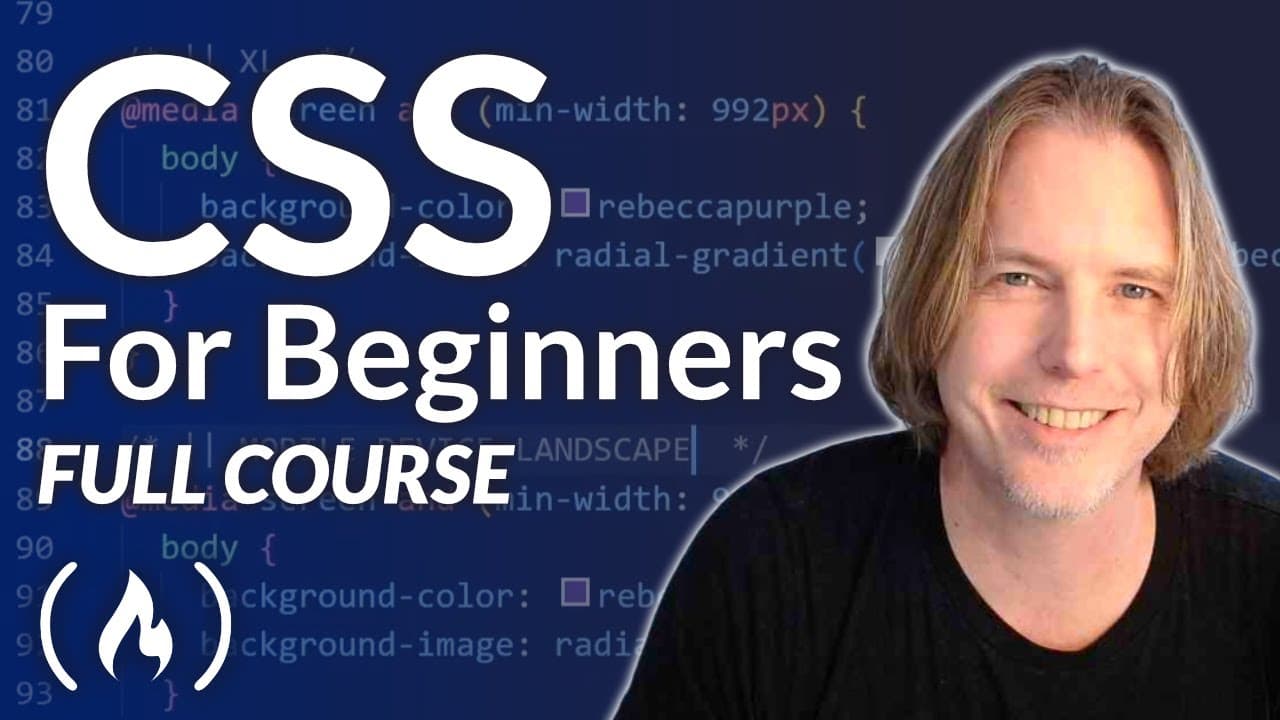
To learn CSS effectively, start with a foundational understanding of how it styles HTML documents, focusing on key tools like Visual Studio Code and Chrome. This tutorial covers essential concepts, including external and internal style sheets, inline styles, and the cascade principle for managing style precedence. Aim for consistent practice through hands-on coding to solidify your skills.
Transcript
if you want to learn css this is the course for you dave gray teaches this comprehensive css course for beginners we've already published a popular html course from dave and this course is a great next step after you learn html hello and welcome to over 11 hours of css tutorials and instruction this video is made up of 24 tutorials that build upon ... Read More
Key Insights
- 🎨 CSS is an essential style sheet language used to enhance the appearance and design of web pages.
- 🔨 Different tools and software, such as Google Chrome and Visual Studio Code, are commonly used in CSS development.
- 🚡 CSS can be applied to HTML documents in various ways, including external style sheets, internal style sheets, and inline styling.
- ❓ The cascade in CSS determines the priority and precedence of conflicting styles.
Install to Summarize YouTube Videos and Get Transcripts
Explore YouTube Video Summarizer or Get YouTube Transcript Extractor
Questions & Answers
Q: What is CSS and how does it relate to HTML?
CSS, which stands for Cascading Style Sheets, is a style sheet language used to describe the presentation of a document. While HTML is responsible for the structure and foundation of a web page, CSS is used to enhance the appearance and design of the elements within the structure.
Q: What are the tools needed for this CSS course?
To follow along with the tutorial, you will need the Google Chrome browser and Visual Studio Code, which is an integrated development environment (IDE) or code editor. Links for downloading these tools are provided in the video description.
Q: What are the different ways to apply CSS to an HTML document?
CSS can be applied to an HTML document in three ways: using an external style sheet, an internal style sheet, or inline styling. An external style sheet is a separate file linked to the HTML document, while an internal style sheet is included within the head section of the HTML document. Inline styling is done by adding the CSS directly within the element tag of the HTML.
Q: How does the cascade in CSS work?
The cascade in CSS refers to the process of determining which CSS styles should be applied to an element when there are conflicting styles. CSS follows a cascading order, where styles declared later in the style sheet override those declared earlier. The specificity of the selectors used and the order in which they appear also influence how styles are applied.
Key Insights:
- CSS is an essential style sheet language used to enhance the appearance and design of web pages.
- Different tools and software, such as Google Chrome and Visual Studio Code, are commonly used in CSS development.
- CSS can be applied to HTML documents in various ways, including external style sheets, internal style sheets, and inline styling.
- The cascade in CSS determines the priority and precedence of conflicting styles.
- Understanding the different CSS selectors and units is crucial for effective styling and design.
Summary & Key Takeaways
-
The video tutorial, taught by Dave Gray, provides over 11 hours of comprehensive CSS instruction and tutorials.
-
It covers topics such as CSS basics, the difference between HTML and CSS, essential tools like Google Chrome and Visual Studio Code, and creating an index.html file.
-
The tutorial also explains different ways to apply CSS to HTML, including external style sheets, internal style sheets, and inline styling.
Read in Other Languages (beta)
Share This Summary 📚
Summarize YouTube Videos and Get Video Transcripts with 1-Click
Try YouTube Summary with ChatGPT & Claude or YouTube Transcript Generator
Explore More Summaries from freeCodeCamp.org 📚




Summarize YouTube Videos and Get Video Transcripts with 1-Click
Try YouTube Summary with ChatGPT & Claude or YouTube Transcript Generator