How To EXPORT Properly to MAXIMIZE Your Video Quality

TL;DR
Learn to export videos with different codecs for optimal quality on platforms like YouTube and Vimeo.
Transcript
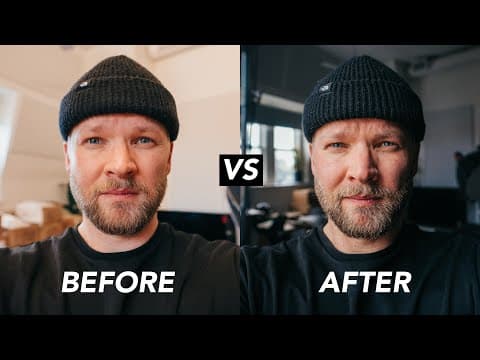
hey guys welcome to child feels my name is Maddie and today we're going to take a look at codex and how to export your films to maximize your video quality a lot of people will edit this amazing film and they'll color great it really nice and then they go to export it and their export settings are just so bad that when they put it on YouTube or Vim... Read More
Key Insights
- 🎮 Codecs like Raw, ProRes, and H.264 impact video quality and file sizes.
- ❓ ProRes is recommended for editing to enhance the workflow and maintain quality.
- 😒 Exporting master files in ProRes HQ preserves the highest quality for future use.
Install to Summarize YouTube Videos and Get Transcripts
Explore YouTube Video Summarizer or Get YouTube Transcript Extractor
Questions & Answers
Q: What are the main video codecs used in filmmaking?
The main video codecs discussed in the content are Raw, ProRes, and H.264. Raw offers the highest quality, ProRes is a step down from Raw, and H.264 is common for smaller videos like those on YouTube.
Q: Why is it important to convert footage to ProRes for editing?
Converting footage to ProRes is crucial for smooth editing as editing software works better with ProRes codecs compared to H.264. It helps in enhancing the editing process and maintaining quality.
Q: What are the recommended export settings for a master file?
For a master file, it is advisable to export in ProRes format, preferably ProRes HQ, to retain the highest quality. This ensures that you have a high-quality version of the video for future use.
Q: How can one achieve an anamorphic crop for videos?
To create an anamorphic crop, adjust the sequence settings in your editing software for the desired resolution. Resize and position clips accordingly to fit the anamorphic aspect ratio, ensuring a cinematic look.
Summary & Key Takeaways
-
Understanding different video codecs: Raw, ProRes, and H.264.
-
The importance of selecting appropriate codecs based on project requirements.
-
Detailed instructions on converting footage to ProRes for editing and exporting.
Read in Other Languages (beta)
Share This Summary 📚
Summarize YouTube Videos and Get Video Transcripts with 1-Click
Try YouTube Summary with ChatGPT & Claude or YouTube Transcript Generator
Explore More Summaries from Matti Haapoja 📚



Summarize YouTube Videos and Get Video Transcripts with 1-Click
Try YouTube Summary with ChatGPT & Claude or YouTube Transcript Generator