My Favourite Productivity App for Students - Notion
TL;DR
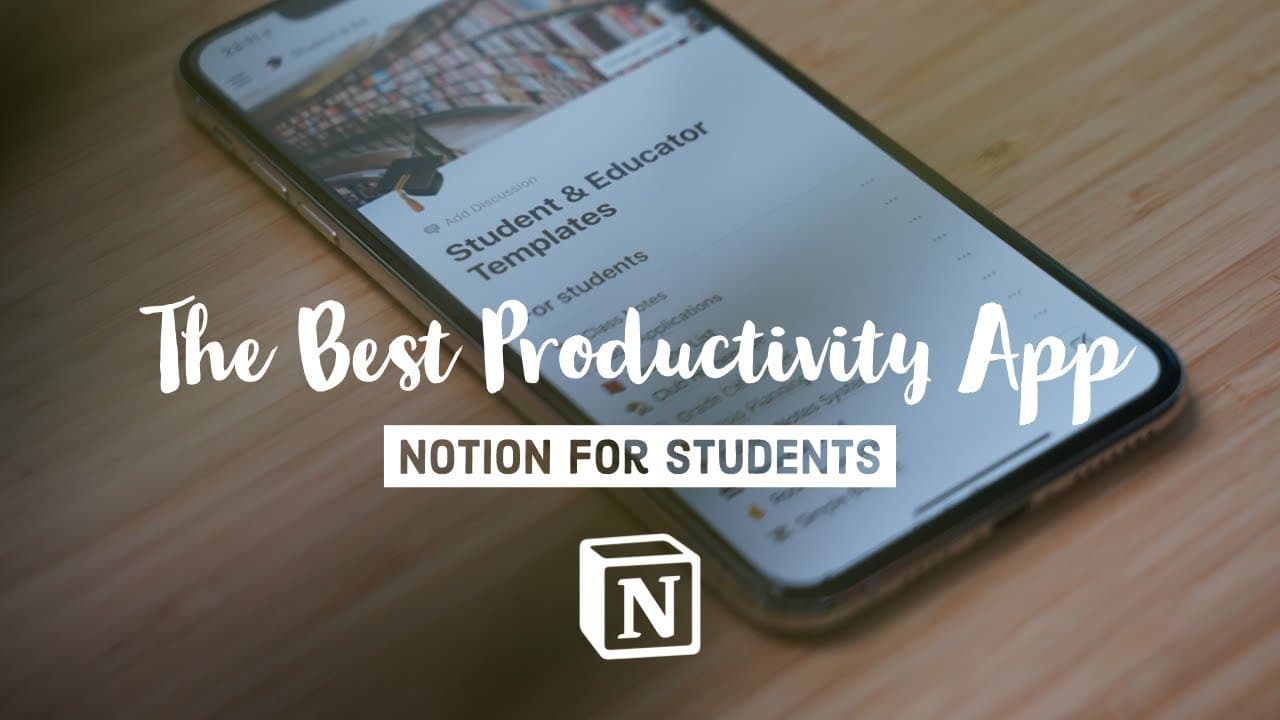
Notion is a versatile productivity app that combines note-taking, database management, and content organization, allowing users to create their own personalized systems. It offers templates for students and offers a range of features that enhance productivity and organization.
Transcript
hey guys welcome back to the channel today we're going to be talking about my favorite productivity app of 2019 and that is notion and I've been using notion every single day for the last six months and it's completely supercharged my productivity organization and creativity in a way that no app has ever done before so I'm gonna be talking about it... Read More
Key Insights
- 🛀 Notion combines note-taking, database management, and content organization, offering users a unique and customizable approach to productivity.
- 👍 The app's lack of rigid structure allows for more flexibility in organizing and accessing information.
- 💯 Notion's templates, especially those for students, provide a useful starting point for users to create their own systems.
- 🛀 Notion's features, including content blocks, breadcrumbs, and call-outs, enhance the note-taking and organization experience, making it more enjoyable and efficient.
- ✈️ The free plan with 1,000 blocks and the student plan with unlimited blocks make Notion accessible to users of all budgets.
- 🔡 Notion's versatility extends beyond student-related use cases, with applications in managing emails, videos, gym routines, and more.
- 👤 Users can customize their pages with icons, images, and colors to personalize their organization systems.
Install to Summarize YouTube Videos and Get Transcripts
Explore YouTube Video Summarizer or Get YouTube Transcript Extractor
Questions & Answers
Q: How does Notion differ from other note-taking apps like Evernote or OneNote?
Notion stands out from other note-taking apps by offering a flexible organizational structure without forcing users into predetermined hierarchies. Users can create their own systems and customize their pages, making it more adaptable to individual needs.
Q: How does Notion's free plan compare to its personal plan?
Notion's free plan allows users to have 1,000 blocks to work with, while the personal plan, which costs $4/month, provides unlimited blocks. However, students with a .edu email address can enjoy the personal plan for free.
Q: What are the advantages of using templates in Notion?
Templates in Notion serve as starting points for various use cases, such as student note-taking or job application tracking. They provide structure and guidance to help users organize their content more effectively, saving time and effort.
Q: How can Notion enhance productivity and organization?
Notion's features, such as content blocks, breadcrumbs, and call-outs, make note-taking and organization more visually appealing and easier to navigate. Users can create their own systems, customize pages with icons and images, and utilize the database feature for a personalized organization experience.
Key Insights:
- Notion combines note-taking, database management, and content organization, offering users a unique and customizable approach to productivity.
- The app's lack of rigid structure allows for more flexibility in organizing and accessing information.
- Notion's templates, especially those for students, provide a useful starting point for users to create their own systems.
- Notion's features, including content blocks, breadcrumbs, and call-outs, enhance the note-taking and organization experience, making it more enjoyable and efficient.
- The free plan with 1,000 blocks and the student plan with unlimited blocks make Notion accessible to users of all budgets.
- Notion's versatility extends beyond student-related use cases, with applications in managing emails, videos, gym routines, and more.
- Users can customize their pages with icons, images, and colors to personalize their organization systems.
- Notion's value proposition, at $4/month or free for students, makes it a highly beneficial tool for enhancing productivity and organization.
Summary & Key Takeaways
-
Notion is a unique app that blends note-taking, database management, and content organization, giving users the flexibility to create their own systems.
-
The app offers built-in templates, including ones for students, to help users get started and customize their own organization methods.
-
The app's features, such as content blocks, breadcrumbs, and call-outs, make note-taking and organization more enjoyable and efficient.
Read in Other Languages (beta)
Share This Summary 📚
Summarize YouTube Videos and Get Video Transcripts with 1-Click
Try YouTube Summary with ChatGPT & Claude or YouTube Transcript Generator
Explore More Summaries from Ali Abdaal 📚


Summarize YouTube Videos and Get Video Transcripts with 1-Click
Try YouTube Summary with ChatGPT & Claude or YouTube Transcript Generator