Products
Features
YouTube Video Summarizer
Summarize YouTube videos
Web & PDF Highlighter
Highlight web pages & PDFs
Chat with PDF
Ask any PDF questions with AI
Ask AI Clone
Chat with your highlights & memories
Audio Transcriber
Transcribe audio files to text
Glasp Reader
Read and highlight articles
Kindle Highlight Export
Export your Kindle highlights
Idea Hatch
Hatch ideas from your highlights
Integrations
Obsidian Plugin
Notion Integration
Pocket Integration
Instapaper Integration
Medium Integration
Readwise Integration
Snipd Integration
Hypothesis Integration
Apps & Extensions
Chrome Extension
Safari Extension
Edge Add-ons
Firefox Add-ons
iOS App
Android App
Discover
Discover
Ideas
Discover new ideas and insights
Articles
Curated articles and insights
Books
Book recommendations by great minds
Posts
Essays and notes from readers
Quotes
Inspiring quotes collection
Videos
Curated videos and summaries
Explore Glasp
Glasp Newsletter
Weekly insights and updates
Glasp Talk
Interview series with great minds
Glasp Blog
Latest news and articles
Glasp Use Cases
Learn how others use Glasp
Build & Support
Glasp API
Access Glasp's API for developers
MCP Connector
Connect Glasp to Claude & ChatGPT
Community
Glasp Reddit Community
Students
Student discount and benefits
FAQs
Frequently Asked Questions
AboutPricing
DashboardLog inSign up

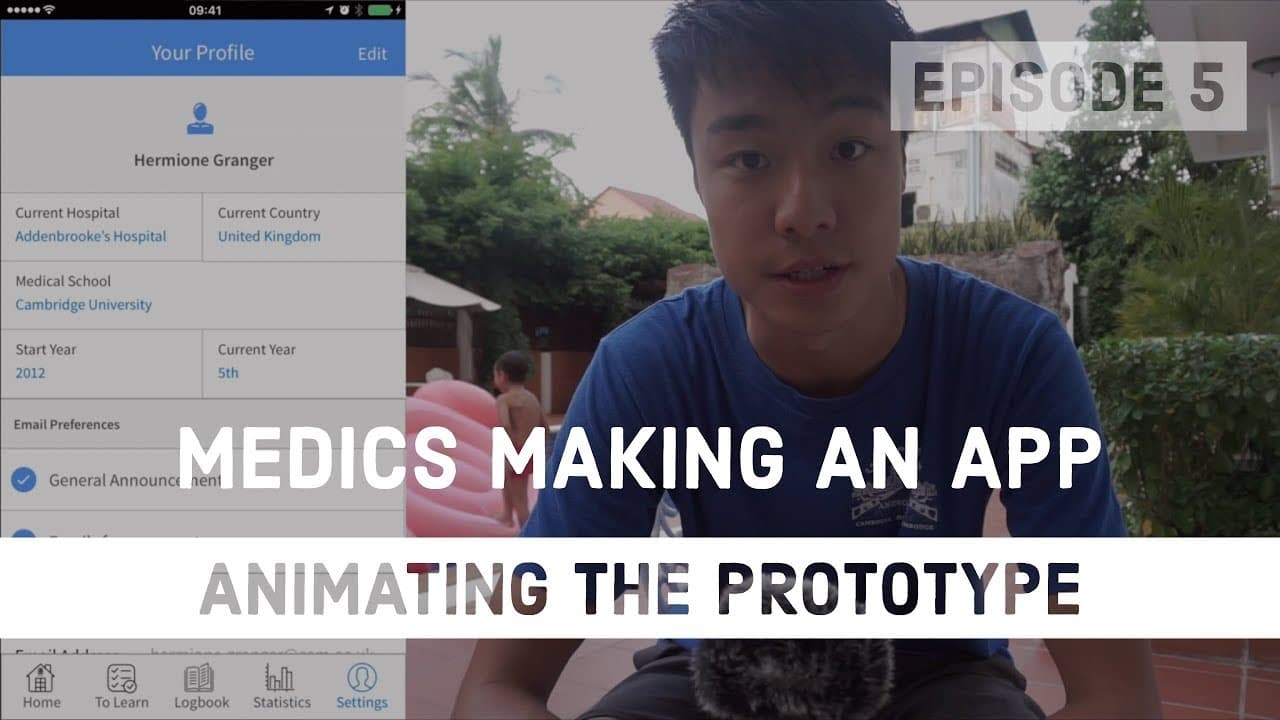
Animating the prototype | Medical Students Making an App - Episode 5
7.2K views
•
August 6, 2017
by
Ali Abdaal
YouTube video player
Animating the prototype | Medical Students Making an App - Episode 5

TL;DR

Learn how to bring app prototypes to life by creating animations using Envision, a user-friendly software that allows for easy linking and testing on mobile devices.

Transcript

hello everyone and welcome back to making an app um this is episode 5 in the last episode Ali talked a little bit about how we start to make the Prototype um so the Prototype allows us to quickly design our app and when it's done we'll be able to get quick feedback from people just to give us an idea of uh whether it's been good what works well whe... Read More

Key Insights

  • 😀 Prototypes provide a way to gather feedback on app design and functionality before coding.
  • 😀 Envision is a user-friendly software that simplifies the process of creating app animations and linking different pages.
  • 👻 Envision prototypes can be tested on mobile devices, allowing for a more realistic user experience.
  • 🍰 Creating a basic prototype using Envision can be done in a short amount of time.

Install to Summarize YouTube Videos and Get Transcripts

Explore YouTube Video Summarizer or Get YouTube Transcript Extractor

Questions & Answers

Q: What is the purpose of creating a prototype?

Prototypes allow app designers to quickly design and gather feedback on their app's flow, design, and functionality before moving to the coding phase.

Q: What is Envision, and how does it facilitate the creation of app animations?

Envision is a user-friendly software that helps to link different pages, create animations, and test designs on mobile devices. It allows for easy drag-and-drop linking of hotspots and offers various animation options.

Q: Can Envision prototypes be tested on mobile devices?

Yes, Envision allows app prototypes to be downloaded onto iPhones or other devices for testing, giving a more accurate representation of the final product.

Q: How long does it take to create a basic prototype using Envision?

The process of creating a basic prototype using Envision can be done in about 15 minutes, making it a quick and efficient tool for app designers.

Summary & Key Takeaways

  • The episode discusses the final step in creating app prototypes, which is adding animations to bring the design to life.

  • Envision, a free-to-use app, is used to link different pages and create animations.

  • The process involves dragging and linking hotspots, selecting animations, and running through the different screens.


Read in Other Languages (beta)

English

Share This Summary 📚

Summarize YouTube Videos and Get Video Transcripts with 1-Click

Download browser extensions on:

Try YouTube Summary with ChatGPT & Claude or YouTube Transcript Generator

Explore More Summaries from Ali Abdaal 📚
Stop using your computer mouse thumbnail
Stop using your computer mouse
Ali Abdaal
University Freshers - 5 Top Tips (2018) thumbnail
University Freshers - 5 Top Tips (2018)
Ali Abdaal
What Side Hustles Can Students Start in 2024? thumbnail
What Side Hustles Can Students Start in 2024?
Ali Abdaal
Medical School Meme Review thumbnail
Medical School Meme Review
Ali Abdaal
5 Financial Mistakes I've Made In The Last 10 Years thumbnail
5 Financial Mistakes I've Made In The Last 10 Years
Ali Abdaal

Summarize YouTube Videos and Get Video Transcripts with 1-Click

Download browser extensions on:

Try YouTube Summary with ChatGPT & Claude or YouTube Transcript Generator

Apps & Extensions

  • Chrome Extension
  • Safari Extension
  • Edge Add-ons
  • Firefox Add-ons
  • iOS App
  • Android App

Key Features

  • YouTube Video Summarizer
  • Web & PDF Summarizer
  • Web & PDF Highlighter
  • Chat with PDF
  • Ask AI Clone
  • Audio Transcriber
  • Glasp Reader
  • Kindle Highlight Export
  • Idea Hatch

Integrations

  • Obsidian Plugin
  • Notion Integration
  • Pocket Integration
  • Instapaper Integration
  • Medium Integration
  • Readwise Integration
  • Snipd Integration
  • Hypothesis Integration

More Features

  • APIs
  • MCP Connector
  • Blog & Post
  • Embed Links
  • Image Highlight
  • Personality Test
  • Quote Shots

Company

  • About us
  • Blog
  • Community
  • FAQs
  • Job Board
  • Newsletter
  • Pricing
Terms

•

Privacy

•

Guidelines

© 2026 Glasp Inc. All rights reserved.