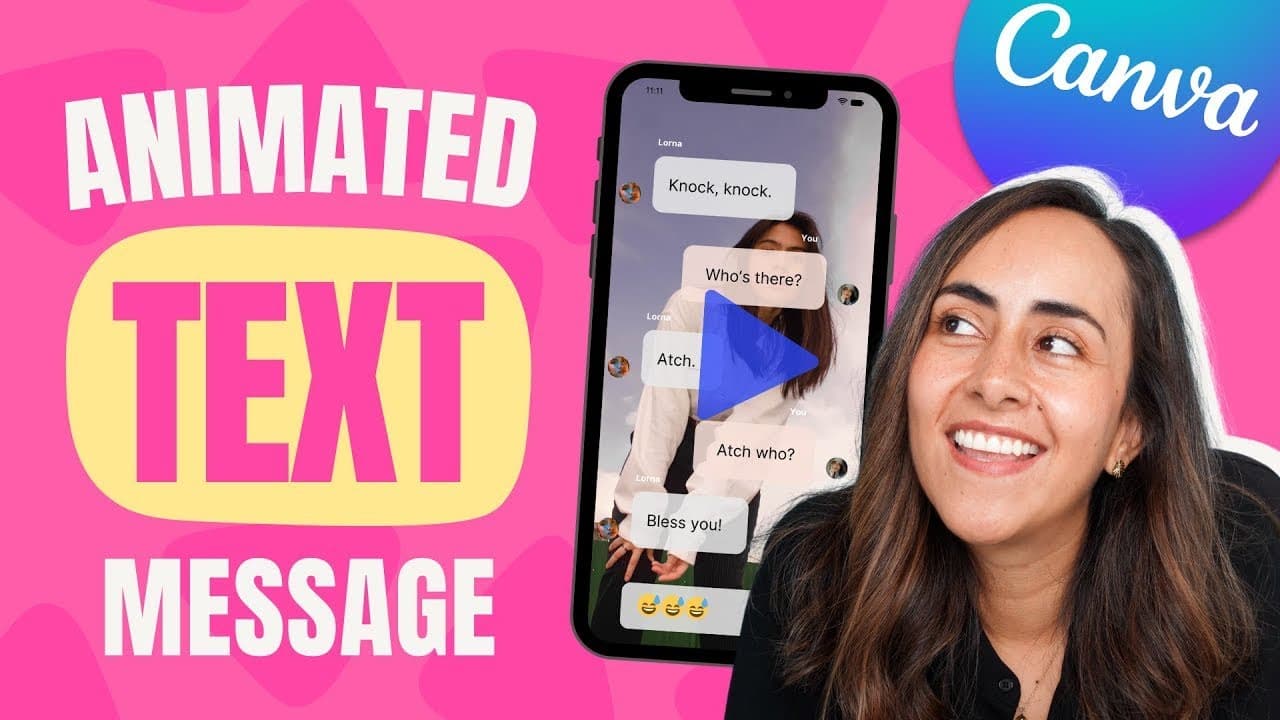
How to Create a Chat Video Animation in Canva + FREE template 🎁
TL;DR
Learn to create an animated chat in Canva with step-by-step instructions and a free template.
Transcript
today i'm going to show you step by step how to create this animated chat in canva and you can follow this tutorial if you have a free account or a pro account and i'm also going to give you a free template so you can start creating this animation right away so if you guys are interested in this tutorial let's go to my computer for this animation y... Read More
Key Insights
- 👤 Canva offers a user-friendly platform for creating animated designs.
- 🎨 Designing animations in reverse order can help in managing element alignment.
- 😮 Utilizing animations like pop, rise, and typewriter can enhance the chat animation effect.
- 💐 Checking and adjusting the timing of each animation step is crucial for a smoother flow.
- 🎨 Following tutorials and staying updated on Canva features can help improve design skills.
- ❓ The tutorial emphasizes the importance of attention to detail in animation creation.
- 😑 Customizing animations and templates in Canva allows for creative expression.
Install to Summarize YouTube Videos and Get Transcripts
Explore YouTube Video Summarizer or Get YouTube Transcript Extractor
Questions & Answers
Q: How can I create an animated chat in Canva?
You can follow the step-by-step tutorial provided in the video, either starting from scratch or using templates available in Canva.
Q: What tip is suggested before designing the animated chat in Canva?
It is recommended to design the last scene of the animation first to ensure all messages fit the phone screen correctly.
Q: What animations are applied to the elements in the tutorial?
Various animations like pop, rise, and typewriter are applied to emojis, messages, and text boxes to create a dynamic chat animation effect.
Q: How can I download the animated chat created in Canva?
To download the animated chat, navigate to the share option, select download, choose the file format, and download the animation.
Summary & Key Takeaways
-
Tutorial on creating an animated chat in Canva using either a free or pro account.
-
Demonstrates designing from scratch or using templates to create the animation.
-
Tips on designing the animation in reverse order for better alignment.
Read in Other Languages (beta)
Share This Summary 📚
Summarize YouTube Videos and Get Video Transcripts with 1-Click
Try YouTube Summary with ChatGPT & Claude or YouTube Transcript Generator
Explore More Summaries from Design with Canva 📚


Summarize YouTube Videos and Get Video Transcripts with 1-Click
Try YouTube Summary with ChatGPT & Claude or YouTube Transcript Generator