How to Create AI Art and Thumbnails Live with OBS
TL;DR
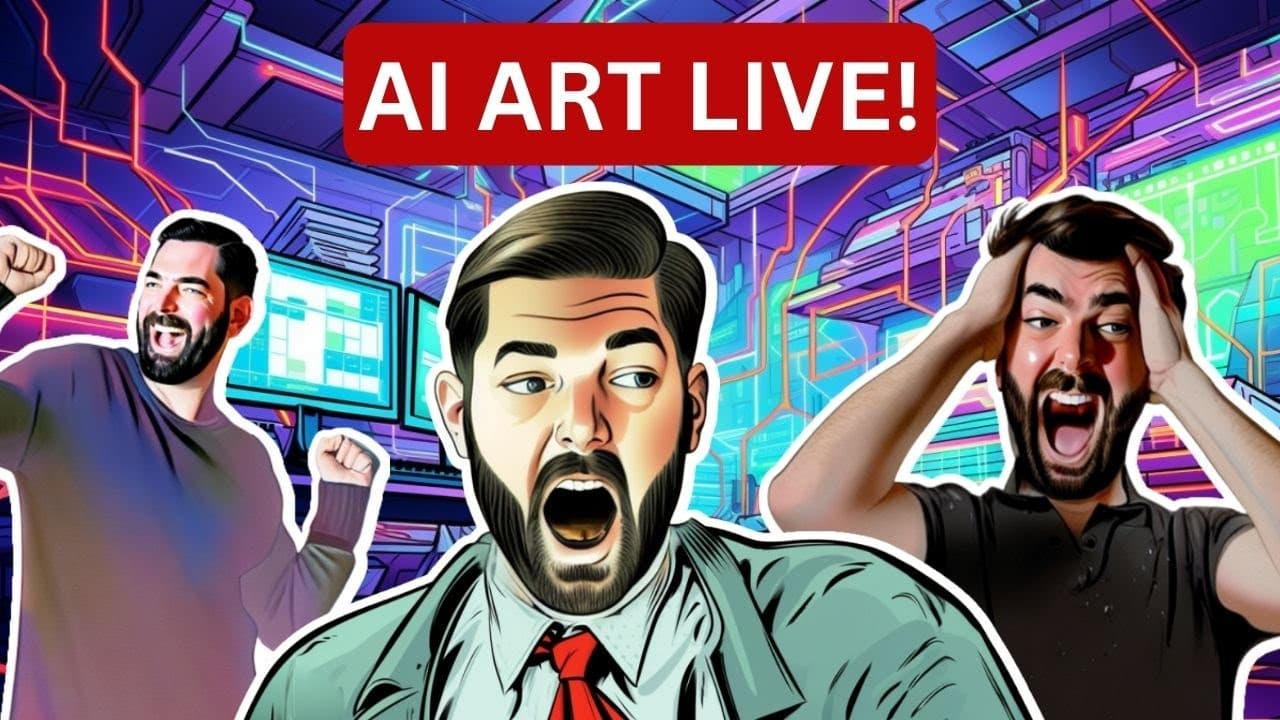
To create AI art and YouTube thumbnails live using OBS, engage viewers with an interactive session where you demonstrate your workflow and tools. Use AI image generators, answer real-time questions, and showcase techniques that simplify the thumbnail creation process. Invite audience participation to enhance the experience and address any queries about AI art and content creation.
Transcript
to live streaming this isn't my first live stream this is my second live stream but this is my actual first live stream actually using OBS so um I am like a couple minutes late but I actually thought I was live I was talking to you guys for a couple minutes and then realized I wasn't actually live I think I'm live now so if I am live make sure you ... Read More
Key Insights
- 😟 The artist is using OBS for the first time, and while nervous, they are excited to learn and engage with viewers.
- 🧑🎨 Live streams may involve more rambling compared to edited YouTube videos, but the artist still aims to provide valuable content and answer questions.
- 🧑🎨 The artist's agenda includes showcasing workflows for creating YouTube thumbnails, discussing AI art, and testing various AI image generation tools.
- 🥰 Viewers can ask questions throughout the live stream on topics related to AI, YouTube, AI art, and more.
Install to Summarize YouTube Videos and Get Transcripts
Explore YouTube Video Summarizer or Get YouTube Transcript Extractor
Questions & Answers
Q: How does the artist feel about using OBS for the first time?
The artist mentions that it is their first time using OBS for live streaming and admits to being a bit nervous, but they are excited to learn as they go and ask for viewer feedback to ensure they are streaming correctly.
Q: How does the artist adapt their workflow for live streaming compared to their regular YouTube videos?
The artist acknowledges that live streams may include more rambling compared to their edited YouTube videos, as they don't have the benefit of editing out unnecessary content. However, they assure viewers that they will still provide valuable information and answer questions.
Q: What topics does the artist cover during the live stream?
The artist plans to engage in an "ask me anything" session, discuss AI art, YouTube workflows, and showcase AI image generation tools. They are open to questions regarding AI, YouTube, AI art, and related topics.
Q: Which AI image generation tools does the artist mention using during the live stream?
The artist mentions using tools like Mid-Journey, Stable Diffusion, Generative Fill in Photoshop, Leonardo, and others for generating AI art and creating YouTube thumbnails.
Summary & Key Takeaways
-
The content is a live stream where the artist demonstrates their first time using OBS for live streaming and creating AI art.
-
The artist discusses their workflow for creating YouTube thumbnails and showcases various AI image generation tools.
-
Viewers are encouraged to ask questions and engage in an "ask me anything" format throughout the live stream.
Read in Other Languages (beta)
Share This Summary 📚
Summarize YouTube Videos and Get Video Transcripts with 1-Click
Try YouTube Summary with ChatGPT & Claude or YouTube Transcript Generator
Explore More Summaries from Matt Wolfe 📚
Summarize YouTube Videos and Get Video Transcripts with 1-Click
Try YouTube Summary with ChatGPT & Claude or YouTube Transcript Generator