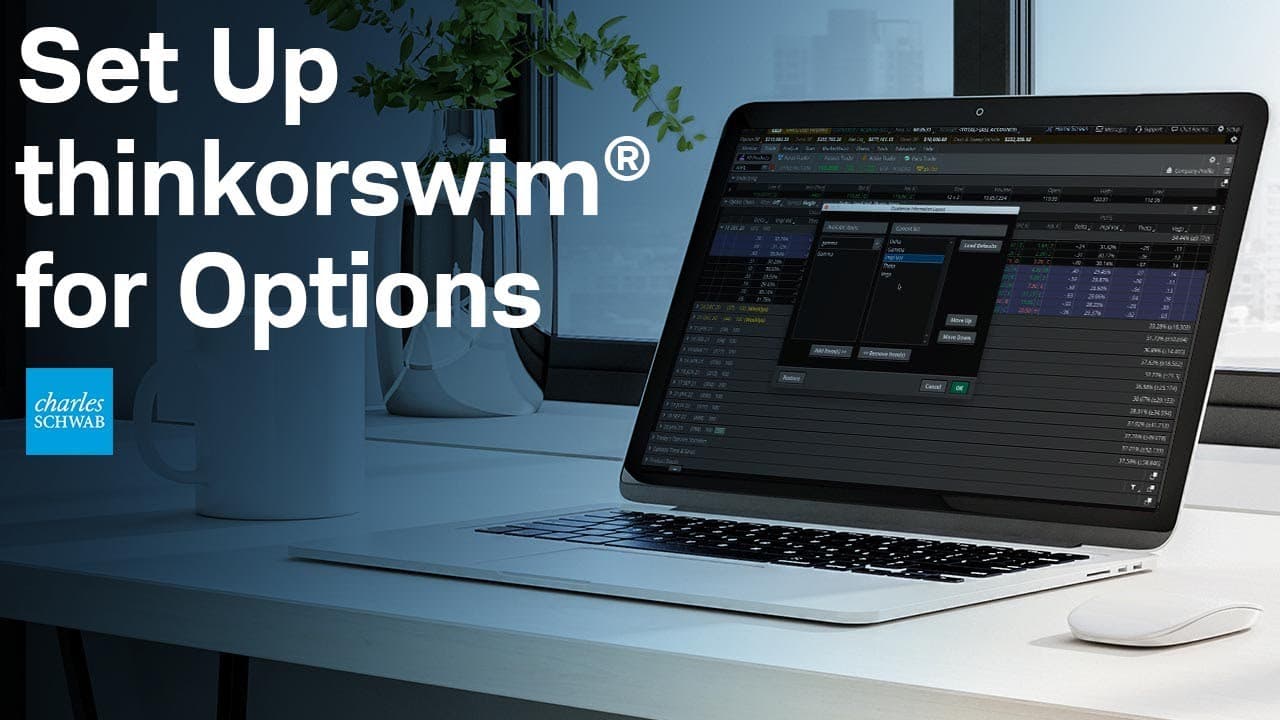
How to Customize thinkorswim for Options Trading
TL;DR
To customize the thinkorswim platform for options trading, adjust the option chain by changing the number of strikes displayed and modifying column headings. You can set up scans for specific criteria, customize the monitor screen to display essential columns, and create custom order templates with specific selling conditions. These customizations enhance your trading experience and efficiency.
Transcript
Hello, options traders. My name is Cameron May, and today, we're taking a closer look at some very nifty but possibly lesser-known customizations that are available for trading options on the thinkorswim® platform. So let's take a look. All right, so we're going to begin by customizing the option chain. And to do that, I'm going to head up here to ... Read More
Key Insights
- ❓ The thinkorswim platform offers extensive customization options for options traders.
- 👻 Customizing the option chain allows traders to display the desired number of strikes and customize column headings.
- 😫 Setting up scans helps traders find stocks that meet specific options criteria consistently.
- 👻 Customizing the monitor screen allows traders to track important columns and criteria.
Install to Summarize YouTube Videos and Get Transcripts
Explore YouTube Video Summarizer or Get YouTube Transcript Extractor
Questions & Answers
Q: How can I customize the number of strikes displayed in the option chain?
To customize the number of strikes, click on Strikes and select the desired number from the menu. You can choose to display a few strikes, go further in or out of the money, or show all strikes.
Q: Can I customize the column headings in the option chain?
Yes, you can customize column headings by clicking on the triangle in the lower right corner of the column heading. You can choose from various options, including last price, net change, greeks, and implied volatility.
Q: How can I set up scans to find stocks with specific options criteria?
Go to the Scan tab and select Options Hacker. Set the desired options criteria, such as implied volatility and days to expiration. You can also narrow the search by selecting specific indices or industries.
Q: Can I customize the monitor screen to display specific columns and criteria?
Yes, you can customize the monitor screen by clicking on the gear icon and selecting columns from the menu. You can add greeks, trade price, mark change, and other criteria. You can also rearrange the columns to your preference.
Q: How can I create custom order templates for options trading?
Right-click on the ask price and select "Buy custom." Customize the order with OCO brackets, set specific conditions for selling options, and save the template with a name. You can then quickly retrieve and use the template for future trades.
Summary & Key Takeaways
-
The video explains how to customize the option chain, including the number of strikes displayed, column headings, and layout options.
-
It discusses customizing the strikes column for vertical spreads, allowing traders to quickly set up spreads with specific strike differences.
-
The video demonstrates how to set up scans to find stocks with specific options criteria, such as low volatility and near-term trade opportunities.
-
It shows how to customize the monitor screen to display important columns and criteria for options traders.
-
The video also explains how to create custom order templates, including setting specific conditions for selling options.
Read in Other Languages (beta)
Share This Summary 📚
Summarize YouTube Videos and Get Video Transcripts with 1-Click
Try YouTube Summary with ChatGPT & Claude or YouTube Transcript Generator
Explore More Summaries from Charles Schwab 📚





Summarize YouTube Videos and Get Video Transcripts with 1-Click
Try YouTube Summary with ChatGPT & Claude or YouTube Transcript Generator