How to start JavaScript and install Node.js for beginners
TL;DR
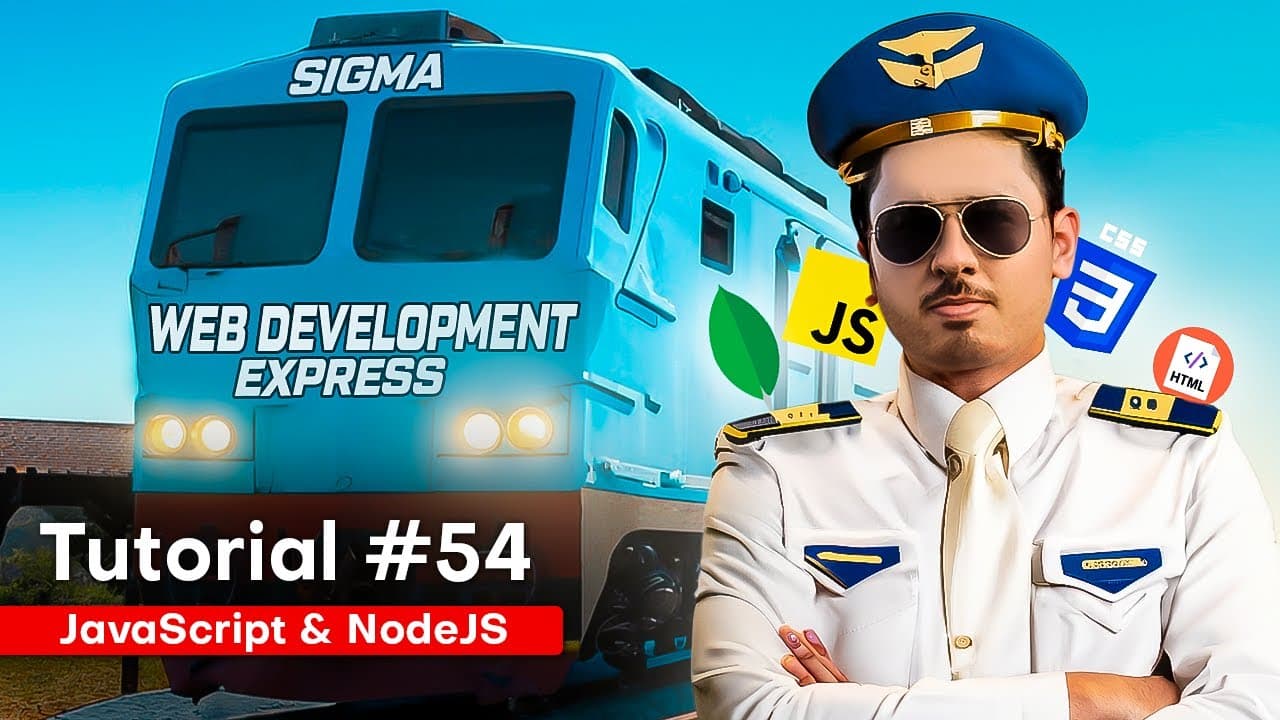
JavaScript is introduced as a client side language that adds interactivity to webpages and can run on the backend with Node.js. The video covers two usage modes, front end and back end, and shows how to link JavaScript to HTML, use alert and console.log for debugging, and install Node.js for server side code. It also demonstrates basic interactivity features and explains the difference between front end and back end workflows.
Transcript
Guys, in today's video, we are going to start JavaScript. JavaScript is a client-side scripting language that makes your webpages interactive. Do you remember we made a Netflix clone in which we didn't add any interactivity? We only added design. It can be made interactive with JavaScript. JavaScript can be used to make backends with the help of No... Read More
Key Insights
- JavaScript is a client side scripting language that adds interactivity to webpages.
- JavaScript can also be used on the backend through Node.js, enabling server side scripting and database interaction.
- Front end JavaScript runs in the browser, while back end JavaScript runs on a server, as introduced in the course.
- Interactivity examples include clicking a button, submitting a form, and displaying alert boxes.
- Two primary ways to use JavaScript in HTML are inline script tags and external script files like script.js.
- Linking JavaScript to HTML requires using a script tag with a src attribute to load external files.
- Debugging and learning basics are aided by console.log, console.error, and console warning outputs in the browser console.
- The course content includes installing Node.js as a prerequisite for running JavaScript on the server side.
Install to Summarize YouTube Videos and Get Transcripts
Explore YouTube Video Summarizer or Get YouTube Transcript Extractor
Questions & Answers
Q: How do you start using JavaScript in a web page without leaving the browser?
To start using JavaScript in a web page, you can write code directly in a script tag before the closing body tag or create an external file like script.js and link it using a script tag with a src attribute. This allows immediate testing of simple commands like alert or console.log in the browser.
Q: What are the two main modes of using JavaScript described in the video?
The two main modes are front end JavaScript, which runs in the browser to handle interactivity and UI changes, and back end JavaScript, which runs on a server via Node.js to perform server side tasks, query databases, and deliver data back to the client.
Q: Why is console.log emphasized in the introduction to JavaScript?
Console.log is emphasized as a primary debugging tool that prints messages to the browser console, helping developers track code execution, verify values, and debug without affecting user experience, making it essential for beginners learning JavaScript.
Q: What happens when you link a JavaScript file to your HTML document?
Linking a JavaScript file loads the code so it can execute in the browser. If you link a file like script.js, the code runs as part of the page load, enabling interactive features such as alerts or dynamic content changes when the user interacts with the page.
Q: What foundational examples illustrate basic JavaScript interactivity in the video?
The video demonstrates using alert to show a message, prompt to collect user input, and confirm for simple decision prompts. These examples illustrate how JavaScript can respond to user actions like clicks or form submissions to create interactive experiences.
Q: How does the video differentiate front end and back end JavaScript in practice?
The front end runs in the browser to handle user interactions and immediate UI changes, while the back end runs on a server, typically via Node.js, to perform data processing, database queries, and server side logic, enabling full stack capabilities.
Q: What is Node.js used for according to the video?
Node.js is used to run JavaScript on the server side, allowing developers to perform server side scripting such as handling requests, querying databases like MongoDB, and sending responses back to clients, expanding JavaScript beyond the browser.
Q: Which development environment setup steps are shown for JavaScript learning?
The video shows opening a project in VS Code, creating a folder for the lesson, and preparing to run JavaScript either in the browser or on the server after installing Node.js, establishing a practical workflow for learning and experimentation.
Summary & Key Takeaways
- The video opens by defining JavaScript as a tool for adding interactivity to a previously static Netflix clone, emphasizing client side behavior and potential backend use with Node.js. It then outlines two main usage modes and demonstrates basic HTML integration.
The tutorial demonstrates two ways to load JavaScript: inline script tags and external script.js files, and explains how linking influences whether code runs in the browser.
A practical demo shows alert, console.log, prompt, and confirm to illustrate user interaction, debugging, and simple data input, grounding concepts for further learning in the Sigma Web Dev course.
Read in Other Languages (beta)
Share This Summary 📚
Summarize YouTube Videos and Get Video Transcripts with 1-Click
Try YouTube Summary with ChatGPT & Claude or YouTube Transcript Generator
Explore More Summaries from CodeWithHarry 📚


Summarize YouTube Videos and Get Video Transcripts with 1-Click
Try YouTube Summary with ChatGPT & Claude or YouTube Transcript Generator