Products
Features
YouTube Video Summarizer
Summarize YouTube videos
Web & PDF Highlighter
Highlight web pages & PDFs
Chat with PDF
Ask any PDF questions with AI
Ask AI Clone
Chat with your highlights & memories
Audio Transcriber
Transcribe audio files to text
Glasp Reader
Read and highlight articles
Kindle Highlight Export
Export your Kindle highlights
Idea Hatch
Hatch ideas from your highlights
Integrations
Obsidian Plugin
Notion Integration
Pocket Integration
Instapaper Integration
Medium Integration
Readwise Integration
Snipd Integration
Hypothesis Integration
Apps & Extensions
Chrome Extension
Safari Extension
Edge Add-ons
Firefox Add-ons
iOS App
Android App
Discover
Discover
Ideas
Discover new ideas and insights
Articles
Curated articles and insights
Books
Book recommendations by great minds
Posts
Essays and notes from readers
Quotes
Inspiring quotes collection
Videos
Curated videos and summaries
Explore Glasp
Glasp Newsletter
Weekly insights and updates
Glasp Talk
Interview series with great minds
Glasp Blog
Latest news and articles
Glasp Use Cases
Learn how others use Glasp
Build & Support
Glasp API
Access Glasp's API for developers
MCP Connector
Connect Glasp to Claude & ChatGPT
Community
Glasp Reddit Community
Students
Student discount and benefits
FAQs
Frequently Asked Questions
AboutPricing
DashboardLog inSign up

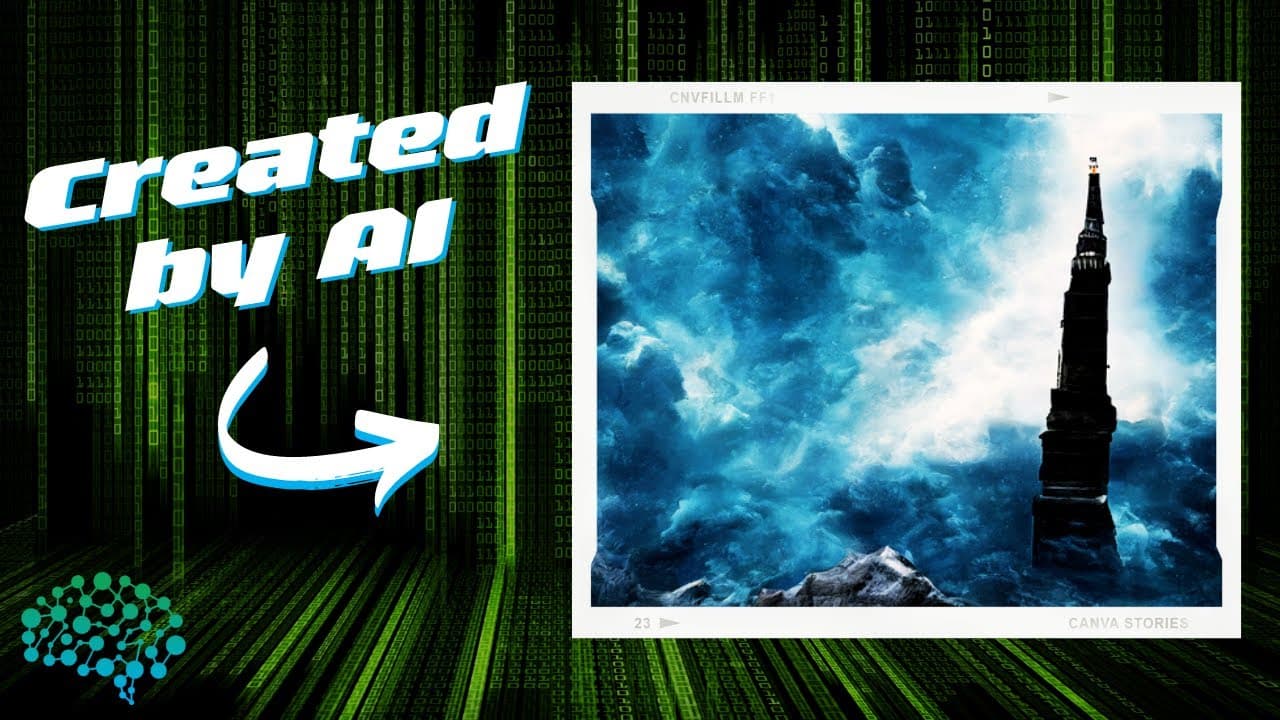
How to Create Stunning AI Art with CC12M Dataset
June 3, 2022
by
All About AI
YouTube video player
How to Create Stunning AI Art with CC12M Dataset

TL;DR

To create AI art using the CC12M dataset, follow the provided steps in Google Colab, adjusting parameters like text input, image height, and steps for unique outputs. A higher number of steps, typically up to 1000, results in better quality images. Experiment with different prompts and seeds to explore a variety of artistic creations.

Transcript

so hello and welcome today we are going to create some ai art using the cc12m engine so the cc12m is a dataset with about 12 million image text pairs specifically meant to be used for vision and language pre-training we are going to use it to create some ai art from text inputs so what i just wanted to show you now is how you can actually do this y... Read More

Key Insights

  • 😑 The CC12M dataset has 12 million image-text pairs and is useful for vision and language pre-training.
  • 🇲🇫 The video provides code and steps to create AI art using the CC12M dataset in Google Colab.
  • 🥰 Adjusting parameters such as text input, image height, steps, and seed can affect the quality and uniqueness of the generated AI art.
  • 🥰 Users can explore different images and prompt inputs to create a variety of AI art.
  • ✋ A higher number of steps generally leads to higher quality AI art.
  • 🎮 There is an option to display every step of the generation process in the video.
  • 🥰 The generated AI art can be downloaded and viewed in a separate video.

Install to Summarize YouTube Videos and Get Transcripts

Explore YouTube Video Summarizer or Get YouTube Transcript Extractor

Questions & Answers

Q: What is the CC12M dataset used for?

The CC12M dataset is specifically meant for vision and language pre-training, providing 12 million image-text pairs.

Q: How can I create AI art using the CC12M dataset?

You can follow the steps in the video by copying the code into Google Colab and adjusting parameters like text input, image height, steps, and seed.

Q: What is the maximum image height that can be used in generating AI art?

The maximum image height that can be used is 512.

Q: How can I ensure consistent results in generating AI art?

By selecting the same seed that you have used before, you can ensure consistent results and get the same image.

Summary & Key Takeaways

  • The CC12M dataset is used for vision and language pre-training, with 12 million image-text pairs.

  • The video provides code and steps to create AI art using the CC12M dataset in Google Colab.

  • Users can adjust parameters such as text input, image height, steps, and seed to generate unique AI art.


Read in Other Languages (beta)

English

Share This Summary 📚

Summarize YouTube Videos and Get Video Transcripts with 1-Click

Download browser extensions on:

Try YouTube Summary with ChatGPT & Claude or YouTube Transcript Generator

Explore More Summaries from All About AI 📚
Improve Your AI Skills with Open Interpreter thumbnail
Improve Your AI Skills with Open Interpreter
All About AI
How to Start a Midjourney YouTube Channel in 2023 thumbnail
How to Start a Midjourney YouTube Channel in 2023
All About AI
The AI PC - The Future of Computers? - Microsoft UFO thumbnail
The AI PC - The Future of Computers? - Microsoft UFO
All About AI
I Built My Second Brain with AI (GPT-3) thumbnail
I Built My Second Brain with AI (GPT-3)
All About AI
ChatGPT Prompt Engineering: Advanced Data Analysis for Writing - IMPRESSIVE! thumbnail
ChatGPT Prompt Engineering: Advanced Data Analysis for Writing - IMPRESSIVE!
All About AI
How to Use ChatGPT to Hire an AI CEO for Profit thumbnail
How to Use ChatGPT to Hire an AI CEO for Profit
All About AI

Summarize YouTube Videos and Get Video Transcripts with 1-Click

Download browser extensions on:

Try YouTube Summary with ChatGPT & Claude or YouTube Transcript Generator

Apps & Extensions

  • Chrome Extension
  • Safari Extension
  • Edge Add-ons
  • Firefox Add-ons
  • iOS App
  • Android App

Key Features

  • YouTube Video Summarizer
  • Web & PDF Summarizer
  • Web & PDF Highlighter
  • Chat with PDF
  • Ask AI Clone
  • Audio Transcriber
  • Glasp Reader
  • Kindle Highlight Export
  • Idea Hatch

Integrations

  • Obsidian Plugin
  • Notion Integration
  • Pocket Integration
  • Instapaper Integration
  • Medium Integration
  • Readwise Integration
  • Snipd Integration
  • Hypothesis Integration

More Features

  • APIs
  • MCP Connector
  • Blog & Post
  • Embed Links
  • Image Highlight
  • Personality Test
  • Quote Shots

Company

  • About us
  • Blog
  • Community
  • FAQs
  • Job Board
  • Newsletter
  • Pricing
Terms

•

Privacy

•

Guidelines

© 2026 Glasp Inc. All rights reserved.