How to Install and Explore Solus Linux Distro
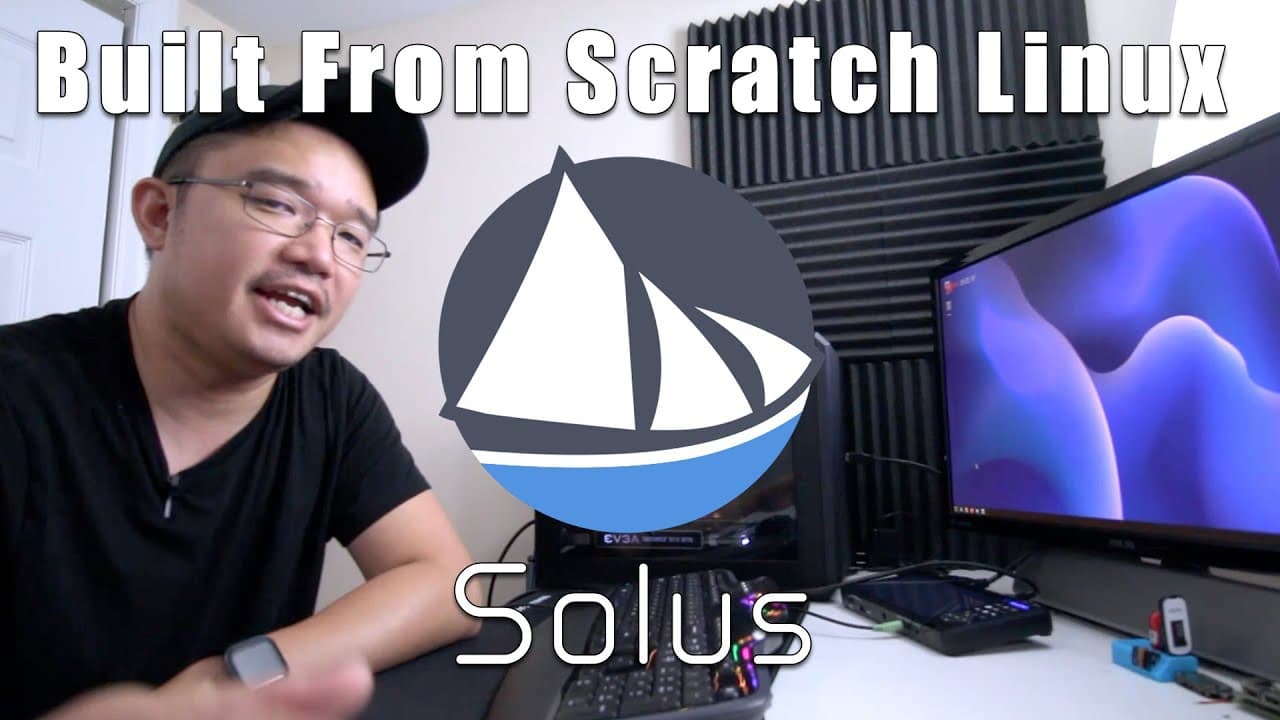
TL;DR
To install and explore Solus Linux, download the ISO, create a bootable USB, and follow the installation prompts. Solus features the EOPkg package manager and a Budgie desktop environment that offers a Windows-like experience. While installation is quick and efficient, users may encounter challenges with software updates and application versions.
Transcript
hey guys what's going on it's don here from nova spare tech and welcome back to the channel and today we're going to be doing something a little bit different which is installing solus into our desktop pc right over here so let's get started all right so i already pre-installed it into this operating system which i will show you right over here as ... Read More
Key Insights
- 🖤 Solus is unique as it is a Linux operating system built from the ground up, lacking reliance on established distributions like Fedora or Ubuntu.
- 👤 The installation process for Solus is quick and user-friendly, appealing to both novice and experienced users seeking alternative operating systems.
- 👤 Budgie provides a streamlined desktop environment with Windows-like navigation, enhancing user comfort and accessibility.
- 🧑🤝🧑 Software installation and updates in Solus can pose challenges, especially concerning up-to-date application versions in repositories.
- 🧡 Users can supplement EOPkg with Flatpak and Snap packages, broadening the range of available software beyond native repositories.
- 🧘 Performance metrics, such as RAM usage and boot speed, are notably efficient, positioning Solus as a contender for resource-conscious users.
- 👻 The host's goal of testing Solus for a prolonged period indicates a commitment to understanding its capabilities and functionality comprehensively.
Install to Summarize YouTube Videos and Get Transcripts
Explore YouTube Video Summarizer or Get YouTube Transcript Extractor
Questions & Answers
Q: Why did the host choose to switch from Fedora to Solus?
The host opted to switch from Fedora to Solus to explore an operating system built from scratch, as they had not fully tested Solus before. They wanted to experience its unique features, such as its different package manager, EOPkg, and evaluate its overall user experience over a month or two, similar to their time with Fedora.
Q: What are the main features of the Budgie desktop environment used in Solus?
The Budgie desktop environment in Solus is highlighted for its resemblance to traditional Windows interfaces, including a start menu and categorized programs. The user experience is enriched with familiar functionalities similar to those found in GNOME, making it user-friendly for those accustomed to classic desktop layouts.
Q: Did the installation process for Solus go smoothly according to the host?
Yes, the installation process for Solus was described as efficient and smooth, taking only about two minutes. The host emphasized the quick boot time and the responsive nature of the system, which they found impressive compared to other operating systems they have used.
Q: What issues did the host encounter while using Solus?
The host faced challenges with some applications not opening during updates, potentially due to significant updates affecting functionality. They also noted that some software versions, like LibreOffice, were slightly outdated and expressed intentions to reboot the computer to remedy some issues like icon display problems.
Q: How does the EOPkg package manager in Solus compare to other package managers?
EOPkg is emphasized as a distinctive package manager used in Solus, differing from more common ones like APT or DNF found in other Linux distributions. It allows users to install and manage software seamlessly without needing to add additional repositories, enhancing user experience, though it may not always have the latest package versions.
Q: What software and applications did the host intend to install on Solus?
The host planned to install various applications, including Wine, DaVinci Resolve, and potentially Adobe Photoshop. They also expressed an interest in testing gaming compatibility by installing Steam and other gaming-related software, indicating a desire to use Solus as a comprehensive desktop environment.
Q: What was the boot time for the Solus operating system?
The host reported an impressive boot time of under 10 seconds from BIOS to the desktop login screen, showcasing Solus's efficiency and performance capabilities compared to other systems they have used, which typically took longer to boot.
Q: Why is the yellow tint on the display concerning the host?
The host was troubled by a persistent yellow tint on the screen after installation, which they were unable to rectify within display settings. They expressed a need to troubleshoot this issue further, indicating that it might be related to color profile settings or graphic driver configurations.
Summary & Key Takeaways
-
The host transitions from Fedora to Solus OS, having not fully tested Solus before, seeking a unique user experience with a fresh operating system built from scratch.
-
Solus utilizes the EOPkg package manager and is noted for its performance, with the host appreciating the Budgie desktop environment's familiarity to Windows-style interfaces.
-
The video highlights installation issues with certain applications and the need for software updates while showcasing features like system performance and the software center within Solus.
Read in Other Languages (beta)
Share This Summary 📚
Summarize YouTube Videos and Get Video Transcripts with 1-Click
Try YouTube Summary with ChatGPT & Claude or YouTube Transcript Generator
Explore More Summaries from Novaspirit Tech 📚






Summarize YouTube Videos and Get Video Transcripts with 1-Click
Try YouTube Summary with ChatGPT & Claude or YouTube Transcript Generator