How to Create AI Videos from Websites Using Synthesia
TL;DR
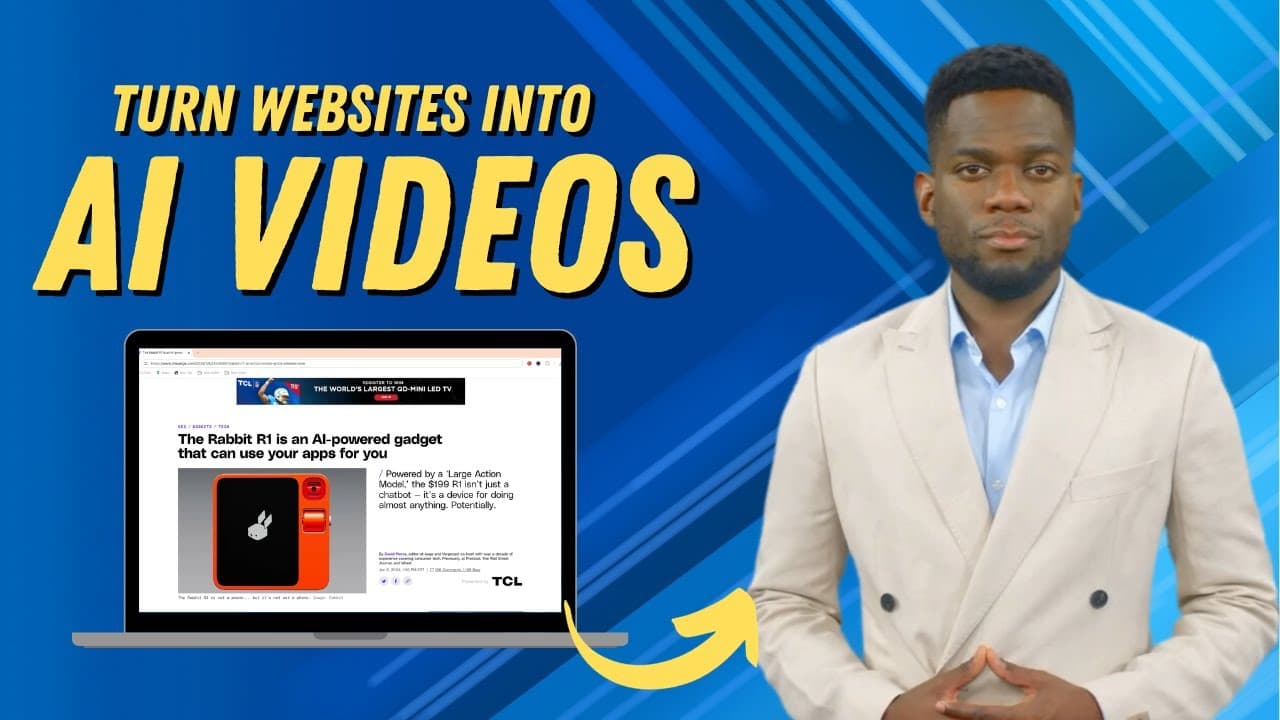
To create AI videos from websites with Synthesia, simply sign up, copy the URL of the desired article, choose a template, and paste the link into the platform. You can customize avatars, scenes, and backgrounds before generating the final video in just a few minutes. This tool offers an efficient way for content creators to transform text into engaging video content.
Transcript
hey everyone welcome to edtech hustle my name is Rich in this video I'm going to show you how you can take any website or news article like this one and convert it to a video in just a few steps we'll do this all with Synthesia so our first step is going to go to Synthesia doio where we're going to create an AI video now this is a paid service but ... Read More
Key Insights
- 💨 Synthesia offers an easy way to convert websites or articles into AI videos by simply copying and pasting the link.
- 👤 Users can choose from various templates and customize scenes, avatars, voices, and backgrounds.
- 🎮 The ability to add personal media, such as images and videos, enhances the professional look and feel of the videos.
- 👻 Synthesia's editing features allow for further customization, including trimming and adjusting audio.
- 💁 The AI-generated videos create a unique and engaging format for sharing information, particularly for content creators on platforms like YouTube.
- 👤 The platform provides a good balance between ease-of-use and flexibility, allowing users to quickly create videos or spend more time on detailed modifications.
- 🎮 Customizable captions and the ability to generate video titles and descriptions make it suitable for multiple platforms.
Install to Summarize YouTube Videos and Get Transcripts
Explore YouTube Video Summarizer or Get YouTube Transcript Extractor
Questions & Answers
Q: Is Synthesia a free or paid service?
Synthesia provides a paid service, but you can get started for free with limited features and options.
Q: Can I customize the avatars and voices in my videos?
Yes, you can change the avatars and select from a variety of voices available in Synthesia to suit your preferences and style.
Q: Can I add my own background images or media to the videos?
Absolutely, Synthesia allows you to upload your own content, including background images, videos, and audios, to personalize your videos.
Q: Is it possible to trim and edit the video scenes within Synthesia?
Yes, you can trim and edit video scenes within Synthesia, adjusting the duration and content to create a seamless and engaging video.
Summary & Key Takeaways
-
This video tutorial demonstrates how to create AI videos using Synthesia, starting with creating an account on Synthesia's website.
-
The video shows how to select a template, add the source article or website, customize the scenes, avatars, and background.
-
It also highlights how to edit the video further, add media and logo, adjust audio, and generate the final video.
Read in Other Languages (beta)
Share This Summary 📚
Summarize YouTube Videos and Get Video Transcripts with 1-Click
Try YouTube Summary with ChatGPT & Claude or YouTube Transcript Generator
Explore More Summaries from EdTech Hustle 📚




![Keynote: Remove The Background of Any Photo [Using Instant Alpha] thumbnail](/_next/image?url=https%3A%2F%2Fi.ytimg.com%2Fvi%2F0Ji-uTffzJE%2Fhqdefault.jpg&w=750&q=75)

Summarize YouTube Videos and Get Video Transcripts with 1-Click
Try YouTube Summary with ChatGPT & Claude or YouTube Transcript Generator