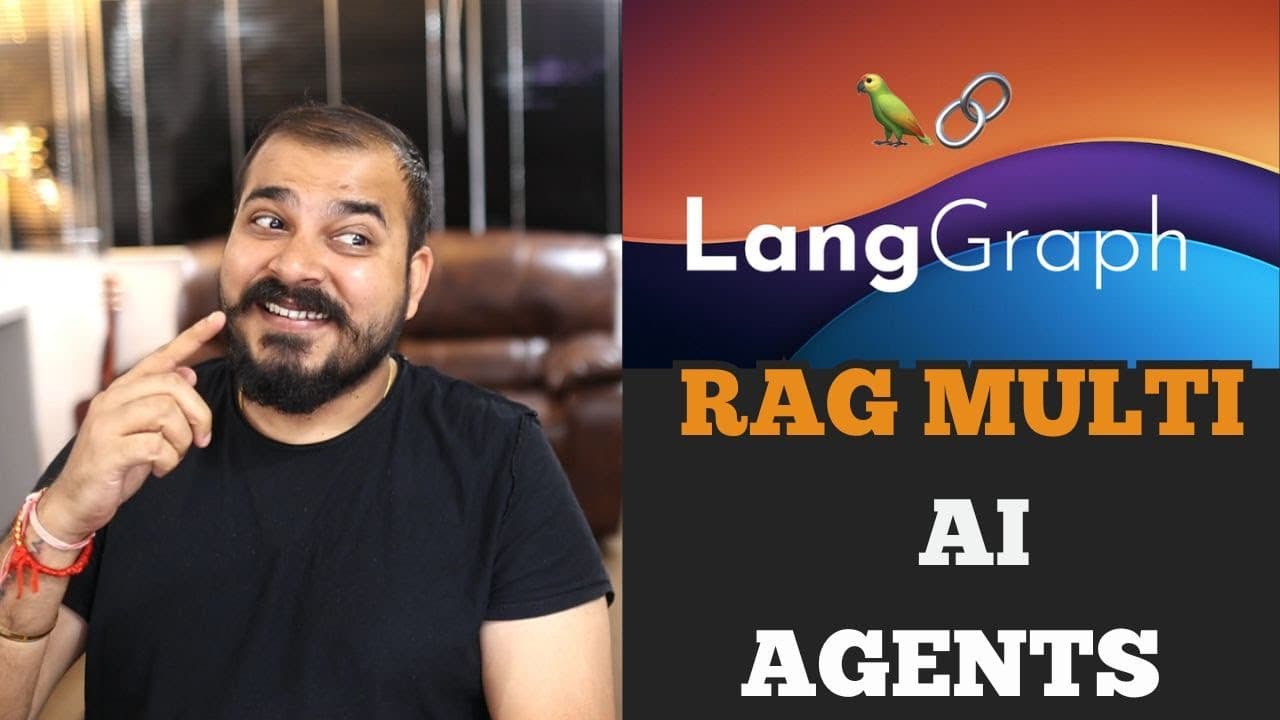
How to Build a Multi-Agent RAG App with LangGraph
TL;DR
Build the application by using a LangGraph router to direct each user query either to an Astra DB vector search or an external search tool. Website content is loaded, split, converted into vectors, and stored in a serverless Astra DB database, while an LLM and prompt engineering process the retrieved information into a final response.
Transcript
hello guys in this video we are going to create an amazing endtoend multi- aai agent application using langra and astrab now if you don't know about langra langra actually helps you to create AI agents in such a way that you'll be able to manage their state the communication between the agents it provides you the entire workflow to probably create ... Read More
Key Insights
- LangGraph is a framework for organizing AI agents, maintaining their state, managing communication between them, and defining the workflow through which a user request moves from a start node to an end node.
- The router is the decision point that determines whether a user query should be answered from the Astra DB vector store or handled by an external tool such as Wikipedia search.
- Astra DB is used as a cloud-hosted vector database that stores text after it has been converted into vector representations, allowing the application to retrieve relevant website information for user queries.
- The database setup requires a serverless vector database, a recorded database ID, and a generated access token with the selected administrator role so the application can establish an authenticated connection.
- CassIO initializes the Astra DB connection by receiving the application token and database ID, giving the notebook access to the database used by the retrieval workflow.
- Website ingestion works by passing selected URLs to WebBaseLoader, loading their text into documents, and preparing the collected material for later conversion and storage in Astra DB.
- RecursiveCharacterTextSplitter divides loaded website documents into smaller text portions, supporting the preparation of source material before it is converted into vectors and inserted into the database.
- The response workflow combines retrieved information with an LLM and prompt engineering, then sends the processed result to the final LangGraph end node as the chatbot's answer.
Install to Summarize YouTube Videos and Get Transcripts
Explore YouTube Video Summarizer or Get YouTube Transcript Extractor
Questions & Answers
Q: How does the LangGraph multi-agent RAG workflow operate?
The workflow begins when a user query enters a LangGraph start node. A router then evaluates where the request should be handled. Queries supported by stored website content are sent to the Astra DB vector search path, while other requests can go to an external tool such as Wikipedia search. Retrieved information is combined with an LLM and prompt instructions before reaching the end node.
Q: What role does the router play in the application?
The router decides which information source should handle each user query. It can direct a request toward the Astra DB vector database when the required information is available in stored website content. Alternatively, it can send the request to an external tool such as Wikipedia search. This routing decision allows the chatbot to perform different tasks through separate workflow paths.
Q: How do you configure Astra DB for the RAG project?
Create a database through DataStax and select the serverless vector database option because the application stores text as vectors. Choose a database name and region, then wait for its creation. Record the database ID, select the administrator user role, and generate an access token. The database ID and token are then supplied to CassIO to initialize the connection.
Q: Why does the application use a vector database?
The vector database stores website text after that text has been converted into vector representations. When a query is routed to the retrieval path, the application searches the stored vectors for relevant information. Astra DB provides the cloud-hosted database for this purpose, enabling the retrieved material to be passed to the LLM and prompt-processing stage before the final answer is returned.
Q: How is website content added to the Astra DB database?
The application defines a collection of website URLs and uses WebBaseLoader from the LangChain community loaders to read each page. The loaded documents are then processed with RecursiveCharacterTextSplitter, which divides the text into smaller portions. Those portions can be converted into vectors and stored in the Astra DB vector database for later retrieval when relevant user questions arrive.
Q: What credentials are required to connect to Astra DB?
The connection requires the Astra DB application token and the database ID. The database ID is available after the serverless vector database has been created. The access token is generated after selecting a role, with the demonstration using the administrator user role. Both values are passed to the CassIO initialization function so the notebook can access the database.
Q: What libraries are installed for the multi-agent RAG application?
The notebook installs LangChain, LangGraph, CassIO, LangChain Community, TikToken, LangChain Groq, LangChain Hub, and LangChain Hugging Face. CassIO supports initialization of the Astra DB connection, while LangGraph defines the agent workflow. LangChain components support document loading, text splitting, model integration, and other parts of the retrieval and response pipeline.
Q: How are external search tools integrated with the agent workflow?
External search is represented as a separate route selected by the LangGraph router. The demonstration uses Wikipedia search as its example, but it also states that other third-party tools can be implemented, including a search API for Google search. When the router determines that the vector database should not fulfill a query, it can direct the request to this external-tool path.
Summary & Key Takeaways
-
The project creates a chatbot with multiple AI agents organized through LangGraph. A start node receives the user query, and a router determines whether the request should use information retrieved from an Astra DB vector database or an external tool such as Wikipedia search before proceeding to the final response.
-
Astra DB supplies the cloud-hosted vector database used by the retrieval workflow. The setup requires creating a serverless vector database, recording its database ID, generating an administrator token, and initializing the connection through CassIO. These credentials allow the notebook code to access the database and manage its stored vectors.
-
The data ingestion process uses WebBaseLoader to read text from selected website URLs. RecursiveCharacterTextSplitter prepares that content for vector storage by dividing the loaded documents into smaller portions. The application can later retrieve relevant information from Astra DB, combine it with an LLM and prompt instructions, and return an answer.
Read in Other Languages (beta)
Share This Summary 📚
Summarize YouTube Videos and Get Video Transcripts with 1-Click
Try YouTube Summary with ChatGPT & Claude or YouTube Transcript Generator
Explore More Summaries from Krish Naik 📚


Summarize YouTube Videos and Get Video Transcripts with 1-Click
Try YouTube Summary with ChatGPT & Claude or YouTube Transcript Generator