How to Build No-Code AI Image Editing App
TL;DR
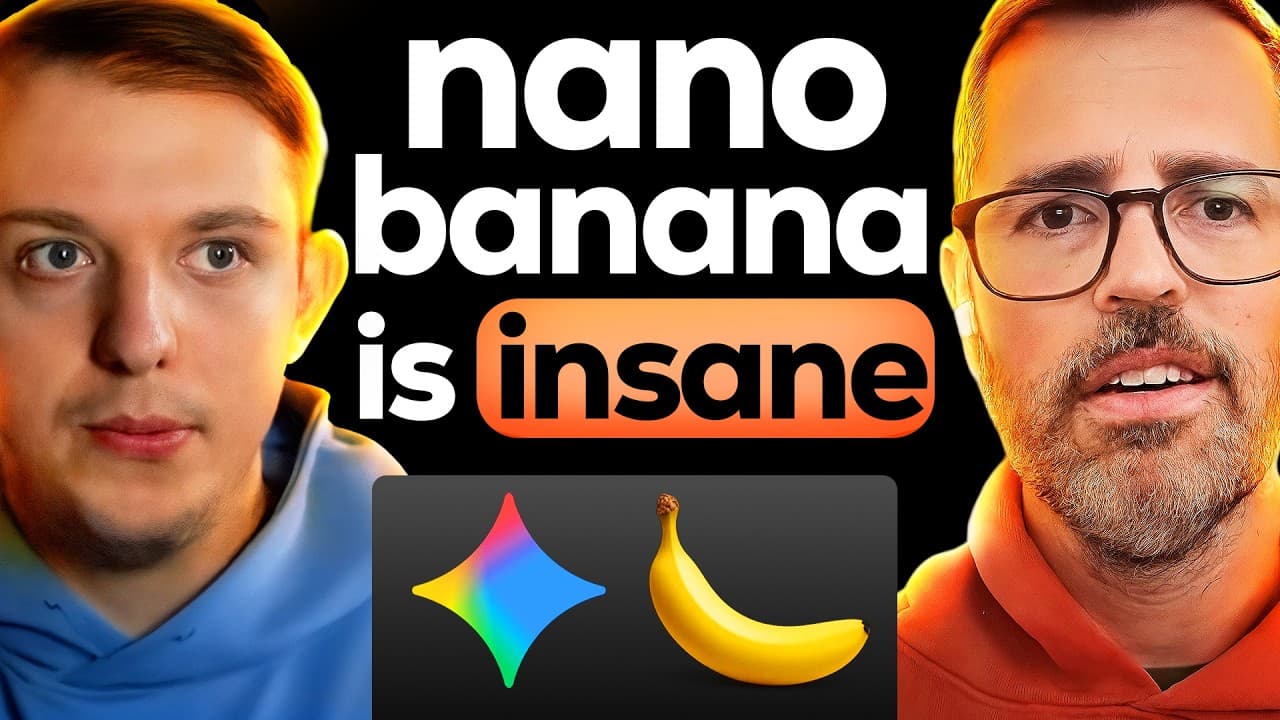
Learn to build an AI-powered image editing app using Google's Nano Banana without writing any code. This video guides you through setting up the project, integrating with Google API, and using Puppeteer for automated testing. Gain insights into vibe coding techniques and iterative thumbnail design, all while exploring the future of AI in image editing.
Transcript
Nano Banana, the AI image model created by Google, is taking the world by storm. It is quickly becoming the number one AI image editor in the entire world. And today, we're going to be using AI to build an app that uses Nano Banana to edit our YouTube thumbnails with words. Today, I'm joined by Zach Lloyd, the founder of Warp, and we're going to be... Read More
Key Insights
- Nano Banana is a leading AI image model from Google, revolutionizing image editing.
- The app allows users to upload images and edit them using text prompts with Nano Banana.
- Vibe coding involves building software without traditional coding, leveraging AI tools.
- Using Next.js, the project setup includes creating a basic interface for image upload and editing.
- Integration with Google API enables seamless communication between the app and Nano Banana.
- Puppeteer is used for automated testing, simulating user interactions to debug the app.
- Iterative design allows continuous image editing, applying changes on top of previous edits.
- Open-sourcing the project encourages community collaboration and further development.
Install to Summarize YouTube Videos and Get Transcripts
Explore YouTube Video Summarizer or Get YouTube Transcript Extractor
Questions & Answers
Q: How to build an AI image editing app without coding?
To build an AI image editing app without coding, use Google's Nano Banana for image processing and Next.js for project setup. Implement a basic interface for image upload and editing prompts. Integrate with Google API to enable communication between the app and Nano Banana. Utilize Puppeteer for automated testing, ensuring seamless functionality without writing traditional code.
Q: What is vibe coding in app development?
Vibe coding refers to building software applications without writing traditional code, leveraging AI tools and platforms to automate development tasks. It involves using pre-built templates, AI-driven APIs, and automated testing tools like Puppeteer to create functional apps. This approach democratizes app development, enabling non-coders to build and deploy applications efficiently.
Q: How does Nano Banana enhance image editing?
Nano Banana, an AI image model by Google, enhances image editing by allowing users to make complex edits through simple text prompts. It automates tasks traditionally done in software like Photoshop, such as changing colors, adding elements, or modifying image features. This democratizes image editing, making it accessible to users without technical expertise.
Q: Why use Puppeteer for automated testing?
Puppeteer is used for automated testing because it allows developers to simulate user interactions with a web application. It can automate tasks like form submissions, navigation, and UI testing, providing insights into app functionality and identifying bugs. This ensures the app performs as expected, improving reliability and user experience without manual testing.
Q: What are the benefits of iterative thumbnail design?
Iterative thumbnail design allows continuous refinement of images by applying edits on top of previous changes. This approach enables users to experiment with different styles and adjustments, improving the final output iteratively. It fosters creativity and flexibility, allowing users to explore various design possibilities without starting from scratch each time.
Q: How does AI compare to Photoshop in image editing?
AI models like Nano Banana surpass traditional tools like Photoshop in accessibility and ease of use. While Photoshop requires technical expertise and manual editing, AI allows users to make complex changes through simple prompts. This streamlines the editing process, making it faster and more intuitive, especially for users without professional design skills.
Q: What challenges arise in no-code app development?
Challenges in no-code app development include ensuring seamless integration of various AI tools, managing dependencies, and debugging without traditional coding knowledge. While no-code platforms simplify development, they may limit customization and require creative problem-solving to overcome limitations, such as handling complex logic or unique use cases.
Q: How can open-sourcing benefit AI app projects?
Open-sourcing AI app projects fosters community collaboration, enabling developers to contribute improvements, fix bugs, and add features. It encourages knowledge sharing and innovation, accelerating the development process. Open-source projects benefit from diverse perspectives and expertise, enhancing the app's functionality and expanding its potential use cases.
Summary & Key Takeaways
-
This video demonstrates building an AI image editing app using Google's Nano Banana without traditional coding. The process includes setting up a Next.js project, integrating with Google API, and using Puppeteer for automated testing. The app allows iterative thumbnail design, showcasing the power of vibe coding and AI in image editing.
-
Nano Banana enables users to edit images with simple text prompts, making complex edits accessible to non-coders. The video highlights the ease of integrating AI tools into web apps, using Puppeteer for testing, and the advantages of iterative design in creating dynamic user experiences.
-
The project is open-sourced, inviting developers to explore and enhance the AI-powered image editing app. This approach demonstrates the potential of AI in transforming traditional tasks, offering a glimpse into the future of no-code development and AI-assisted creativity.
Read in Other Languages (beta)
Share This Summary 📚
Summarize YouTube Videos and Get Video Transcripts with 1-Click
Try YouTube Summary with ChatGPT & Claude or YouTube Transcript Generator
Explore More Summaries from Riley Brown 📚


Summarize YouTube Videos and Get Video Transcripts with 1-Click
Try YouTube Summary with ChatGPT & Claude or YouTube Transcript Generator