How to Optimize YouTube Videos Without Tags
TL;DR
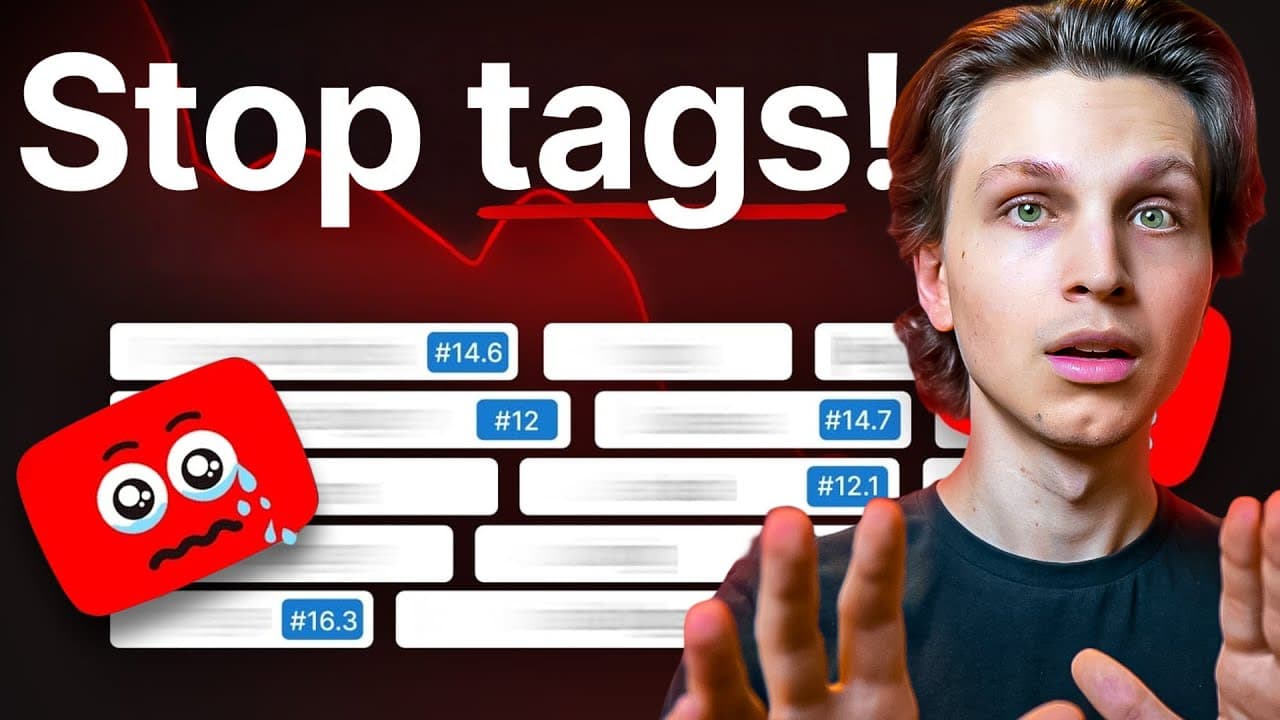
Optimize YouTube videos by prioritizing content quality, thumbnails, and titles, while treating tags as a small supplementary boost. Start with a title-like tag, add highly relevant video-specific tags, then use about five category tags and one to three channelwide tags. Tags are especially useful for smaller channels and common misspellings, but unrelated tags can hurt visibility or risk a ban. Read on for the complete tagging structure.
Transcript
You've probably been told that tagging your videos is the key to ranking your videos higher in search and getting your videos more views. And I've talked a lot about the importance of tags in the past. But do tags even really matter anymore? I've had a lot of debate with my team who helps me run a bunch of my different YouTube channels regarding ta... Read More
Key Insights
- Tags have limited impact on video ranking, especially for established channels.
- Focus on high-quality content, titles, and thumbnails for better video performance.
- Use tags for common misspellings and relevant keywords to aid discovery.
- Avoid irrelevant tags to prevent potential penalties from YouTube.
- Thumbnails are crucial as they are the first visual representation of your video.
- Video descriptions should include relevant keywords in the first few lines.
- The actual spoken content in videos is indexed by YouTube and aids in categorization.
- Tube Magic is a tool that automates title, description, and tag generation.
Install to Summarize YouTube Videos and Get Transcripts
Explore YouTube Video Summarizer or Get YouTube Transcript Extractor
Questions & Answers
Q: How do you optimize YouTube videos without relying on tags?
Focus first on content quality, because strong videos give viewers a reason to return. Use compelling thumbnails to earn clicks and clear titles to describe what viewers will receive; tags should provide only a small supplementary boost.
Q: Do YouTube tags still matter?
Tags can provide a small algorithm boost, especially when a channel is new and YouTube does not yet understand its videos or audience. They matter less as the channel grows and YouTube learns more about its ideal audience.
Q: When should you stop using YouTube tags?
Stop using tags if you are tagging videos incorrectly or adding terms that do not directly relate to the content. Random popular tags can push a video toward the bottom of results, and prohibited unrelated tagging could get a video or channel banned.
Q: What should the first YouTube tag be?
The first tag should clearly describe the video and closely resemble its title. This title tag is intended to help people find the video when they search for something highly specific.
Q: What are video-specific tags?
Video-specific tags directly describe the individual video's content and should make up the majority of its tags. The creator uses Tube Magic to generate hyperrelated suggestions from an unlisted video link, a title, or the video's transcript, then deletes anything irrelevant.
Q: What are category-specific YouTube tags?
Category-specific tags represent a recurring subject covered by the channel. The creator uses about five tags for each category, such as “make money on YouTube,” “YouTube monetization,” “how to grow on YouTube,” or “how to get more views,” depending on the video's subject.
Q: How many channelwide tags should a YouTube video use?
The creator usually uses one to three channelwide tags. These tags describe the entire channel rather than only the individual video or its content category.
Q: What does YouTube recommend using tags for?
YouTube recommends using tags for common misspellings and keywords an audience might search for. Every tag should directly relate to the video, because accurate tags help match the content with viewers seeking that subject.
Summary & Key Takeaways
-
Tags on YouTube have a minimal effect on video performance compared to other factors like content quality, titles, and thumbnails. Focus on creating engaging content with relevant keywords in titles and descriptions. Thumbnails should be eye-catching and concise, while tags should be used for common misspellings and specific keywords.
-
As your channel grows, tags become less important, and YouTube relies more on video content to understand your channel. Prioritize creating valuable content and optimizing thumbnails and titles to attract viewers. Use tools like Tube Magic to streamline the optimization process.
-
Thumbnails and video descriptions play a significant role in attracting viewers. Ensure thumbnails are visually appealing and descriptions include essential keywords. Tags should accurately reflect video content to avoid penalties. Use AI tools like Tube Magic to enhance video optimization efficiently.
Read in Other Languages (beta)
Share This Summary 📚
Summarize YouTube Videos and Get Video Transcripts with 1-Click
Try YouTube Summary with ChatGPT & Claude or YouTube Transcript Generator
Explore More Summaries from Make Money Matt 📚




Summarize YouTube Videos and Get Video Transcripts with 1-Click
Try YouTube Summary with ChatGPT & Claude or YouTube Transcript Generator