What Issues Do Developers Face with Next.js App Router?
TL;DR
Developers face several challenges with Next.js app router, including server actions running sequentially, which delays UI interactions, and excessive caching that leads to stale data. These issues negatively impact user experience, prompting the need for better caching controls and handling of errors within the application.
Transcript
all right y'all I don't make this video too negative but I do want to point out some of the things about next.js that have been kind of bothering me when I'm using the app router with server actions and I do want to say that I do like using xjs which is why I use it in most of my videos I do think it's still one of the best ways to build out a full... Read More
Key Insights
- 🎁 Next.js provides a powerful framework for building full-stack applications but presents specific pitfalls with its app router and server actions.
- 😀 Server actions are limited by their sequential execution model, negatively affecting the responsiveness of apps, especially with user-driven actions like favoriting.
- 👤 Caching behaviors in the app router can lead to stale data being shown to users, complicating interactions and diminishing the overall user experience.
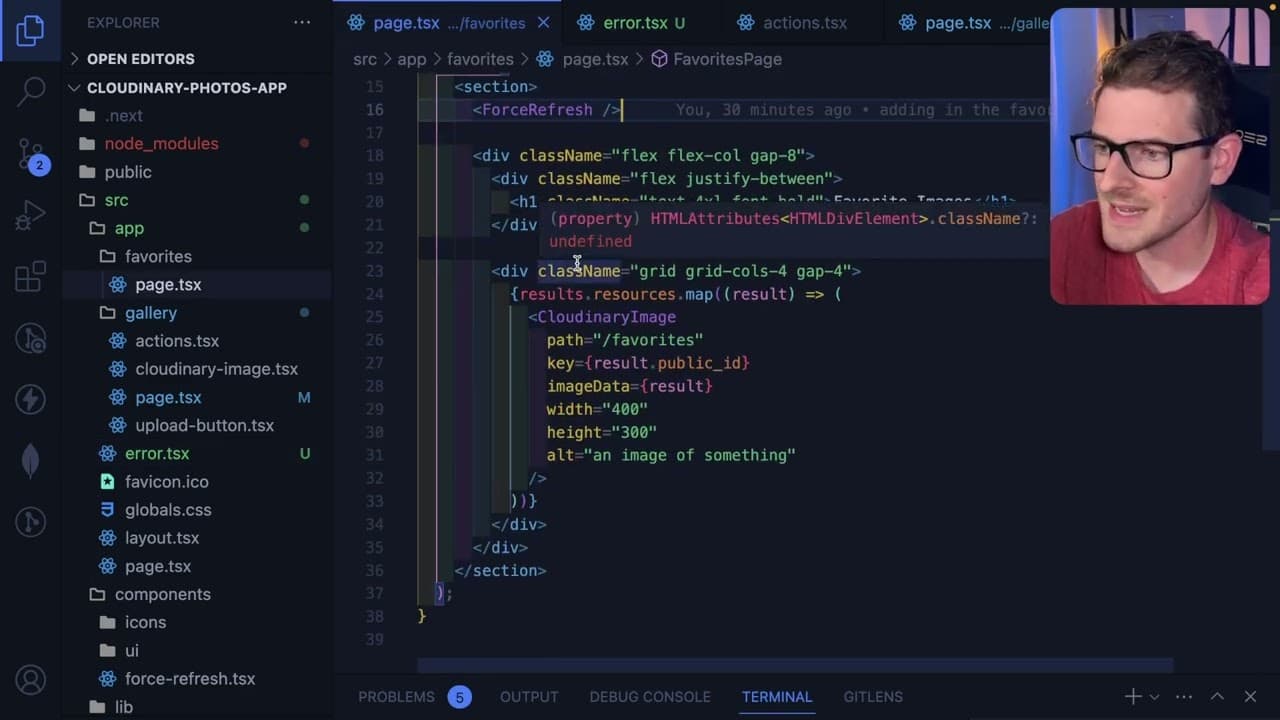
- 🧑🦽 Implementing manual refresh mechanisms like a Force Refresh component indicates a need for better caching controls in Next.js.
- 😄 The reliance on
use clientfor React server components complicates development and restricts code flexibility, detracting from the ease of refactoring that developers expect. - 🈸 Effective error handling is crucial in web applications; currently, the application may not recover gracefully from errors without additional handling from the developer.
- 👤 The presenter values extra features but underscores the need for smoother execution and better performance without compromising the user interface.
Install to Summarize YouTube Videos and Get Transcripts
Explore YouTube Video Summarizer or Get YouTube Transcript Extractor
Questions & Answers
Q: What issues does the presenter encounter with server actions in Next.js?
The presenter notes that server actions in Next.js do not run concurrently; they execute sequentially. When multiple actions are initiated, the page waits for all actions to complete before refreshing, causing a frustrating delay, especially when simple interactive elements like favoriting images are involved. This sequential processing can hinder user interaction and lead to poor performance.
Q: How does caching affect the user experience in the gallery application?
Caching causes stale data to be displayed in the app router. For instance, when users navigate back to a favorites page after unfavoriting some items, they still see the old favorites until the cache is cleared or refreshed. This leads to confusion and a perception of sluggishness, as users expect immediate feedback for their actions.
Q: What workaround does the presenter implement to address caching issues?
The presenter creates a "Force Refresh" component that calls router.refresh() on mount. This ensures that certain pages refresh to display the most current data, albeit leading to brief moments where old data appears before the refresh completes. While this is a practical solution, it is not ideal and reflects a broader problem with the app router's caching approach.
Q: What frustrations does the presenter have regarding the use of React server components?
The presenter expresses frustration over the restriction of code movement with React server components, as components need to be explicitly marked with use client. This additional requirement complicates the development process, making it more cumbersome to implement third-party libraries and refactor components. The presenter hopes for a more user-friendly solution in future releases that would streamline this process.
Q: How does the presenter feel about the error handling in Next.js?
The presenter feels that the error handling in Next.js leaves much to be desired, noting that when an error occurs on a page, navigating back results in a white screen instead of a proper error handling process. This poor UX suggests that the application can become "stuck," and the presenter believes default error handling should be more robust to prevent critical failures.
Q: What does the presenter think about the overall performance trade-offs in Next.js?
The presenter argues that while Next.js provides many powerful features, such as server actions, the current performance trade-offs lead to significant UX issues. The excessive caching and sequential processing cause frustrating delays, prompting the presenter to call for improvements to address these downsides without sacrificing performance for user experience.
Summary & Key Takeaways
-
The video discusses several issues faced while using Next.js app router, specifically focusing on server actions and caching behavior, which can negatively impact user experience.
-
It highlights problems with server actions running sequentially, causing delays when interacting with the UI, especially noticeable when favoriting images in a gallery.
-
Concerns are raised about excessive caching in the app router, which leads to stale data and complicates page transitions, ultimately affecting the overall user experience.
Read in Other Languages (beta)
Share This Summary 📚
Summarize YouTube Videos and Get Video Transcripts with 1-Click
Try YouTube Summary with ChatGPT & Claude or YouTube Transcript Generator
Explore More Summaries from Web Dev Cody 📚





Summarize YouTube Videos and Get Video Transcripts with 1-Click
Try YouTube Summary with ChatGPT & Claude or YouTube Transcript Generator