How to Organize Your Files for Maximum Efficiency
TL;DR
Achieving effective file management starts with limiting folder levels to five, allowing up to 99 folders each. Use a consistent naming convention that incorporates dates or keywords for better searchability, and leverage your file manager's features to streamline organization.
Transcript
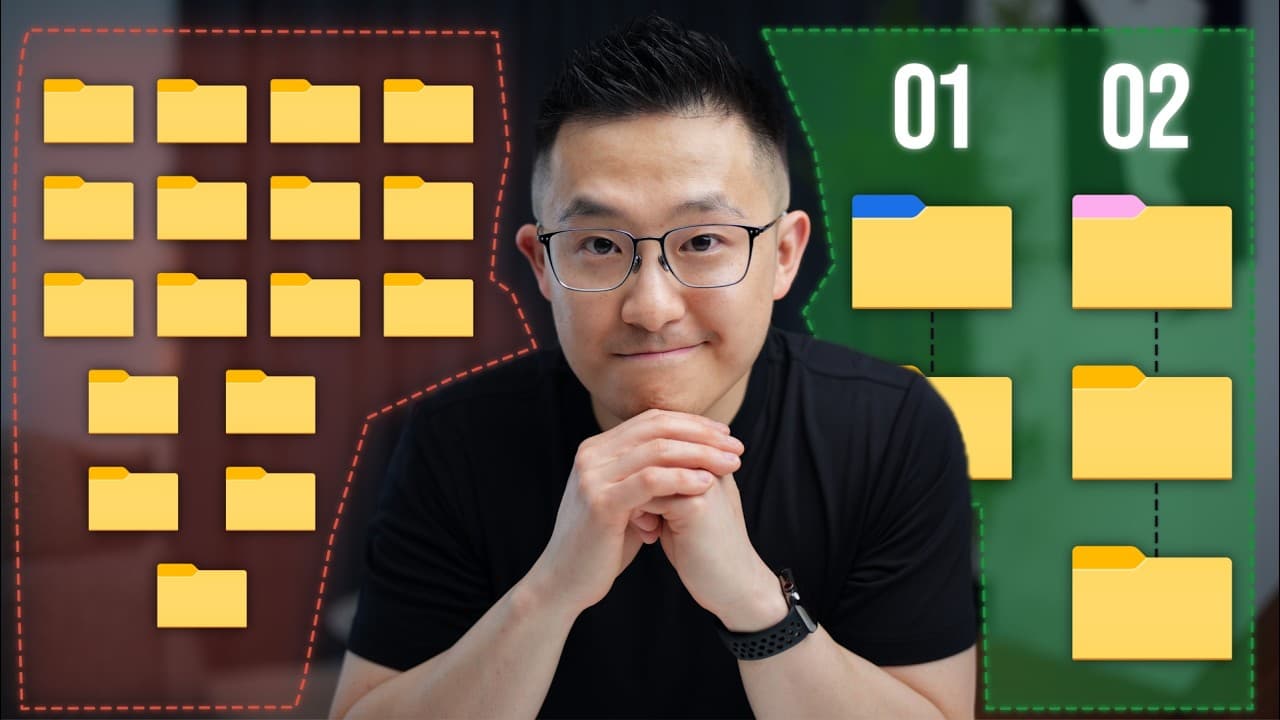
when I first entered the workforce this is how my file management looked like and since then I've tried everything from bro it doesn't matter if it's messy just search for it man all the way to have you heard of the Johnny Decimal System okay so first you just need to memorize this totally not complicated numbering structure and then you have to De... Read More
Key Insights
- ⚖️ Maintaining a healthy balance between organization and efficiency is crucial when managing files.
- 📁 Utilizing a consistent naming convention and limiting the number of folder levels can enhance file searchability and organization.
- 👍 Taking advantage of native features, search operators, and productivity apps can streamline file management.
Install to Summarize YouTube Videos and Get Transcripts
Explore YouTube Video Summarizer or Get YouTube Transcript Extractor
Questions & Answers
Q: What is the recommended maximum number of folder levels for efficient file management?
It is advised to limit the number of folder levels to a maximum of five. This allows for a well-organized file hierarchy without getting lost or overwhelmed.
Q: How can I make files more searchable with naming conventions?
To make files more searchable, consider including just a year or quarter in the file name. For example, "2025 Budget Spreadsheet." Alternatively, be more specific and include a month and date, such as "2025-0505 Inbox Zero Training for Sales Team."
Q: What are some useful features in Google Drive for efficient file management?
Google Drive offers search operators, like "type: presentation," to quickly find specific file types. Additionally, utilizing Alfred or Raycast for Mac users can enhance productivity. For Windows users, file management apps like Everything, Listery, and Wox are recommended.
Q: When should I create shortcuts for shared files?
It is advisable to create a shortcut when a file is shared with you on a cloud storage platform. This allows you to organize the file according to your own system without moving it from its original location. Adding a shortcut provides easy access while maintaining the organization of the original file.
Key Insights:
- Maintaining a healthy balance between organization and efficiency is crucial when managing files.
- Utilizing a consistent naming convention and limiting the number of folder levels can enhance file searchability and organization.
- Taking advantage of native features, search operators, and productivity apps can streamline file management.
- Prioritizing starred or flagged folders and creating shortcuts for shared files can improve workflow and maintain personal file management systems.
Summary & Key Takeaways
-
Limit the number of folder levels to a maximum of five, with up to 99 folders in each level, for a well-organized file hierarchy. Use an archive folder for files that are rarely used.
-
Use a consistent naming convention for files, either including a date or sorting alphabetically. Including a year or quarter makes files more searchable, while being granular with a month and date requires knowledge of the parent folder.
-
Utilize file manager's native features, search operators, and filtering options to quickly find and organize files. Install productivity apps like Alfred or Raycast for Mac users.
-
Prioritize starred or flagged folders for quick access and know when to create shortcuts for shared files to maintain your own file management system.
Read in Other Languages (beta)
Share This Summary 📚
Summarize YouTube Videos and Get Video Transcripts with 1-Click
Try YouTube Summary with ChatGPT & Claude or YouTube Transcript Generator
Explore More Summaries from Jeff Su 📚






Summarize YouTube Videos and Get Video Transcripts with 1-Click
Try YouTube Summary with ChatGPT & Claude or YouTube Transcript Generator