How to Use DaVinci Resolve: Full Beginner Course (2026)
TL;DR
Beginners can start using DaVinci Resolve by installing the free version, creating a project, managing media, arranging clips on a timeline, and progressing through color, Fusion effects, Fairlight audio, and delivery. The course uses DaVinci Resolve 20, but says 99% of the material should apply to later versions. Read on for system guidance, page functions, and when Studio is worth considering.
Transcript
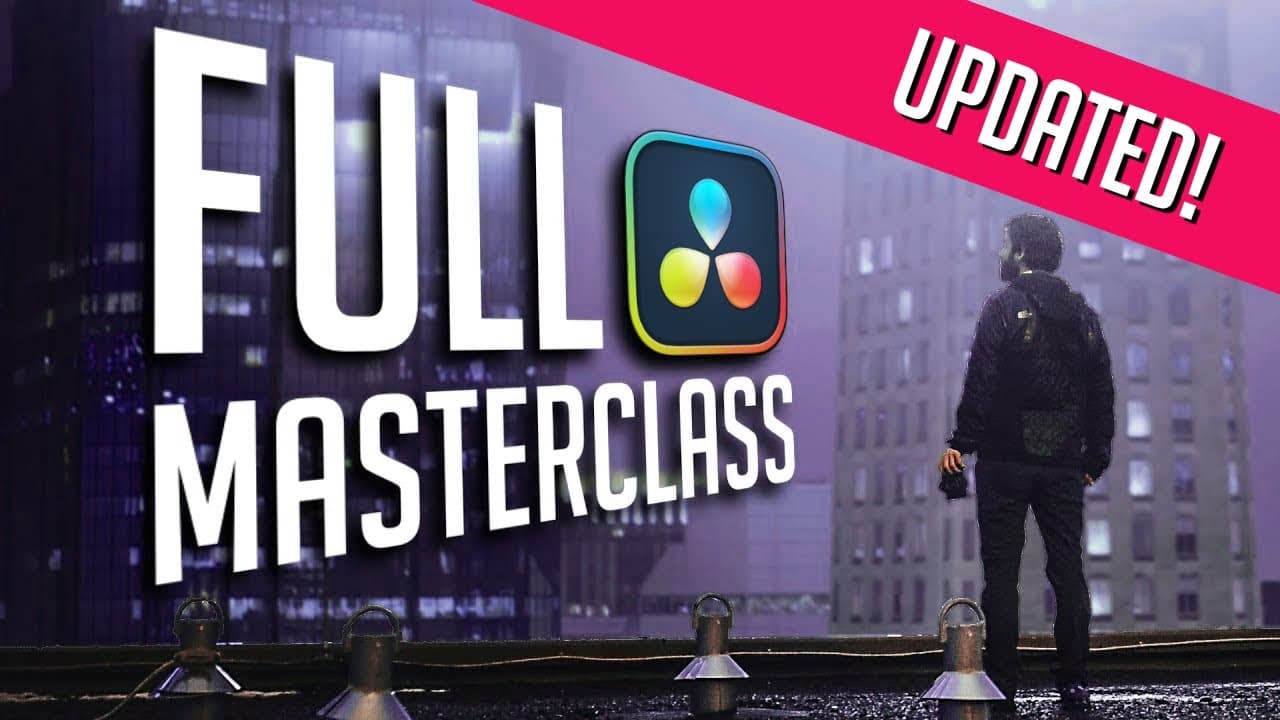
I designed this video from the ground up to be the greatest video ever created on Da Vinci Resolve. This is an entire introduction course. This is a course that we used to charge hundreds of dollars for. We've helped millions of people learn Resolve. And I'm excited for you to learn Resolve, too. By the end of this video, you're going to be able to... Read More
Key Insights
- DaVinci Resolve is a professional video editing software used in Hollywood productions.
- The software offers a free version with extensive features, including editing, color grading, and audio mixing.
- Resolve's interface is divided into pages, each with specific functions: media management, editing, color grading, and more.
- The software supports both free and paid versions, with the paid version offering additional effects and AI tools.
- Resolve allows for complex video editing tasks, such as compositing, advanced color correction, and audio synchronization.
- Users can organize media using bins, metadata, and smart bins for efficient project management.
- The edit page is the central hub for assembling video timelines and crafting stories through clip arrangement.
- Resolve supports keyframe animation for creating dynamic effects and transitions within videos.
Install to Summarize YouTube Videos and Get Transcripts
Explore YouTube Video Summarizer or Get YouTube Transcript Extractor
Questions & Answers
Q: How do beginners get started with DaVinci Resolve?
Start with the free version, open the Project Manager, and create or select a project from the local project library. The course then covers media management, arranging and trimming clips on a timeline, color grading, Fusion compositing, Fairlight audio mixing, and final delivery.
Q: What computer does DaVinci Resolve require?
Resolve can run on a basic computer, especially with the downloadable course media. More demanding compositing work benefits from a good graphics card and something around a mid-range gaming PC or a Mac M2 or later because Resolve is resource hungry.
Q: Is DaVinci Resolve free enough for beginners?
Yes. The instructor recommends that beginners download the free version because it can do nearly everything demonstrated in the course, has no demo period or watermark, and can be used for commercial work. Upgrade only if Resolve repeatedly tells you that a needed feature requires Studio.
Q: What is the difference between DaVinci Resolve Free and Studio?
The free version includes color grading, Fusion compositing, Fairlight audio, online editor collaboration, and rendering up to UHD. Studio adds more Resolve effects and AI features, costs $295 as a one-time purchase, and has no subscription; the instructor says upgrades have not been charged for so far but could be in the future.
Q: What are the main pages in DaVinci Resolve?
The Cut and Edit pages assemble clips into a story, the Color page handles color work, the Fusion page creates effects and graphics, and the Fairlight page mixes audio. Buttons at the bottom of the interface let users switch among these specialized workspaces.
Q: What can DaVinci Resolve do besides basic video editing?
Resolve can manage media, perform color correction, mix audio, create graphics, and composite effects such as explosions, lightsabers, duplicated people, and object removal. These capabilities make it a single post-production environment rather than requiring several separate applications.
Q: Does this DaVinci Resolve 20 course apply to later versions?
The course demonstrates DaVinci Resolve 20. The instructor says 99% of its material should still apply to versions such as 20.5 or 21, so modest version differences should not prevent beginners from following along.
Q: What is the Project Manager in DaVinci Resolve?
The Project Manager is the first panel shown when Resolve opens and is used to access past projects or create new ones. Projects live inside a project library, with new users working from local libraries by default.
Summary & Key Takeaways
-
DaVinci Resolve is a powerful video editing tool that combines editing, color grading, and audio mixing in one interface. It offers both a free and a paid version, with the free version being highly capable for most editing needs. Users can learn to manage media, edit timelines, and apply effects to create professional-quality videos.
-
The software is designed with separate pages for different tasks, such as media management, editing, and color grading. This organization helps streamline the editing process, allowing users to focus on specific tasks without clutter. The edit page is particularly important for assembling video timelines and crafting narratives.
-
DaVinci Resolve's free version includes features like media organization, clip trimming, and effects application. The paid version adds advanced tools like AI-powered effects and more extensive transition options. Users can animate properties using keyframes, making it possible to create complex visual effects and transitions.
Read in Other Languages (beta)
Share This Summary 📚
Summarize YouTube Videos and Get Video Transcripts with 1-Click
Try YouTube Summary with ChatGPT & Claude or YouTube Transcript Generator
Explore More Summaries from Casey Faris 📚
Summarize YouTube Videos and Get Video Transcripts with 1-Click
Try YouTube Summary with ChatGPT & Claude or YouTube Transcript Generator