How to Customize thinkorswim for Stock Trading
TL;DR
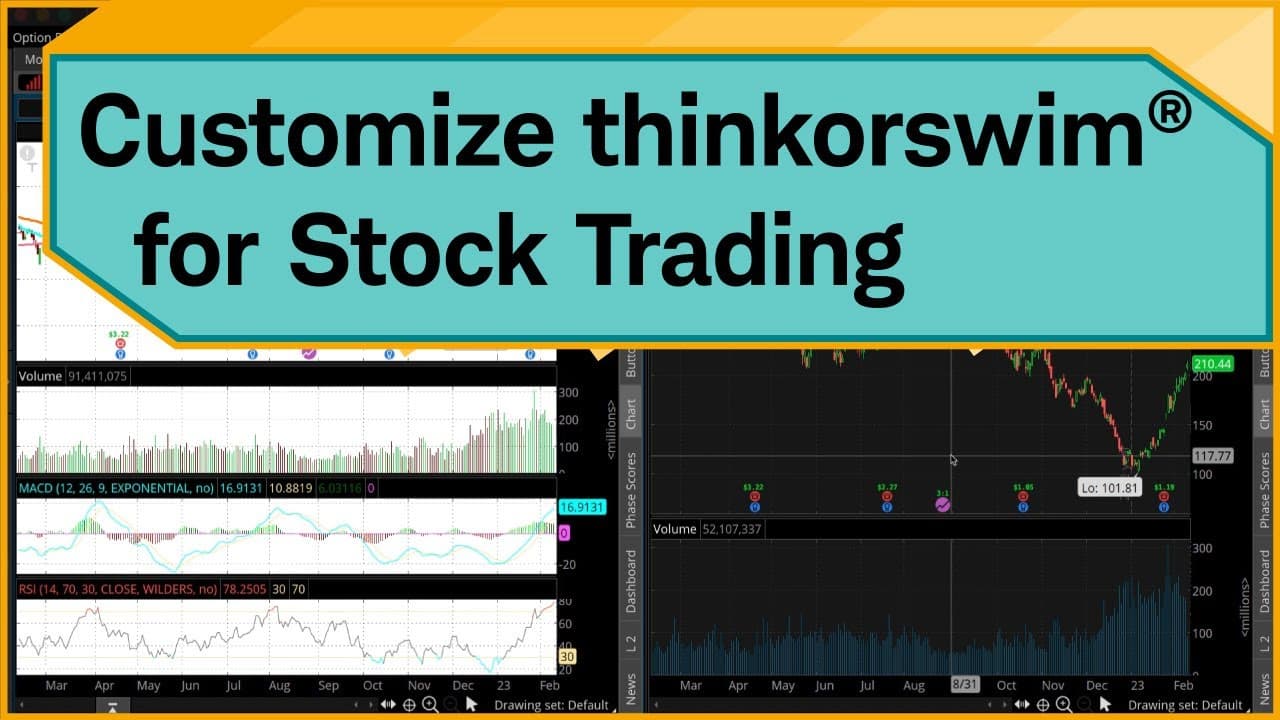
To customize the thinkorswim platform for stock trading, start by creating watchlists for indices and sectors, then set up dynamic scans for real-time updates. Customize your charts with specific studies, link gadgets for easy navigation, access fundamental data and research, and create custom order templates to streamline order execution.
Transcript
Hello, traders. I'm Jeremy Kuhlman. In this video, I'm going to show you how you can start customizing the thinkorswim® desktop platform as a stock trader. Now, by no means is this an exhaustive list on how you can customize thinkorswim, but it should get you started in key features of the software. Keep in mind, we're looking at the desktop versio... Read More
Key Insights
- ❓ Customizing the thinkorswim platform can enhance the trading experience for stock traders.
- 👻 Creating watchlists allows for efficient tracking of specific stocks, indices, or sectors.
- 📈 Customizing charts and studies helps with technical analysis and visualizing market trends.
- 😫 Setting up dynamic scans can provide real-time updates on stocks that meet specific criteria.
- 👻 Linking gadgets and tabs allows for seamless navigation between different sections of the platform.
- 👨🔬 Accessing fundamental data and research reports provides valuable insights for making trading decisions.
- 🪈 Creating custom order templates streamlines the process of placing orders with predefined parameters.
Install to Summarize YouTube Videos and Get Transcripts
Explore YouTube Video Summarizer or Get YouTube Transcript Extractor
Questions & Answers
Q: How can I create customized watchlists on the thinkorswim platform?
To create a watchlist, go to the left-hand sidebar, click the gear wheel, select "Create watchlist," give it a name, and add symbols. You can add symbols by clicking in the symbol column of the last row of the watchlist.
Q: Can I customize the appearance of charts on thinkorswim?
Yes, you can customize the style of charts by changing the background color, border colors, fill colors, and volume bar colors. You can also add studies and indicators to the charts for technical analysis.
Q: How can I access fundamental data and research reports for specific stocks?
Go to the Analyze tab, click the Fundamental subtab, and link it to the desired watchlist. You can view financial data, company details, and research reports from various analysts. You can also set up alerts for ratings changes.
Q: How can I create custom order templates on the thinkorswim platform?
Right-click on the asking price of a stock, hover over "Buy custom," and select "OCO Bracket." Customize the orders for opening, taking profit, and stop-loss. Save the template with a name. You can then use this template to quickly place orders with the desired parameters.
Summary & Key Takeaways
-
The video provides a comprehensive guide on customizing the thinkorswim platform for stock trading, focusing on key features such as creating watchlists, customizing charts and studies, setting up dynamic scans, accessing fundamental data and research reports, and creating custom order templates.
-
The process begins with setting up watchlists, including general market indices, sector-specific watchlists, and custom-built dynamic scans.
-
The video then demonstrates how to link watchlists and gadgets to navigate symbols efficiently and provides insights on customizing chart styles, adding studies and indicators, and saving chart templates.
-
The video also guides viewers on accessing fundamental data and research reports for specific stocks, as well as setting up alerts for ratings changes.
-
Lastly, the video explains how to customize the Trade tab by adding gadgets, creating custom order templates, and setting default order quantities.
Read in Other Languages (beta)
Share This Summary 📚
Summarize YouTube Videos and Get Video Transcripts with 1-Click
Try YouTube Summary with ChatGPT & Claude or YouTube Transcript Generator
Explore More Summaries from Charles Schwab 📚





Summarize YouTube Videos and Get Video Transcripts with 1-Click
Try YouTube Summary with ChatGPT & Claude or YouTube Transcript Generator