iPad Pro vs. Paper Notebooks: Which Is Better for Notes?
TL;DR
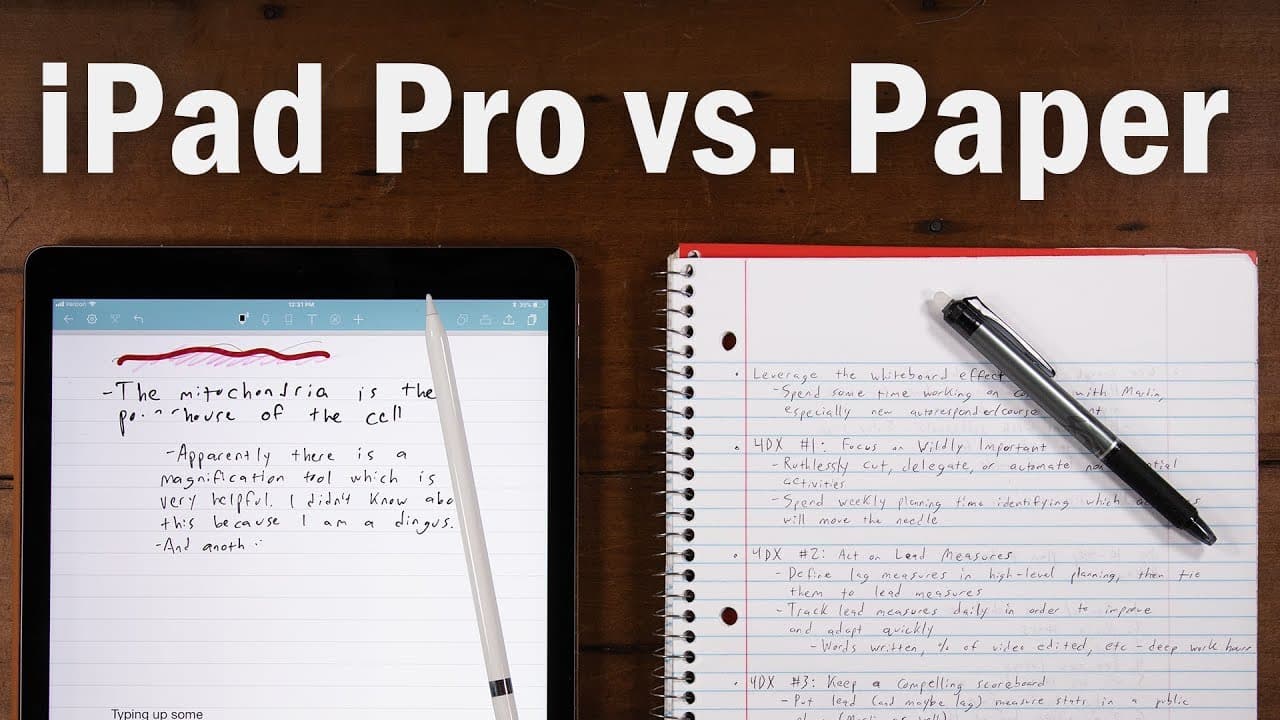
The iPad Pro excels in digital note-taking, offering features like PDF annotation and app integration, but it cannot replicate the tactile experience of writing on paper. For those who prefer the feel of traditional notes, the Rocketbook is a versatile alternative. Ultimately, your choice between the two will depend on your note-taking style and preferences.
Transcript
- Hey, what's going on guys? So, today we are pitting new technology versus old technology, because a lot of you guys have been asking me to compare the iPad Pro to a regular old notebook when it comes to the task of note-taking. And since I have owned my iPad Pro from several months now, I feel qualified to answer this question. So, in this video,... Read More
Key Insights
- 🥶 The iPad Pro's digital writing experience with the Apple Pencil is superior to older devices and styluses.
- 😀 Noteshelf 2 is the recommended app for note-taking on the iPad Pro, providing various features and integration with other apps like Evernote.
- 💋 The ability to annotate and mark up PDFs makes the iPad Pro a valuable tool for editing and reviewing documents.
- ✍️ The iPad Pro's writing experience still falls short compared to writing on actual paper.
- 😀 The Rocketbook offers an erasable notebook alternative that can be digitized using its app.
- ✋ The cost of an iPad Pro is significantly higher than a paper notebook or the Rocketbook.
- ❓ Other perspectives, such as experiences with the Microsoft Surface, should be considered when evaluating the iPad Pro.
Install to Summarize YouTube Videos and Get Transcripts
Explore YouTube Video Summarizer or Get YouTube Transcript Extractor
Questions & Answers
Q: How does the iPad Pro's writing experience compare to other devices?
The iPad Pro with its Apple Pencil provides the best digital writing experience, even surpassing older devices like Palm Pilots and stylus-supported laptops.
Q: What is the recommended app for note-taking on the iPad Pro?
Noteshelf 2 offers the best combination of features and usability, allowing users to write on a convincing notebook paper, split-screen with other apps, and even import and mark up PDFs.
Q: Can you convert handwriting to text on the iPad Pro?
Yes, with the latest update, Noteshelf 2 now offers the ability to convert handwriting to text, providing the experience of handwriting with legible text.
Q: What are the advantages of using the iPad Pro for note-taking?
The iPad Pro offers features like exporting notes to Google Drive, Dropbox, and Evernote, as well as highlighting and writing notes on top of highlights in reading apps like iBooks and Kindle.
Summary & Key Takeaways
-
The iPad Pro offers the best digital writing experience with the Apple Pencil, but it still falls short compared to writing on actual paper.
-
Noteshelf 2 is the recommended app for note-taking on the iPad Pro, providing features like split-screen functionality, text copying, and converting handwriting to text.
-
The iPad Pro's strength lies in its ability to annotate and mark up PDFs, making it a valuable tool for editing and reviewing documents.
Read in Other Languages (beta)
Share This Summary 📚
Summarize YouTube Videos and Get Video Transcripts with 1-Click
Try YouTube Summary with ChatGPT & Claude or YouTube Transcript Generator
Explore More Summaries from Thomas Frank 📚






Summarize YouTube Videos and Get Video Transcripts with 1-Click
Try YouTube Summary with ChatGPT & Claude or YouTube Transcript Generator