How to Run Minecraft Shaders on a Low-End PC
TL;DR
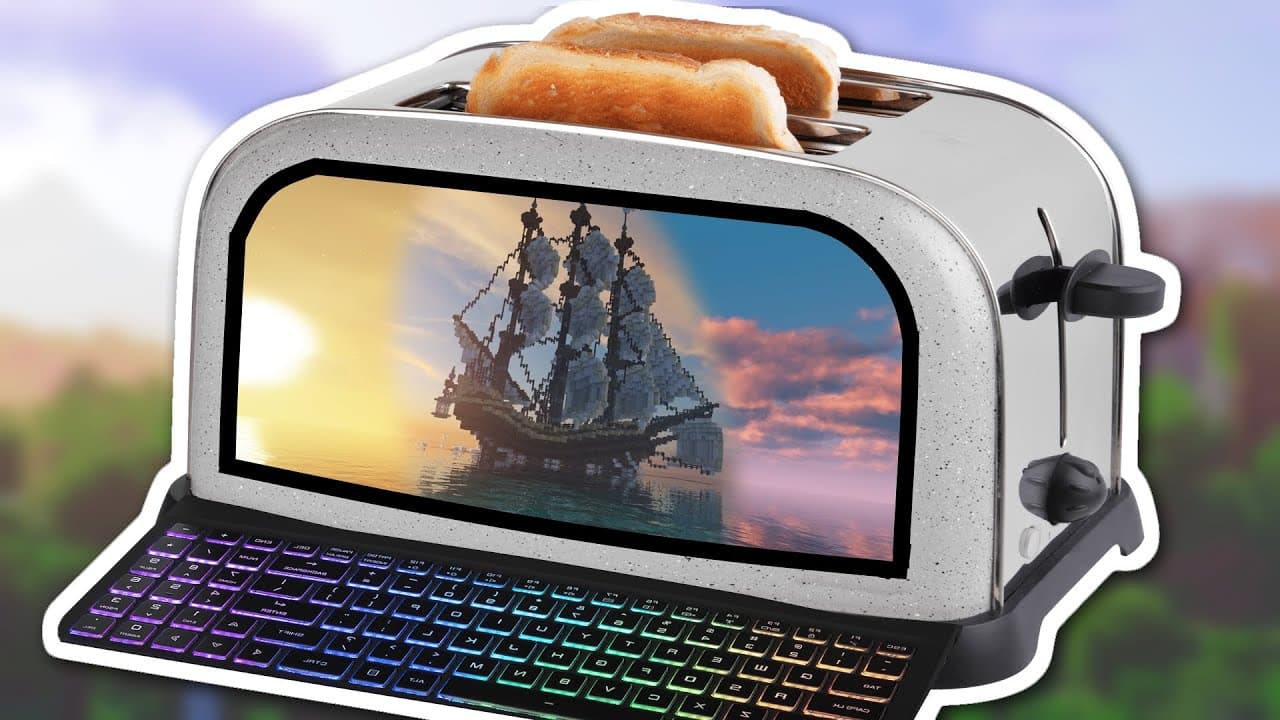
You can run Minecraft with shaders on a low-end PC by installing OptiFine and BSL shaders, then adjusting both Windows and in-game settings for optimized performance. Key adjustments include enabling Game Mode, lowering shadow and render quality, and fine-tuning video settings. This allows even an Intel HD 620 graphics card to achieve smooth, visually appealing gameplay.
Transcript
hello everybody i am matt's video productions and welcome back to another video i'll keep this intro short and quick only one percent of my subscribers actually watch my videos on youtube so if you like what you see subscribe and turn notifications on anyways as you can see uh minecraft today is looking rather beautiful just look at these uh intens... Read More
Key Insights
- 👻 Minecraft can be optimized for low-performance PCs to run with shaders, allowing for visually impressive gameplay on less powerful hardware.
- ❓ Adjusting settings in Windows, Minecraft, and shader configurations can greatly impact performance and visual quality.
- 🎒 Resource packs, such as BSL shaders and Vanilla PBR shaders, can be used to enhance the visuals without sacrificing performance.
- 😘 Fine-tuning individual settings, such as render distance, smooth lighting, and animations, can help further optimize Minecraft for low-performance PCs.
- ↘️ Even on low-performance PCs, Minecraft can deliver beautiful reflections, bumpy surfaces, and overall stunning graphics with the right optimizations.
- 😘 Windows Game Mode, Optifine, and a careful selection of shaders and resource packs are essential for running Minecraft with shaders on low-performance PCs.
- ☠️ Limiting frame rates and adjusting shader settings like render quality can provide a significant boost in performance.
Install to Summarize YouTube Videos and Get Transcripts
Explore YouTube Video Summarizer or Get YouTube Transcript Extractor
Questions & Answers
Q: Can you run Minecraft shaders on a toaster PC?
Yes. The video demonstrates shaders running on a Surface Book with Intel HD 620 integrated graphics, hardware that barely runs Minecraft normally. The key is installing OptiFine with lightweight-configured shaders and heavily tuning both Windows and Minecraft settings for performance. The result still delivers reflections and bumpy PBR surfaces despite the weak hardware.
Q: Which shaders and resource pack does the video recommend for low-end PCs?
It uses BSL shaders combined with the Vanilla PBR texture pack. BSL is noted as fairly resource intensive, but it is heavily modified in the settings for the best performance while still looking good. Both are available on CurseForge, on the same page, and are dragged into the shaders and resource packs folders respectively.
Q: What Windows settings should I change before running Minecraft shaders?
Set your power mode to best performance, then open Task Manager (Windows key + X) and close background apps like Spotify. Next, open Windows Settings, search for "game," go to Game Mode settings, and make sure Game Mode is turned on. These free up as much performance as possible before launching the game.
Q: How do I install OptiFine and the shaders in Minecraft?
After installing OptiFine, launch the OptiFine profile from the Minecraft launcher. In-game, go to Shaders, open the shaders folder, and drag the BSL shaders into it. Then go into resource packs and add the Vanilla PBR pack. Back in Minecraft, select the BSL shaders and enable Vanilla PBR, then click Done.
Q: What in-game video settings improve shader performance?
Turn smooth lighting completely off, set clouds to fast, fog off, alternate blocks off, particles to minimal, and connected textures off. Under Performance, enable smart animations, smooth FPS, lazy chunk loading, fast render, fast math, smooth world, and dynamic updates. Leave render regions off since you are on an integrated graphics card.
Q: What shadow and render quality settings does the video use?
In the shader options, shadow quality is turned down to 0.6 and render quality is lowered to 0.75. The creator notes render quality may be dropped further later. You have to click through these specific options to make them change, and lowering them gives a significant FPS boost.
Q: Why does Minecraft run so badly at first even after installing shaders?
When first loading a world with everything on default settings, the game runs extremely poorly, which the video says is expected. The performance gains come entirely from the manual optimization afterward, adjusting the Windows, quality, performance, and shader settings step by step rather than from the install alone.
Q: Do I need OptiFine to use shaders in Minecraft?
Yes, the tutorial installs OptiFine specifically so it can load shaders and improve how Minecraft runs. The creator points to separate OptiFine and shaders installation tutorials linked in the video description for the full setup process before applying BSL and Vanilla PBR.
Summary & Key Takeaways
-
The video tutorial demonstrates step-by-step instructions on optimizing Minecraft with shaders for low-performance PCs.
-
It covers adjusting Windows settings, installing Minecraft Optifine, downloading and applying shaders and resource packs, and fine-tuning in-game settings for better performance.
-
The goal is to showcase how even low-performance PCs can run Minecraft with shaders and achieve visually impressive results.
Read in Other Languages (beta)
Share This Summary 📚
Summarize YouTube Videos and Get Video Transcripts with 1-Click
Try YouTube Summary with ChatGPT & Claude or YouTube Transcript Generator
Explore More Summaries from MattVidPro AI 📚






Summarize YouTube Videos and Get Video Transcripts with 1-Click
Try YouTube Summary with ChatGPT & Claude or YouTube Transcript Generator